15owls
Participant
September 15, 2023
Answered

Smart materials look mosaic issue

  • September 15, 2023
  • 2 replies
  • 769 views

Hello,


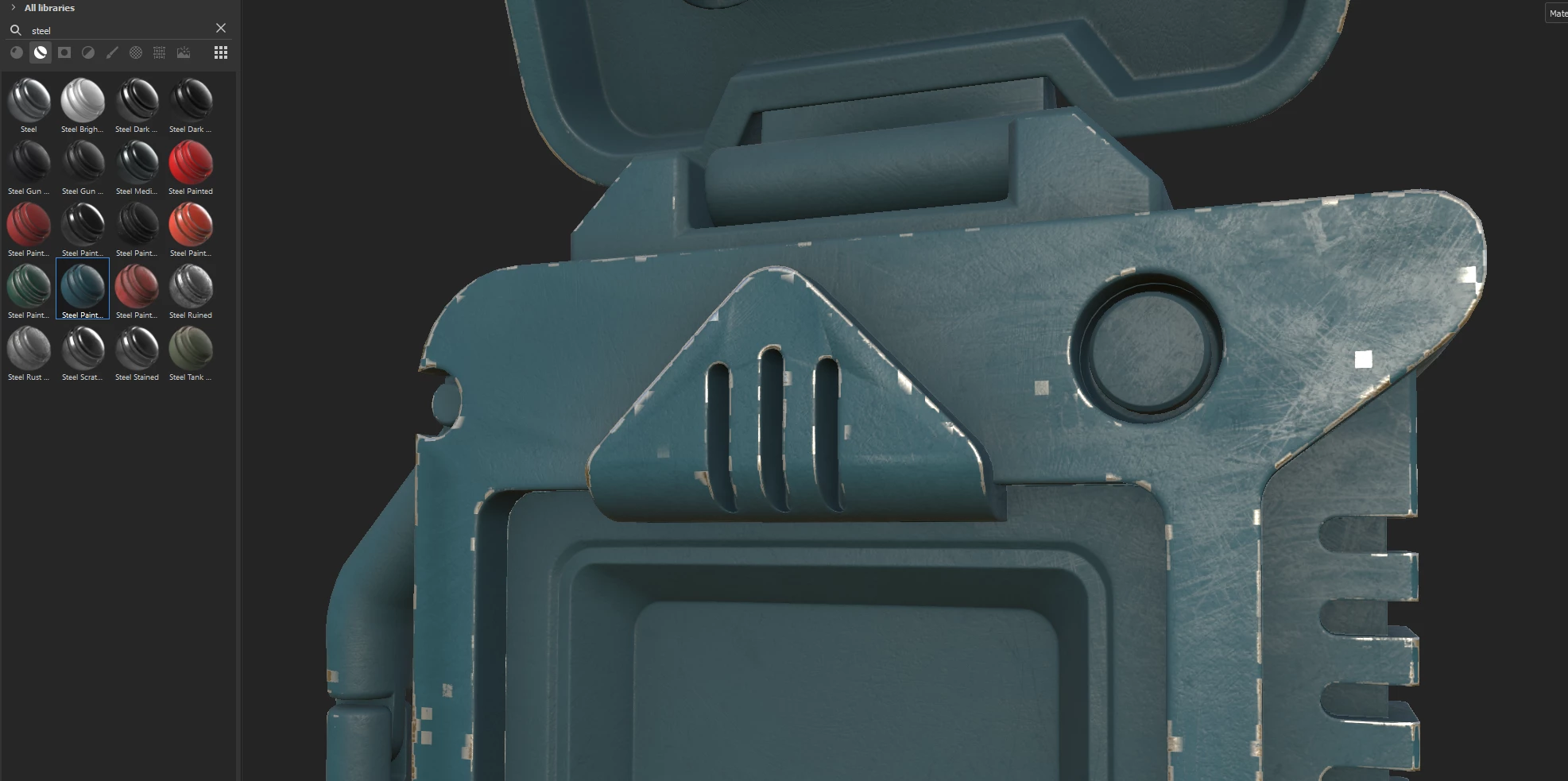
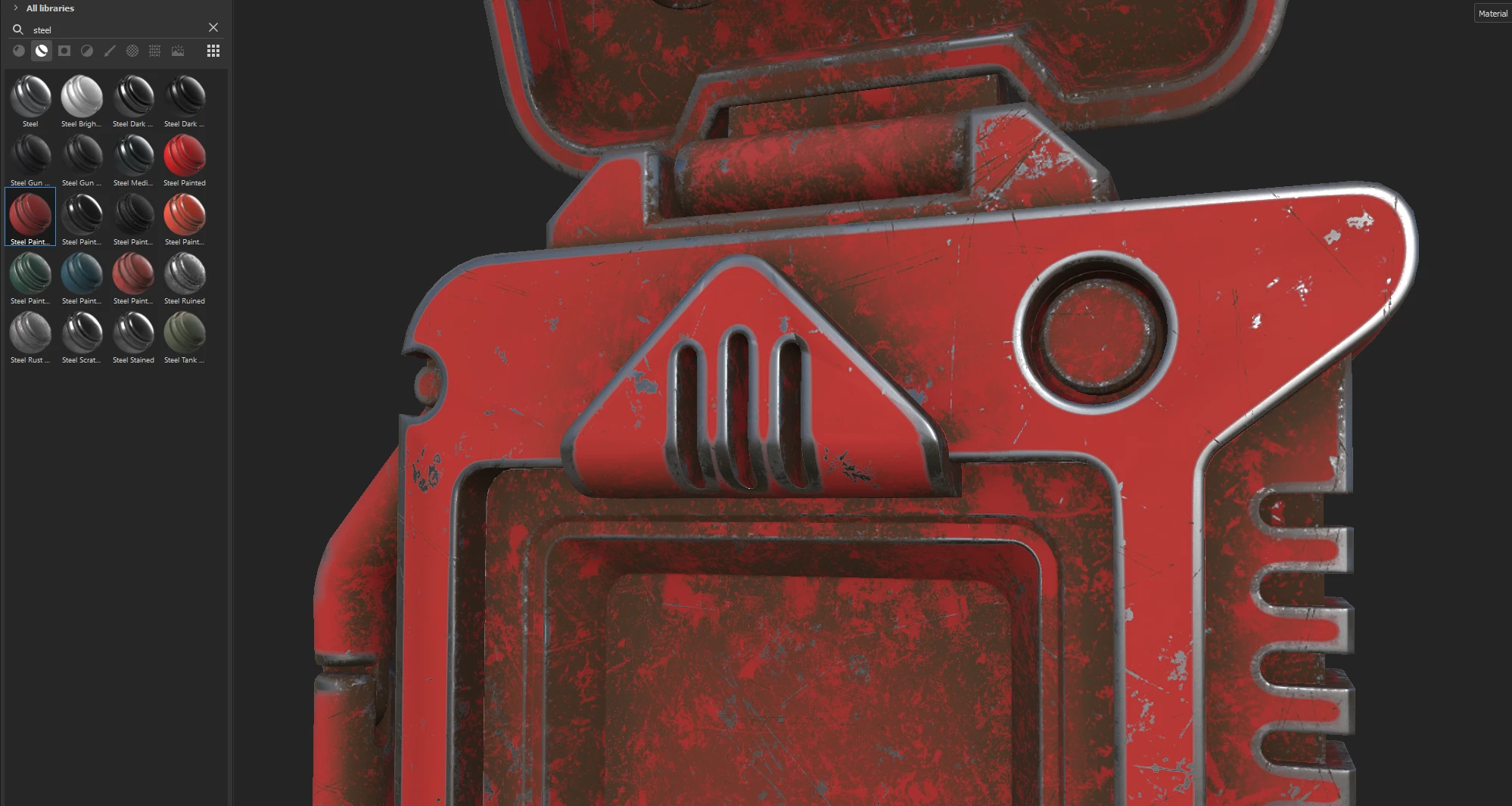
I'm applying some of steel smart materials and got this kind of pixels or mosaic effect on the texture.

But rest of the materials look correct. How to reduce this mosaic effect and why it happens?
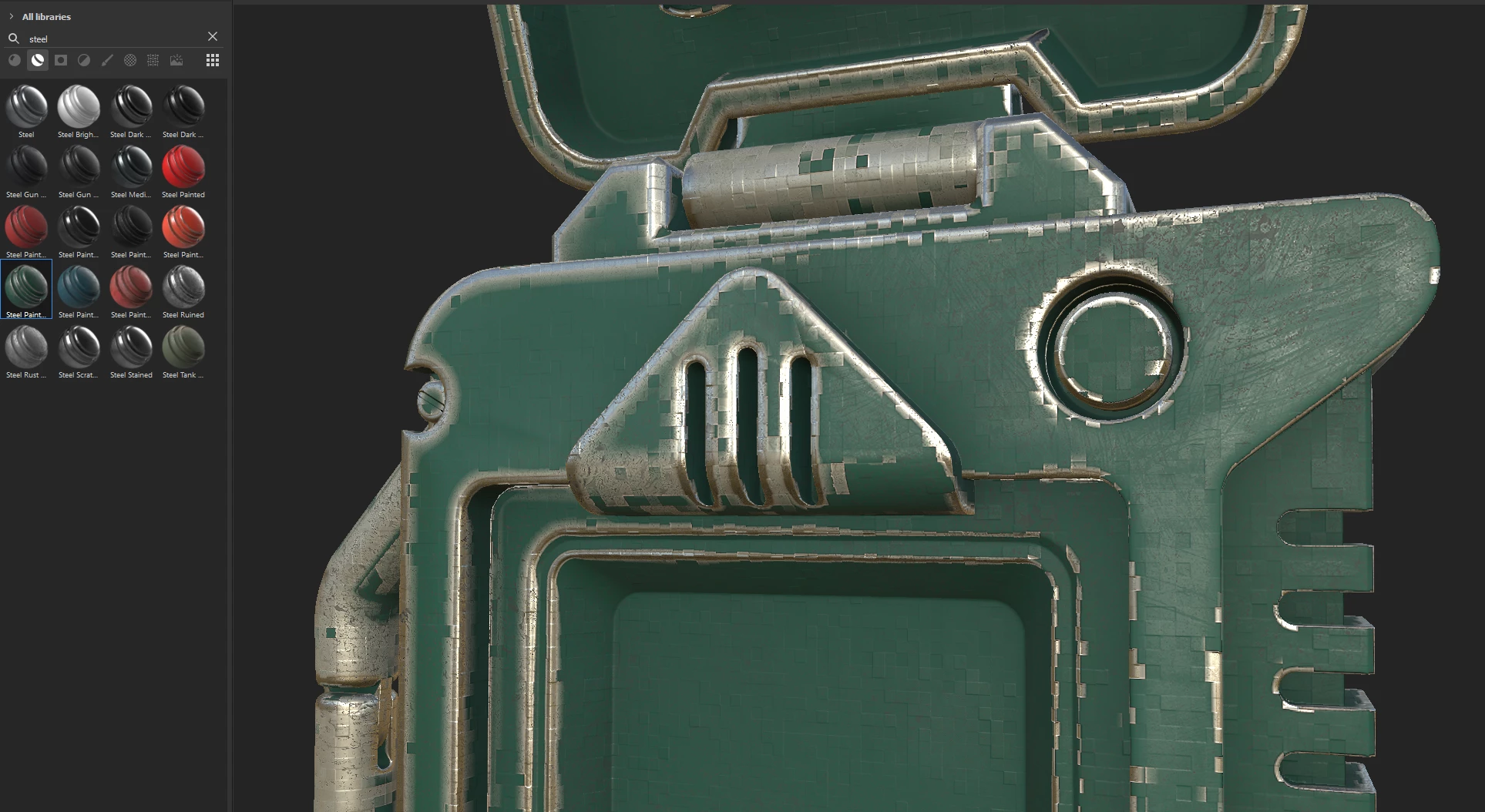
 

?

This topic has been closed for replies.
Correct answer 15owls

Sure, maps was generated in Marmoset and exported to Painter. I think problem was in incorect normal map, I fixed normals in Blender and after the same steps everything works good with the same smart materials.

2 replies

GeoffroySC
Community Manager
Community Manager
September 19, 2023

Hi, 

Would you mind explaining step by step what you are doing? This would allow me to test if any of our resources are somehow broken. 

Maybe check your bakes as well, they might cause some issues if they aren't at the appropriate bit depth. Did you import any mesh maps from another software? 
Thank you

Kind Regards,

Geoffroy SC


15owls
15owlsAuthorCorrect answer
Participant
September 20, 2023

Sure, maps was generated in Marmoset and exported to Painter. I think problem was in incorect normal map, I fixed normals in Blender and after the same steps everything works good with the same smart materials.

GeoffroySC
Community Manager
Community Manager
September 21, 2023

Hi,

Great news ! Happy you found a solution to your problem 🙂 


Cyril Dellenbach
Community Manager
Community Manager
September 16, 2023

Hi @15owls,


Thanks for the message and visuals.


Would you mind sending me your log (help > export log…), so I may take a closer look?


Let me know.


Cyril Dellenbach (Micro) | QA Support Artist | Adobe
15owls
15owlsAuthor
Participant
September 16, 2023