Participant
Jan 30, 2022 12:05 PM UTC
Question

Strange glossy faces on a mesh after importing it from Blender

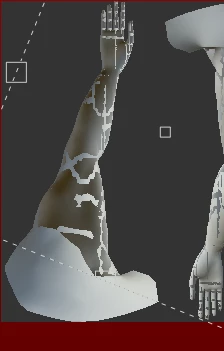
After i import a mesh from Blender to Substance Painter i get this. 
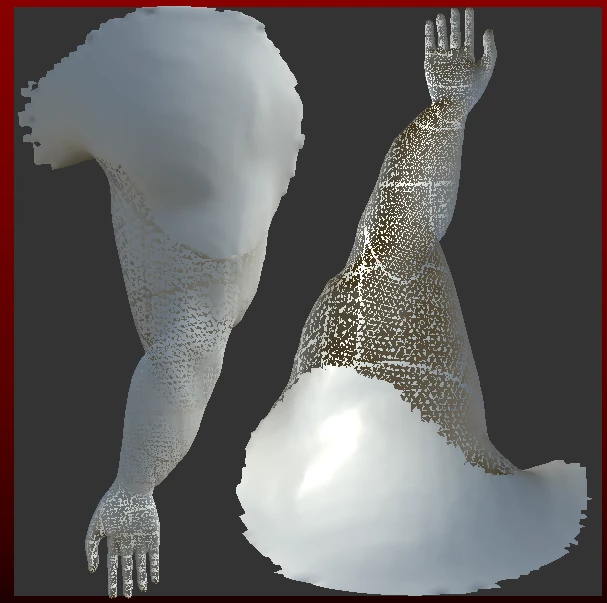
 

I've tried many different ways of exporting a mesh from Blender and changing it before exporting, but in the end i always end up with these glossy faces in Substance Painter.

This topic is closed to new replies. Start a new post to keep the conversation going.

2 replies

Participant
Feb 21, 2022 8:10 PM UTC

I had the same problem but fixed it by removing faces close together(on top or below)  The faces weren't removed during 'Merge by Distance'

Translate
Cedric Marchessoux
Community Manager
Community Manager
Jan 31, 2022 9:43 AM UTC

Hi When you import a mesh in Painter by creating a new project, a default layer in gray is created.Other wise you would not see the model.

You should display the wire frame, go to display settings, and activate mesh wireframe, there is indeed something wrong, too many triangles, pb with the bake.

Translate