


Answered
Strange Lines Appearing on Geometry
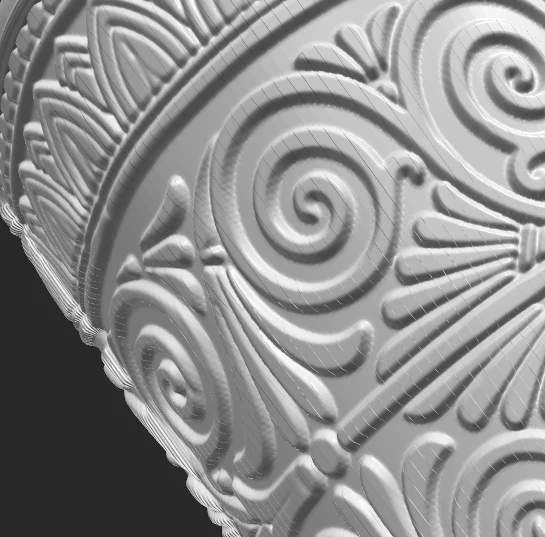
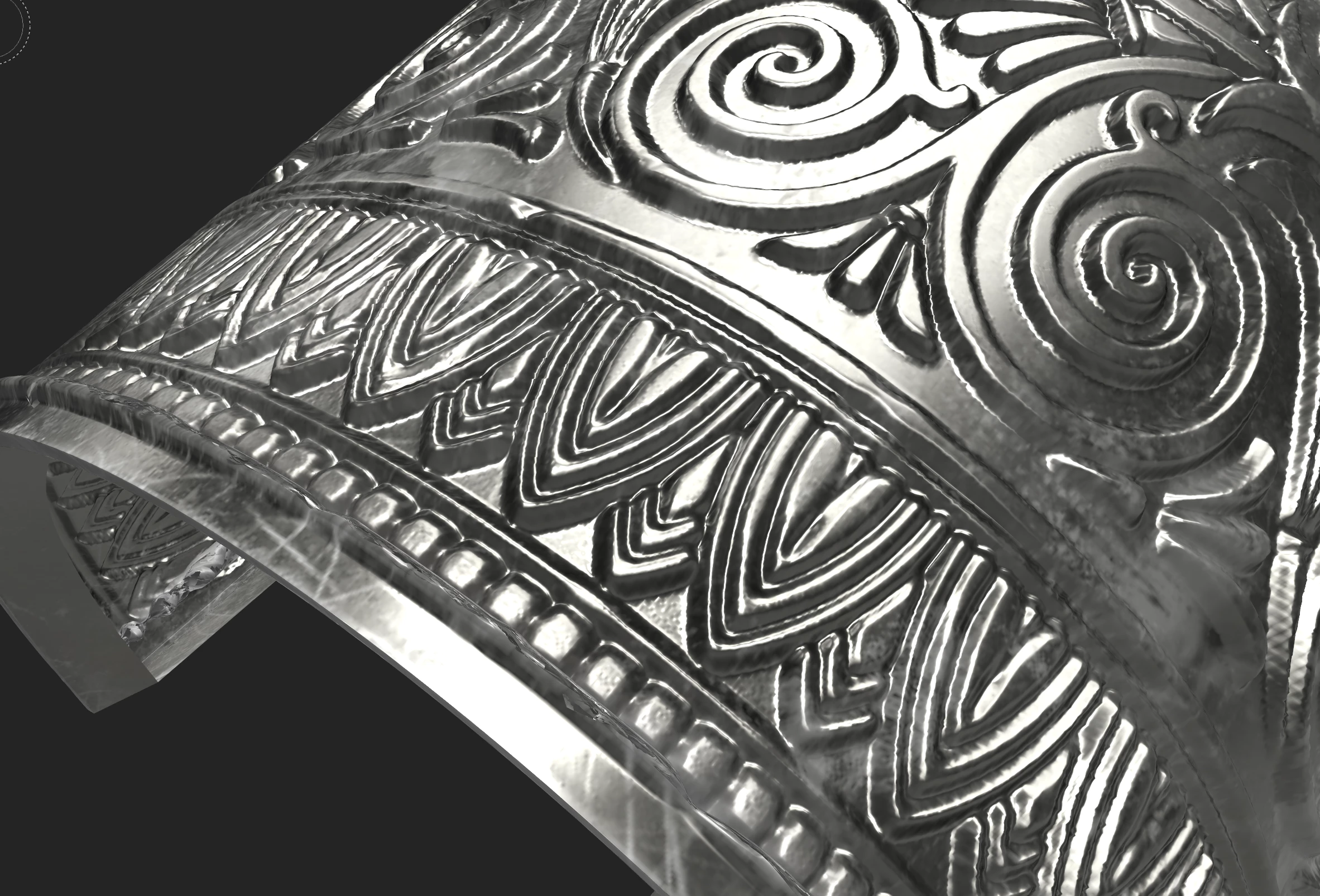
I recently created a mesh in Blender of a cuff bracelet and imported it into Substance Painter. The mesh looks fine and smooth in Blender, but inside Substance Painter, the mesh is broken up by a series of fine lines across its surface (please see screen shot.) These lines do not correspond to the edges of the geometry.
Does anyone have any idea what might cause this, and how to make the lines go away? My only guess is that it might have something to do with the subdivision settings in Blender, but I’m very new to the program so I don’t exactly know where to begin troubleshooting.
Any help solving this mystery would be greatly appreciated.

 AdChoices