
Pregunta
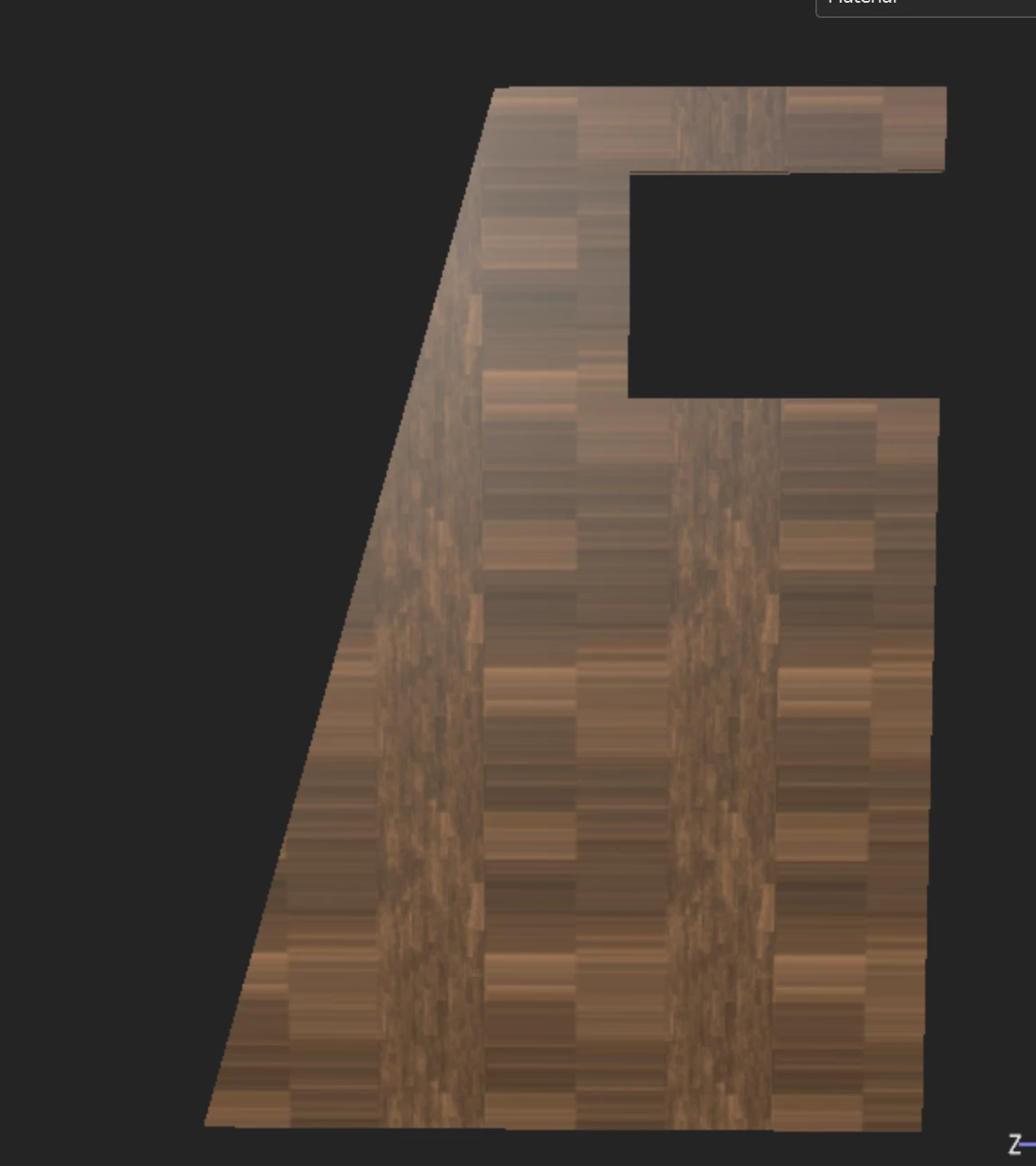
Stretched Textures Only in Substance Painter
Hello!
I'm pretty new to substance painter (and all the substance 3D programs) but I've been working within Blender for some time so I have some knowledge of UV's and what not. But this has me stumped.
When I try to add a texture to my model in Substance Painter the base color appears stretched. This is not an issue in other programs and appears to be only in Painter. I have tried Unwrapping the model in several ways and re importing into painter, but nothing helps. Please see attached photo.


 AdChoices