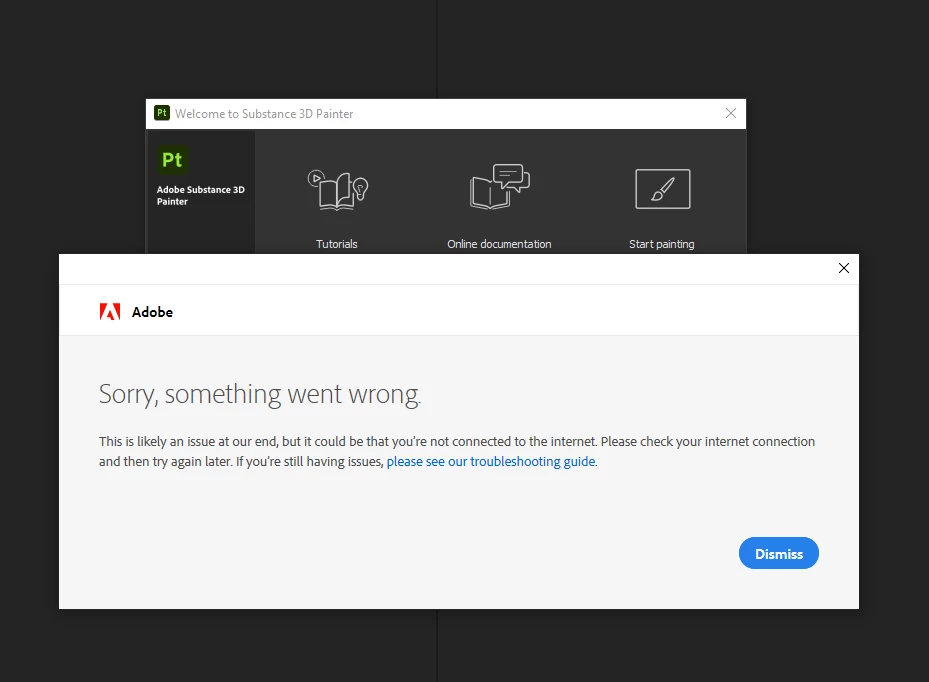
to help the team for understanding the issue and find the fix, we need a log: it should be in in %TEMP%/NGL on Windows and ~/Library/logs/NGL on Mac (something like NGLClient_SubstancePainter17.2.1.log) if you can send me it in a private message then I can forward it to the team.
It happens on the newer version with the Adobe style thumbnail. The older version works fine for me through CC. I did a full uninstall of all things Adobe/Allegorithmic, cleaned out the registry of any remains, the Appdata directory, documents and program files.
I got the new version running once, after installing an old version and upgrading it, but the next day the message came back.
Same here.. i can't use painter. I can't figure out what the issue could be - i've got the latest Studio drivers (but Substance keeps telling me they are outdated) and substance used to work perfectly fine. But the new version doesn't. -_- How do we fix this?
Did you get this error again today? I had this issue come up for me too yesterday a few times, there may have been an issue on the licensing server side.
it's still happening. every. single. time. I can't use Substance Painter anymore. I've tried reinstalling, i've removed all the "old" substance softwares, cleaned up whatever might be left. I've tried a lot of different things. But it won't work. By now i'm basicly just paying for a broken software that uses hdd space.