Participant
May 18, 2023
Answered

Substance painter bakes transparent patch on mesh normal map

  • May 18, 2023
  • 2 replies
  • 1282 views

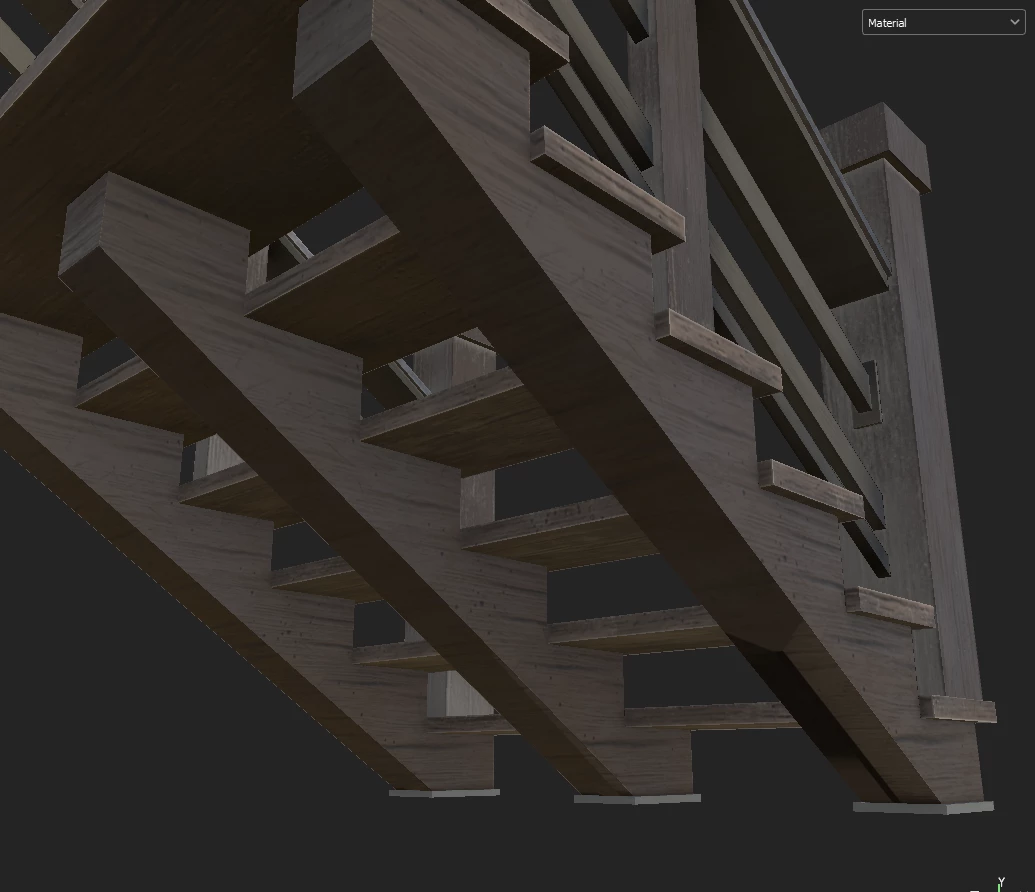
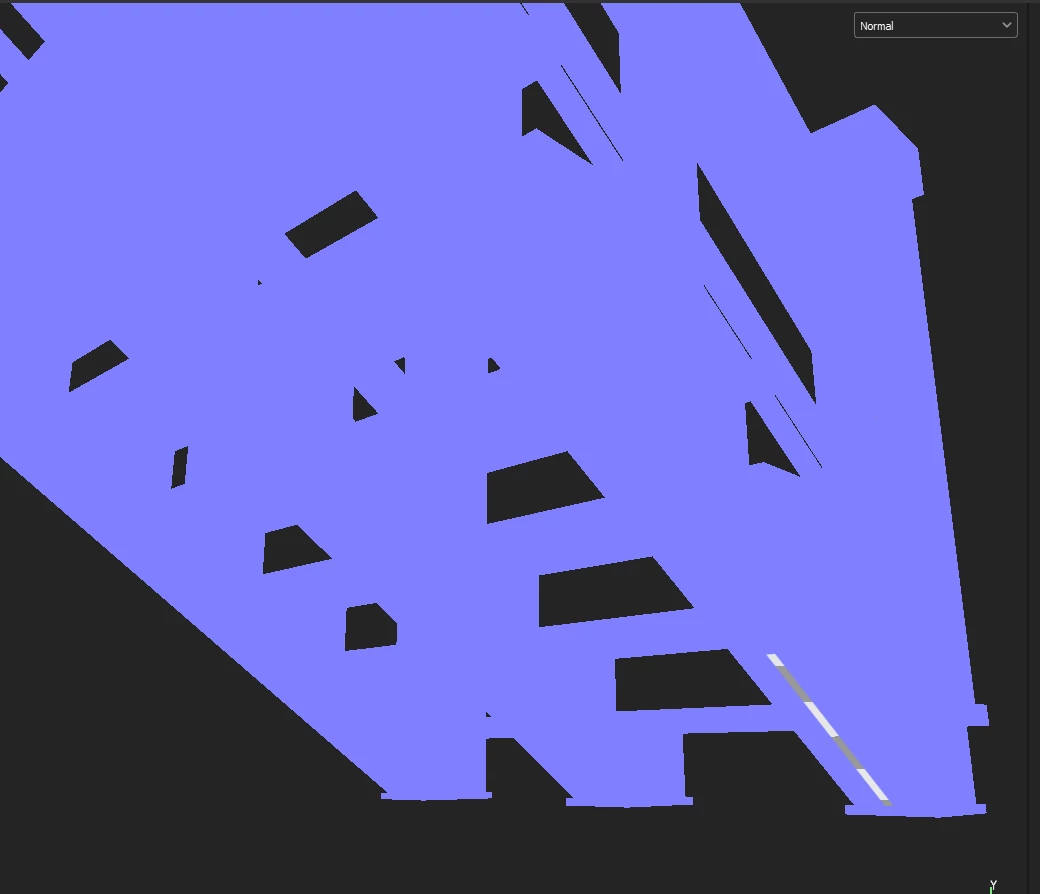
Hello, I've been trying to bake mesh maps on my low poly model but I've come across an issue. Since I'm not using any high poly mesh, I'm baking the mesh maps by using the low poly model itself. However, on some surface, baking creates a transparent patch on the normal map every time I try. I've made the max frontal distance and max rear distance very small numbers like 0.001, and it didn't work. I can't find any issue on the uv map organization either. Any kind of help or suggestion is appreciated!
 

This topic has been closed for replies.
Correct answer ezgie39325514

In case if someone with the same problem sees this post, I solved this problem by using the .obj of the model, instead of .fbx. However I still don't know why it created artifacts on the .fbx file. 

2 replies

Participant
March 8, 2024

Could be possible that the transparent faces of your Low Poly Mesh have a different Material applied. In this case, Substance has two different texture sets and you can only bake/paint on the current selected one.

ezgie39325514AuthorCorrect answer
Participant
May 18, 2023

In case if someone with the same problem sees this post, I solved this problem by using the .obj of the model, instead of .fbx. However I still don't know why it created artifacts on the .fbx file.