jimg32610092
Participant
November 30, 2021
Question

Substance Painter Crashes to Desktop on Launch

  • November 30, 2021
  • 2 replies
  • 1044 views

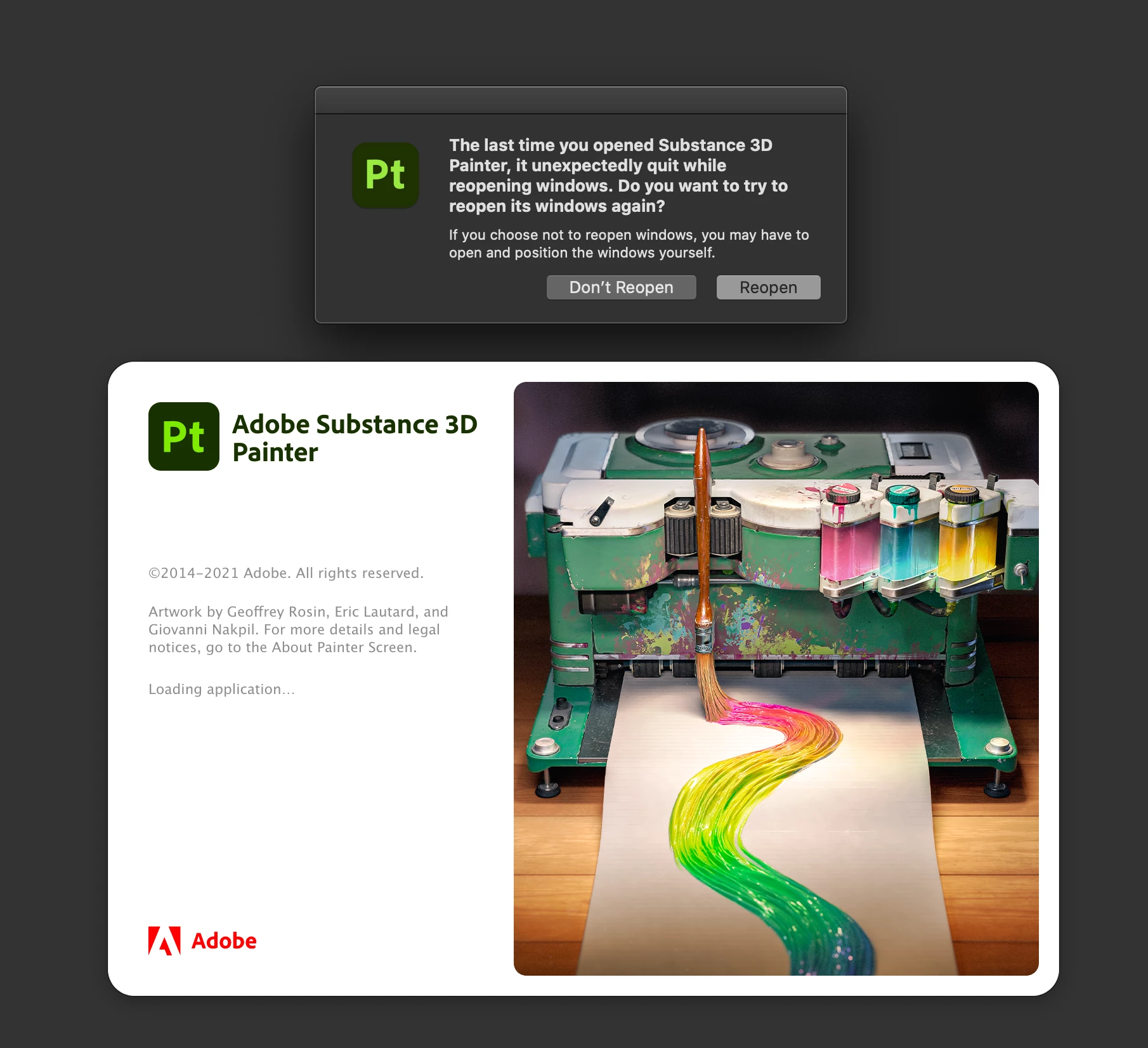
When I launch SP, I get this...


No matter which button I click on I get this....
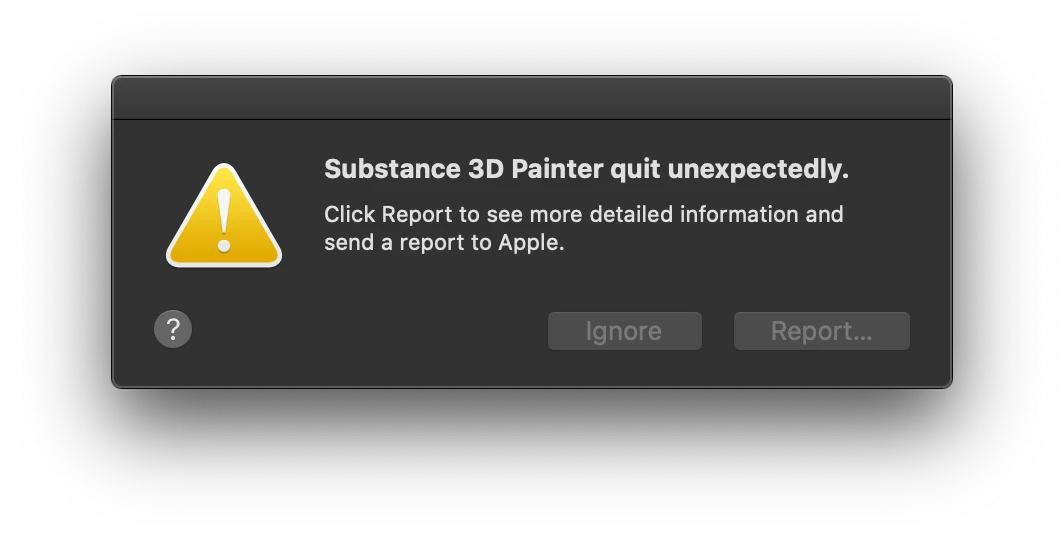
I am unable to attach .txt files so I am including links to the log.txt and the crash report


log.txt file 

crash report file 


I tried uninstalling and re-installing but get the same results... crash.

This topic has been closed for replies.

2 replies

TCFX
Participant
December 2, 2021

Also having same issue. All other substance apps are working, only painter is crashing on launch. Everything is up to date. Tried using older versions and it still crashes.

GeoffroySC
Community Manager
Community Manager
December 2, 2021

Hi,

We are reproducing the issue. If you want to resolve the problem to use this version of Painter, you should update your OS. Otherwise, we are currently fixing the issue for Catalina. 

Kind Regards,


Inspiring
December 4, 2021

my macs too old to update from Catalina 😞  Ill hold out for a speedy fix. Thanks

Participant
December 1, 2021

On a MAC as well, I am running into the same exact issue. All of the other Substance 3D apps work fine when launched. I even realized today after reinstalling a few times, in the Application Support>Adobe>Substance3dPainter folder, there is only a log.txt file, no brush folders or databases, nothing. I have pending projects and I can't move forward. 

GeoffroySC
Community Manager
Community Manager
December 1, 2021

Hi,

Could you share your log? 

Could you try to roll back to a previous version of Painter to see if the problem persists? 

Would you also try to do a clean installation of the programme: https://substance3d.adobe.com/documentation/spdoc/preferences-and-application-data-location-147095594.html?

Thank you,

Kind Regards

jimg32610092
Participant
December 1, 2021

1. I attached the log.txt file in my original post.  Note that the file was empty and I knew that when I posted it.


2. I attempted the "clean install" as per the link you provided.  The program crashes the same as before.  A new log.txt was created but it is also empty.


3. I would be happy to roll back to a prevoious version but have no idea how to do that.  I searched the adobe site for a download of old verions but found nothing.  A link would be helpful.


4. I also previously posted the crash report, did that provide any insight to the problem?