


Participant
July 4, 2023
Answered

Substance Painter extract texture

  • July 4, 2023
  • 1 reply
  • 975 views

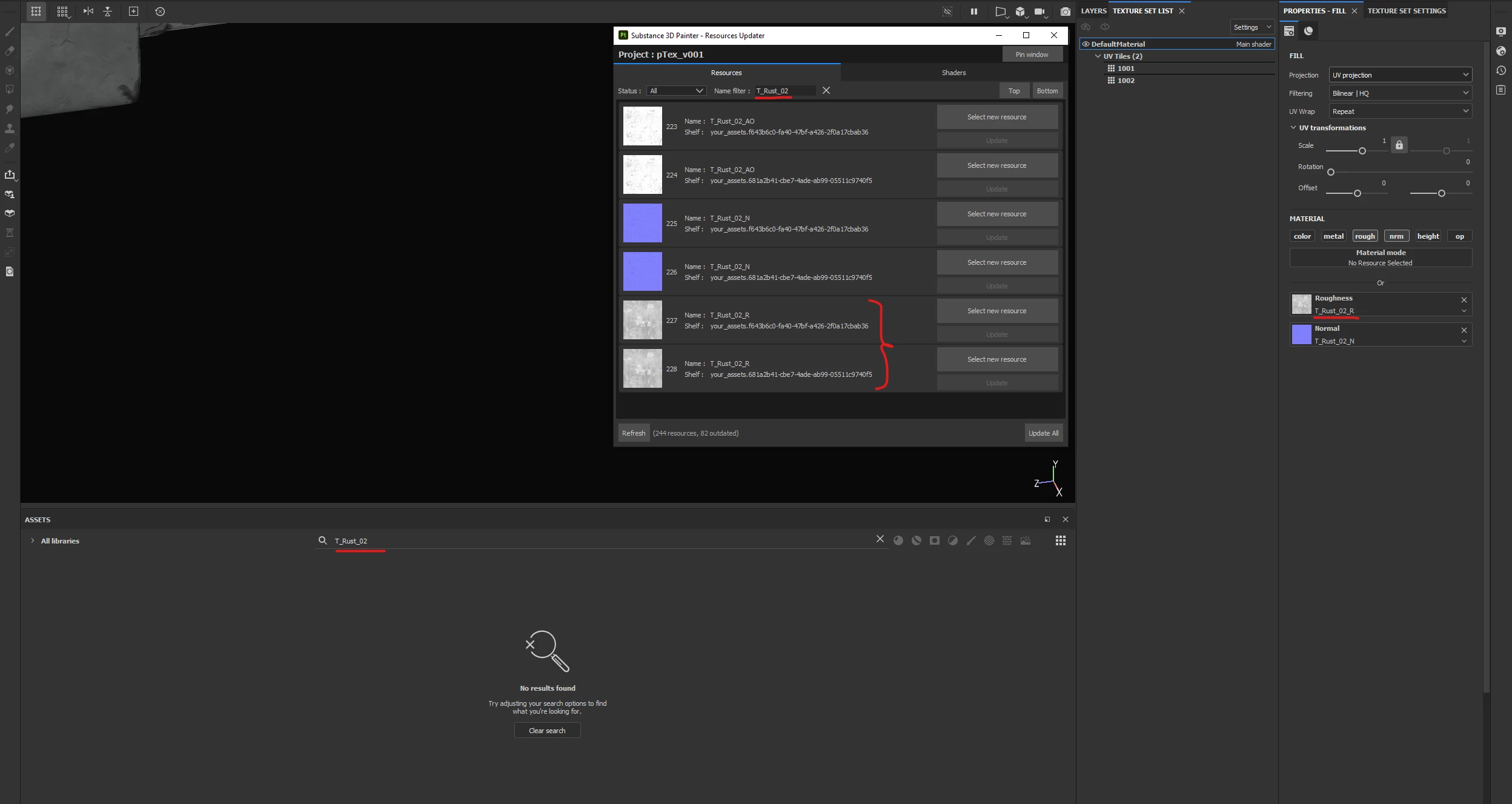
Hi, I have a SP file from another artist with working materials and textures, but when I want to use some of those textures elsewhere, I cannot find them in the assets list. But they are working correctly in the existing layers. It seems they are embedded / packed inside the SPP file. How can I extract them?

 

This topic has been closed for replies.
Correct answer Cyril Dellenbach

Hi @Tomek30868372r4f1,


Thanks for the question.


You're perfectly right, if a custom asset (texture, alpha, etc.) has been used in a project, this one will be embedded in the .SPP file in order to be autonomous, but the library will stay untouched, otherwise it could quickly become messy.


Natively, you can't export those textures from the .SPP file. The easiest thing seems to ask the artist for the files.


Best regards,


1 reply

Cyril Dellenbach
Community Manager
Cyril DellenbachCommunity ManagerCorrect answer
Community Manager
July 4, 2023

Hi @Tomek30868372r4f1,


Thanks for the question.


You're perfectly right, if a custom asset (texture, alpha, etc.) has been used in a project, this one will be embedded in the .SPP file in order to be autonomous, but the library will stay untouched, otherwise it could quickly become messy.


Natively, you can't export those textures from the .SPP file. The easiest thing seems to ask the artist for the files.


Best regards,


Cyril Dellenbach (Micro) | QA Support Artist | Adobe
Participant
July 5, 2023

I see. Tanks for the explanation.