


Substance Painter not opening .spp file (Steam version) from Desktop
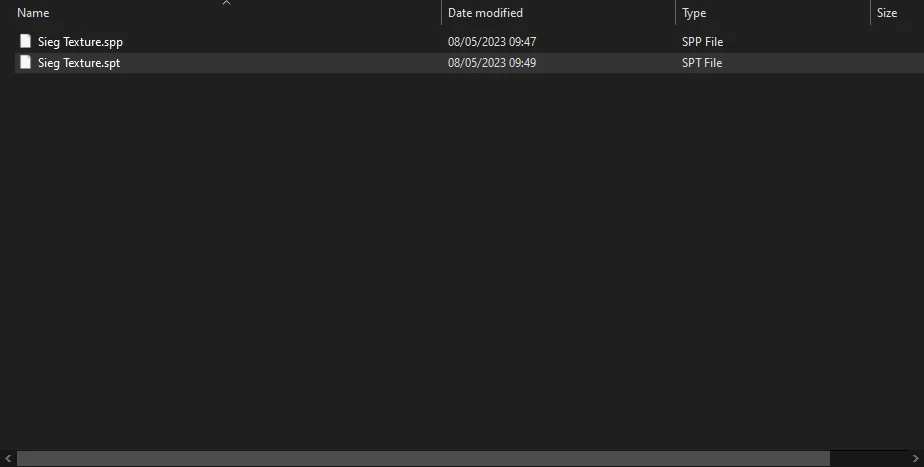
I'm new to using substance painter, and decided to purchase the 2023 app from steam. The app itself works fine I can open it, paint, bake all that good stuff. However after saving a file as .spp and closing the app, when I try to open it agan... nothing.
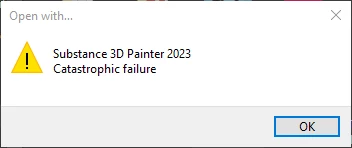
The app doesn't open and when I try to open the file with a program I get an error message saying "Catastrophic Failure".
I also tried saving as a template to see if that would work but was met with the same message when trying to open it.
Finaly I tried opening the file from the Substance Painter app (File > Open/Ctrl + O) and it opens straight away.
I can open the file so I can't complain but at the very least I was wondering why I'm unable to open files externaly to the app? Does this happen on the Adobe suite version aswell? Or is this a bug on the Steam version?
 AdChoices