GameProgger
Participant
October 6, 2026
Question

Substance Painter to Unity URP - Texture looks totally different

Hello to all,

I have a problem exporting a texture from Substance 3D Painter into Unity URP.

I have done all according to the explanations I have found.

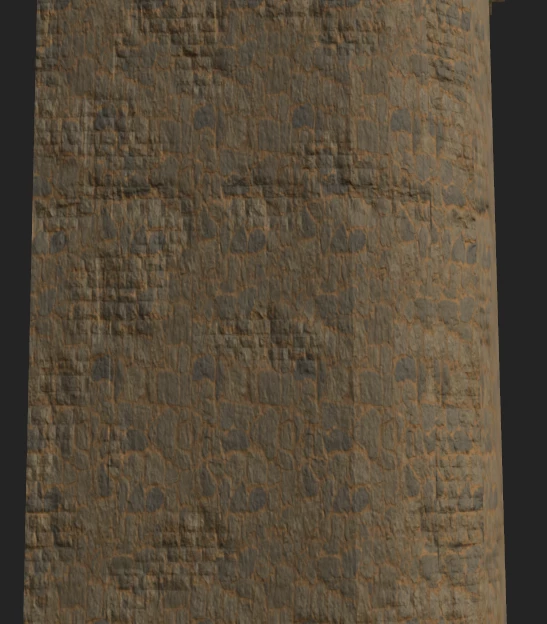
But from this in Substance 3D Painter:
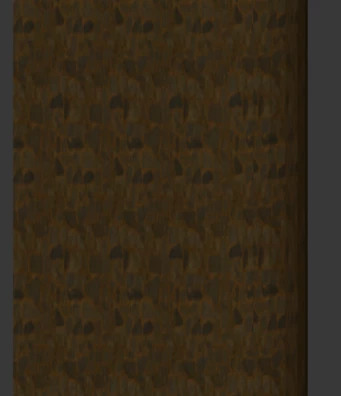
I get this in Unity:
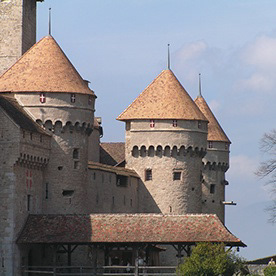
I have a few layers on top of each other:
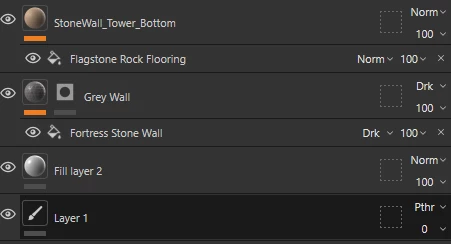
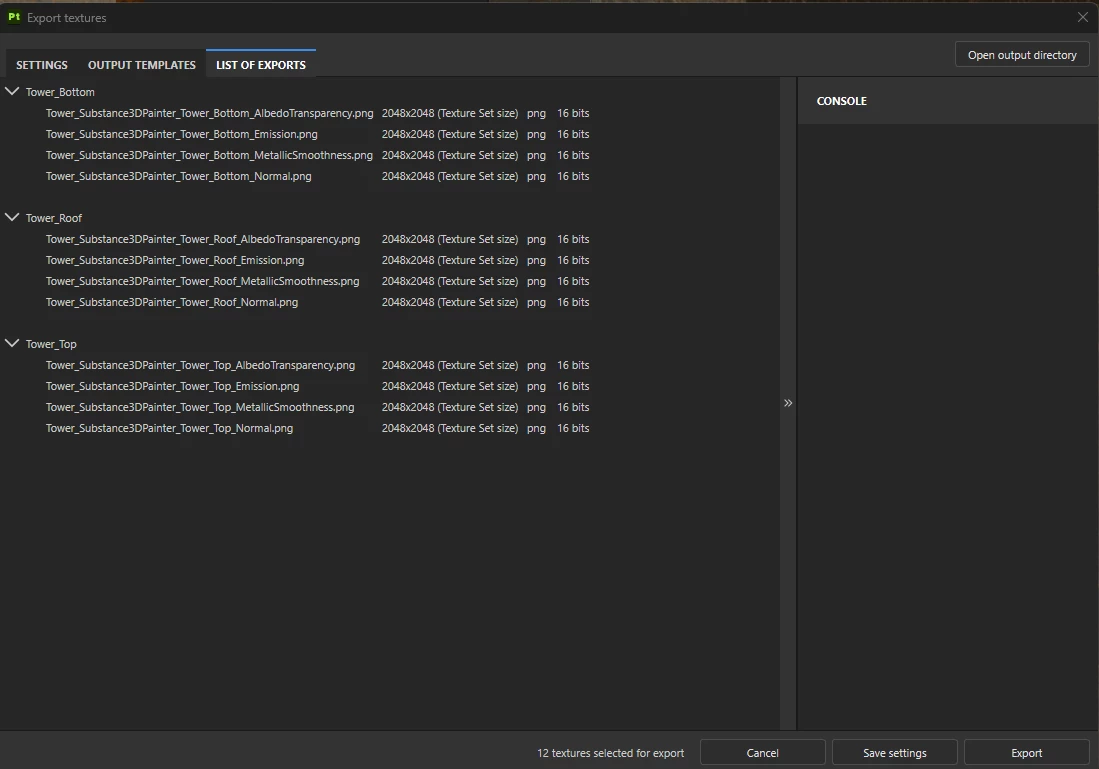
The settings I have used for export are like this:
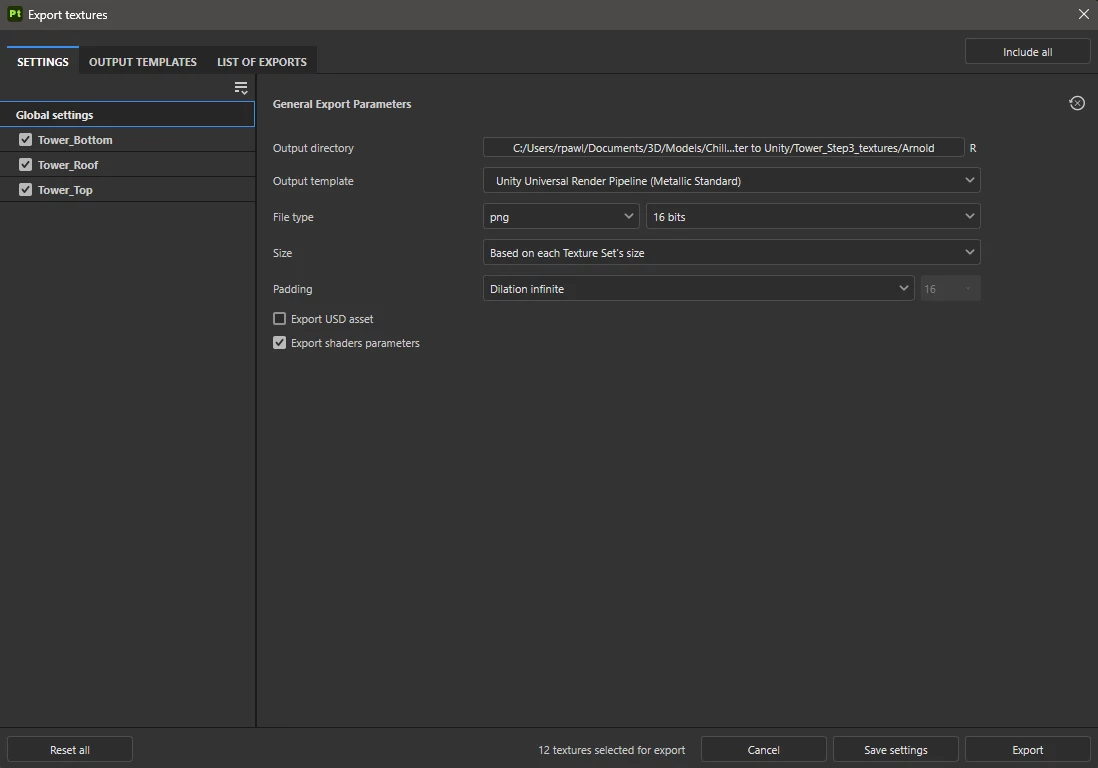
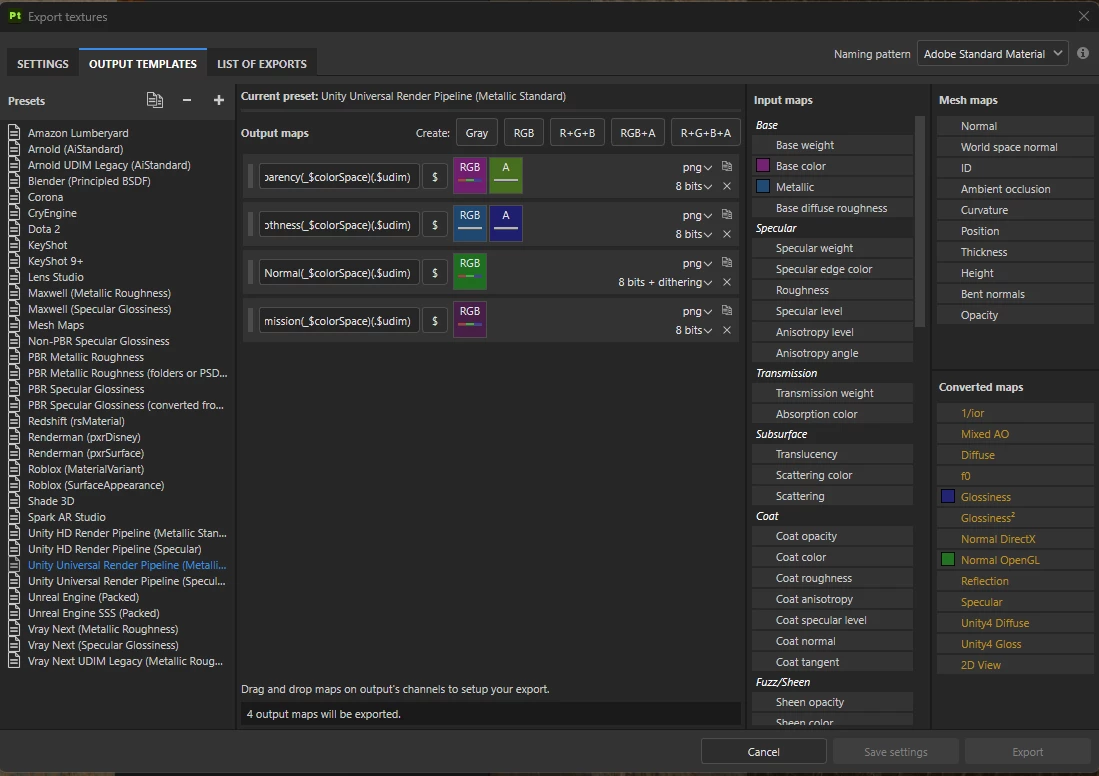
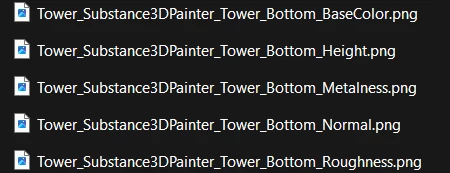
In Unity I have created a new material and applied the textures that where exported:
 

Maybe anybody can help me?

    2 replies

    Cyril Dellenbach
    Community Manager
    Community Manager
    October 12, 2026

    Hello ​@GameProgger.


    Thank you for message.


    First thing that’s worth mentioning: Engines and shaders are different, therefore the result will also be different. If you want to test your assets 1:1, I advise you to at least have the same environment map (HDRI), so you already remove a big factor of variation.


    Now that it has been said, from what you shared and what I see of your workflow, this is pretty standard workflow to export/import maps in a software, so the problem is not here.


    In my opinion, the issue comes from Unity and how the maps are set up. I advise you to make sure the maps are in the proper color space and that there are no specificities from Unity to be aware of.

    Translate
    Cyril Dellenbach (Micro) | Product Manager | Substance Painter
    GameProgger
    Participant
    October 14, 2026

    Hello Cyril,

    thank you very much for your reply.

    After searching nearly a whole day with Google I found an instruction how to apply anything and it looked good.

    Don’t know why nobody from Adobe and also from Unity has a good instruction for this.

    There is as I see it a lot of good instructions, tutorials and help missing.

    Translate