
Participant
July 23, 2021
Question

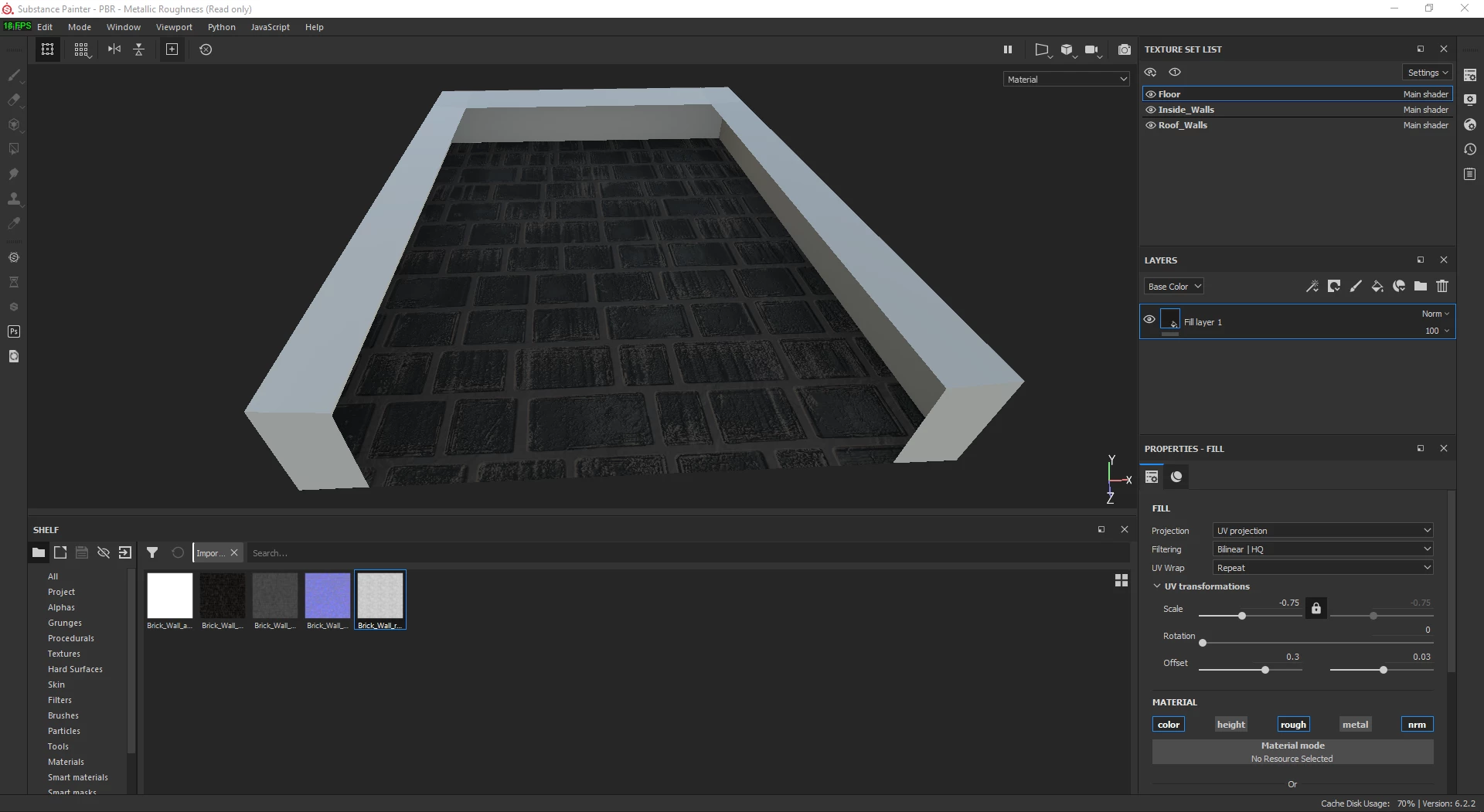
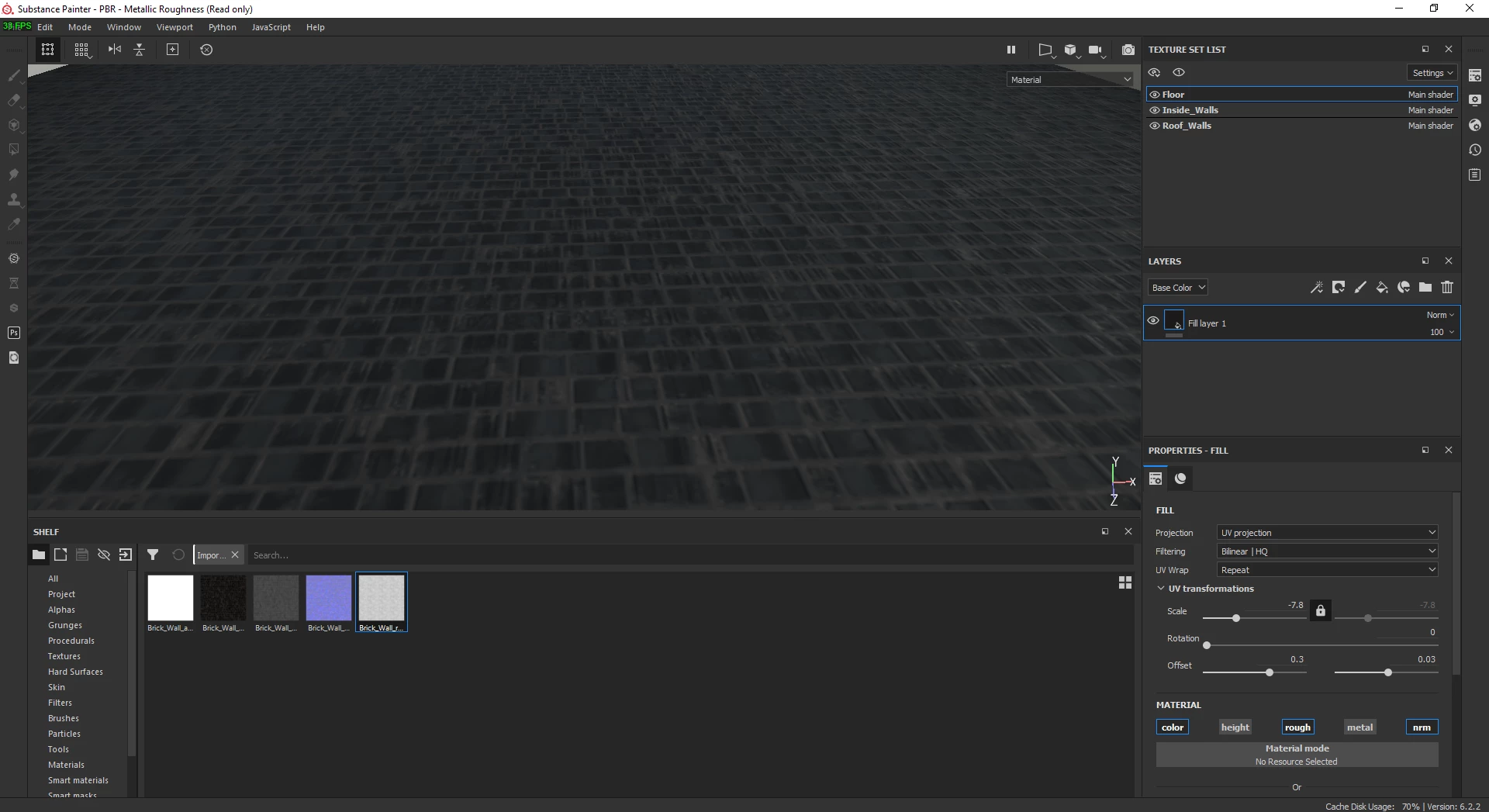
texture lose quality/gets blury when changing the scale

  • July 23, 2021
  • 1 reply
  • 219 views

hello i made this texture in Designer 2021 and i wanted to edit it in Painter 2020 but when i change the scale to a smaller valiue this is whats happining anyone knows whats the problem?
Thank you for your time.
This topic has been closed for replies.

1 reply

davescm
Community Expert
Community Expert
July 23, 2021

The scaled material is being displayed at the size you chose for your texture set in Texture Set settings. The default will be that you chose when you started your project, but you can override that in Texture set settings.


Dave

Saray5E64Author
Participant
July 26, 2021

Hello Thank you very much
I tired it and the texture got slightly better 

But i found the solution today i seperated every part of the building to its own model if thats right to say to get a better uv map on every part i wanted to texture and its got way better but its still a little blury.
Thank you again for your time