
trouble with baking the high poly mesh onto the 3d model
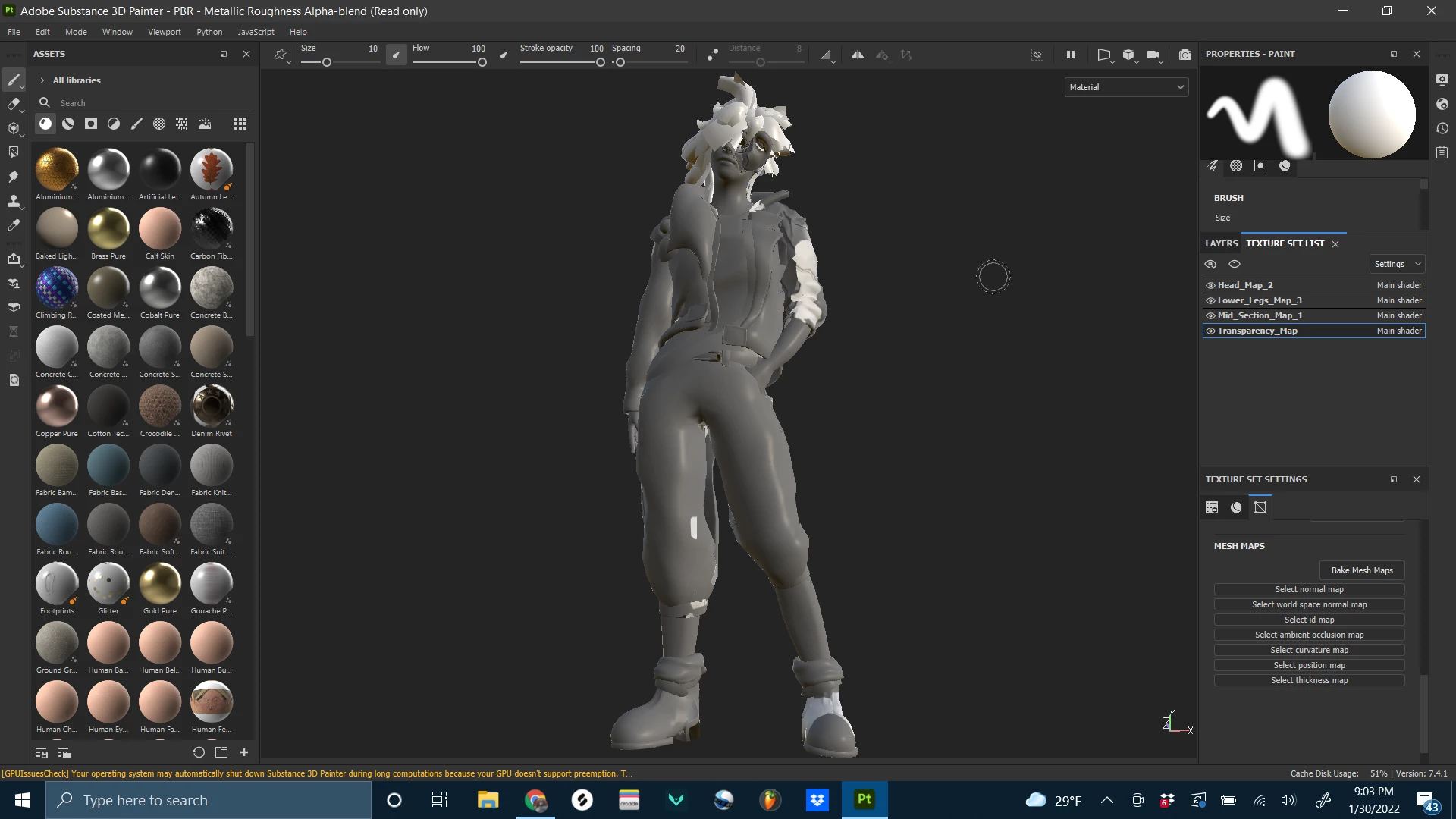
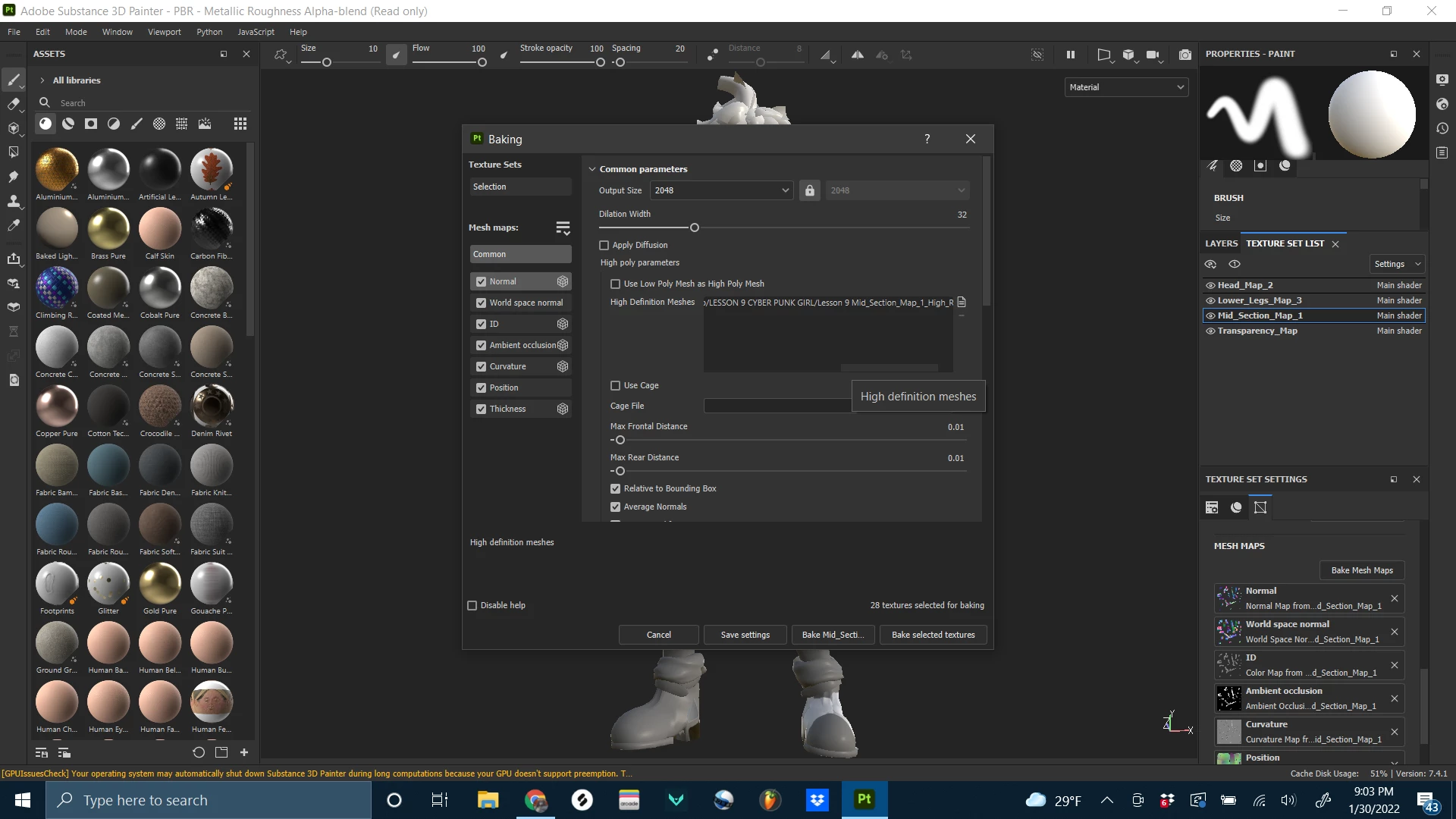
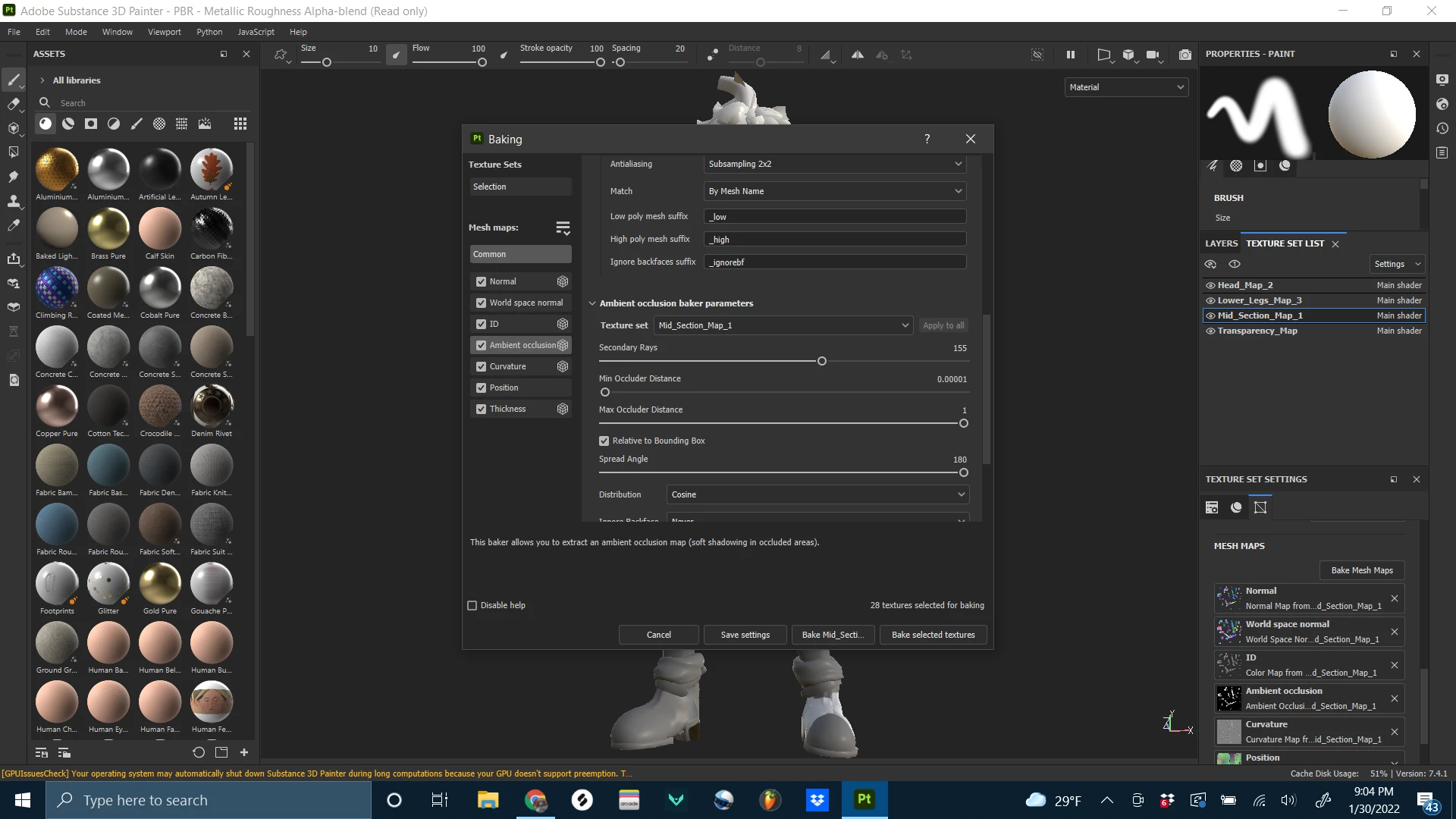
I am having trouble with baking the high poly mesh onto the 3d model, this is not the first time this has happened either. I run into this situation often and was wondering if anyone could help with this problem. I will attach a screenshot of the resulting bake as an example as well as my parameters. these are the steps that I took.
1. I opened a new project and set the template to PBR - metallic roughness with a document rez of 2048 and a normal map format set to DirectX then i hit OK (Ileft everything as the default with nothing checked).
2. once my mesh loaded up I then proceeded to select each separate texture set from the texture set list and bake the meshes for each with their respective maps.
3. Once I hit bake mesh maps , the baking window opened and I changed my output size to 2048. Then I went to the AO section and raised the secondary rays up to about 155 and clicked apply to all. in the common parameters I set the antialiasing to sampling 2x2 and match by mesh name.
4. I left everything else at the default and clicked bake Mid_section_map_1 next to bake selected textures and once everything was complete my mesh did not bake any hi rez details.
I am new to substance painter and have no idea how to adress this problem, if anyone has a solution I would be grateful for your help.


 AdChoices