


Question
UDIM Map 1002 Will Not Bake in Adobe Sub Painter - All Other Maps OK
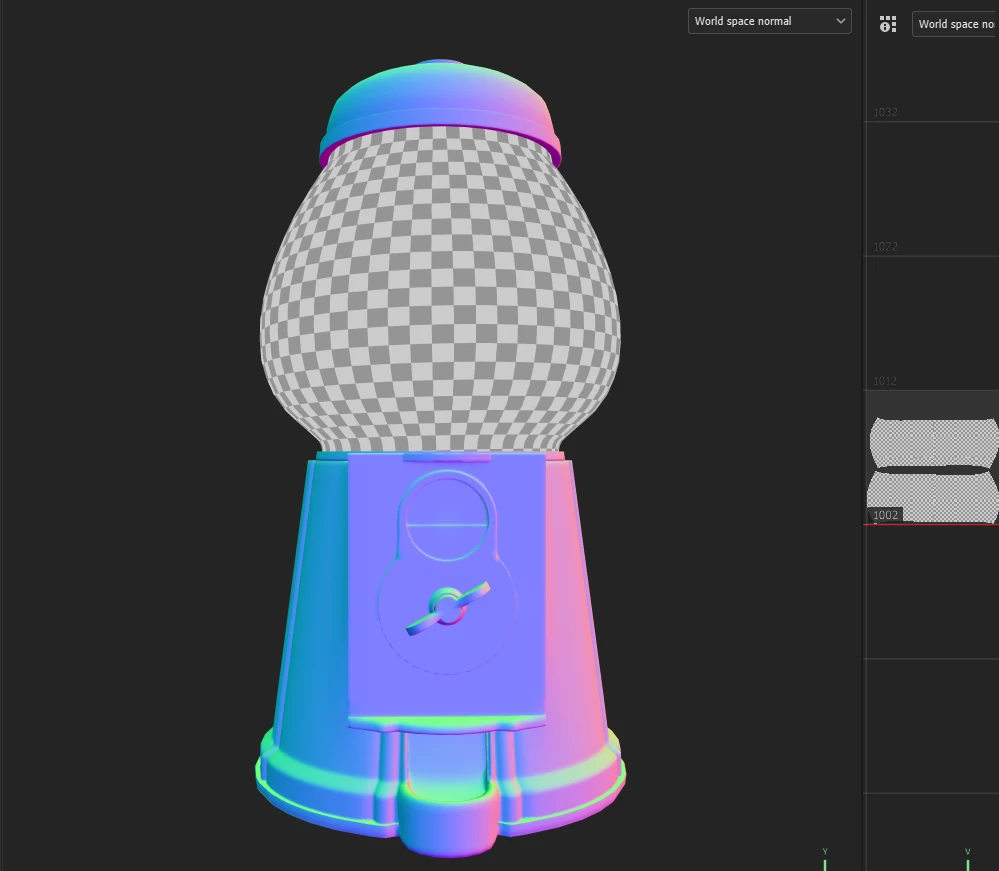
I have a project that uses UDIM tiles 1001-1003. All meshes on 1001 and 1003 bake just fine. 1002 (the gumball machine glass) does not bake and is pointed out in the menu to the right. I have applied file settings for UDIM from the start:
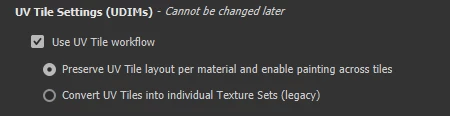
This worked before in a previous bake, but I needed to adjust some topology on another mesh. Now the new bake does not work, even when starting a new file. I have checked the UVs and they do not overlap and are within the 1002 tile.
What can I do to fix this?
 AdChoices