



UDIM workflow can't load my 3D object
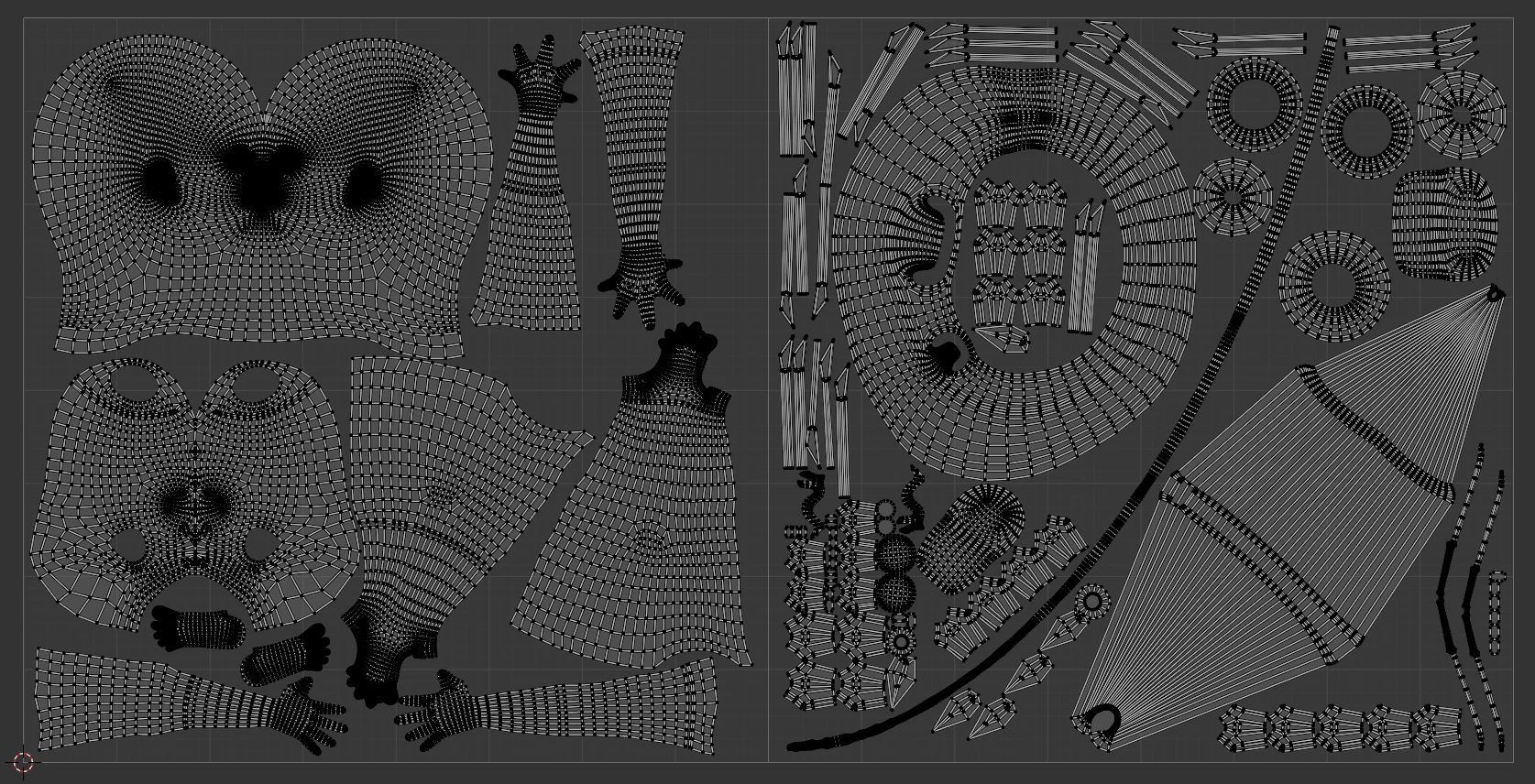
I'm trying to texture a character model I made in Blender, I have two materials, one for the body (one connected mesh) and one for the accessories. Everything is connected as one object. I have 2 UDIM tiles where I have arranged the UV islands so that the first UDIM tile has the body and the other one has the accessories. I have triple checked that absolutely nothing is overlapping between the two UDIM tiles, and have tried UV unwrapping the meshes twice already, hoping it could have fixed the issue.
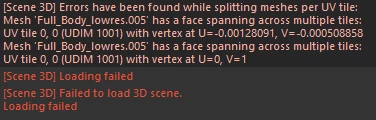
When importing it to Substance painter while having UV tile workflow checked, I get an error like this:
[Scene 3D] Errors have been found while splitting meshes per UV tile:
Mesh 'Full_Body_lowres.005' has a face spanning across multiple tiles: UV tile 0, 0 (UDIM 1001) with vertex at U=-0.00128091, V=-0.000508858
Mesh 'Full_Body_lowres.005' has a face spanning across multiple tiles: UV tile 0, 0 (UDIM 1001) with vertex at U=0, V=1
Please help me 😞
 AdChoices