



Updated mesh break brush strokes
Greetings,
I'm looking for a little help here, I have a mesh with quite a lot of brush strokes on it and I'm wanting to remove or reposition a couple of small pieces, however doing so ends up breaking a huge amount of my brush stokes.
Here you can see that either deleting or moving this one small object on the left, breaks the brush strokes on most of the whole surface below it.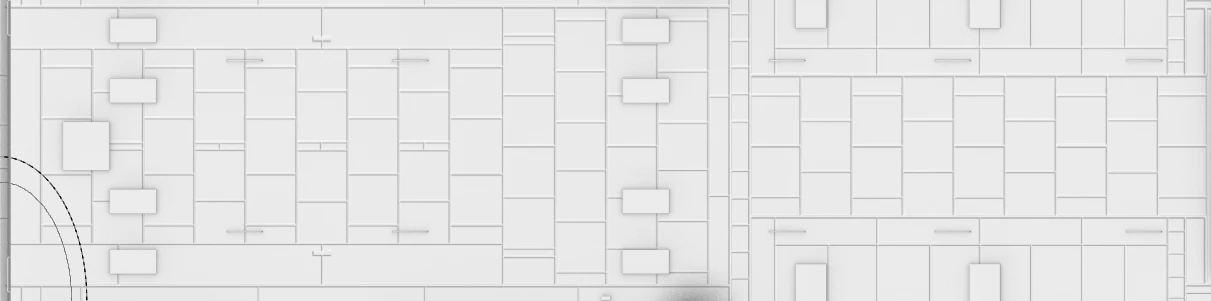
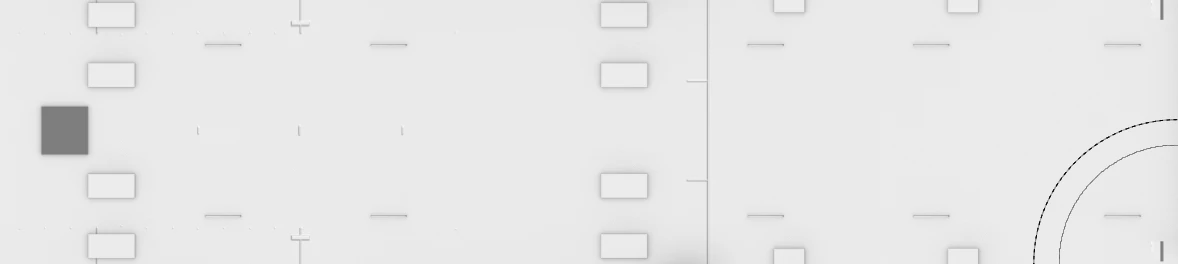
Nothing is changing on the mesh aside from deleting or moving that small boxt and reexporting.
The UV is the same minus the island for the removed box, in the case of moving the box unaltered, and the mesh as a whole has not moved.
Note, preserve brush stokes is emabled.
I'd love to know what the cause is and how to correct or prevent it from happening, I have several of these small boxes across the mesh I wish to remove or relocate, and would rather not have to redraw hundreds of lines.
Cheers!
 AdChoices