


Using sbsar files with transparent background
Hello,
I was unsure of how to phrase the title, but my main problem is that I can't find an explanation on how to use sbsar files from the Substance 3D assets library to create compositions.
I'm trying to use this file
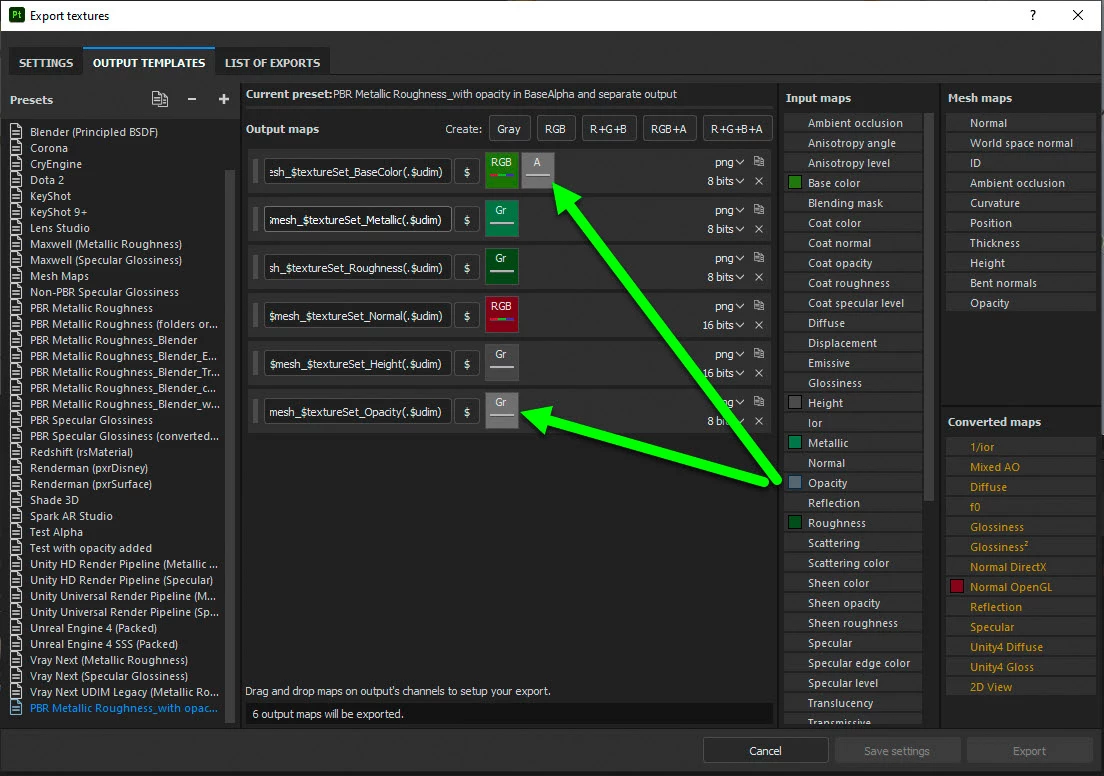
https://substance3d.adobe.com/assets/allassets/1f14fd1ea80ff59e89598390364904dddd8d5c00?q=flowered%20flowering%20flowers%20flower&u=flower in order to create a flower composition. But so far I've only been able to use it in Substance painter by adding an opacity mask, but I can't even export that opacity map (it's the only one I can't export, and I'm on pbr metal rough with alpha blending) to use in Maya, and even then I don't really know how to arrange the flowers how I want since it's a texture and not an actual model. Not sure if it's clear, I'll add a screenshot of what I've done so far in SP.
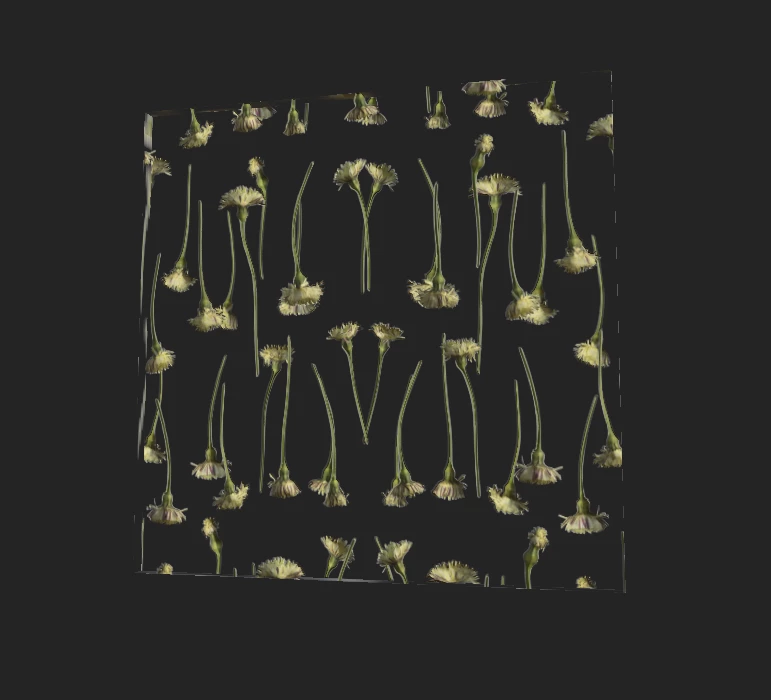
Thanks a lot in advance!

 AdChoices