Participant
March 15, 2024
Answered

uvs for wheel

  • March 15, 2024
  • 1 reply
  • 161 views

Hi,

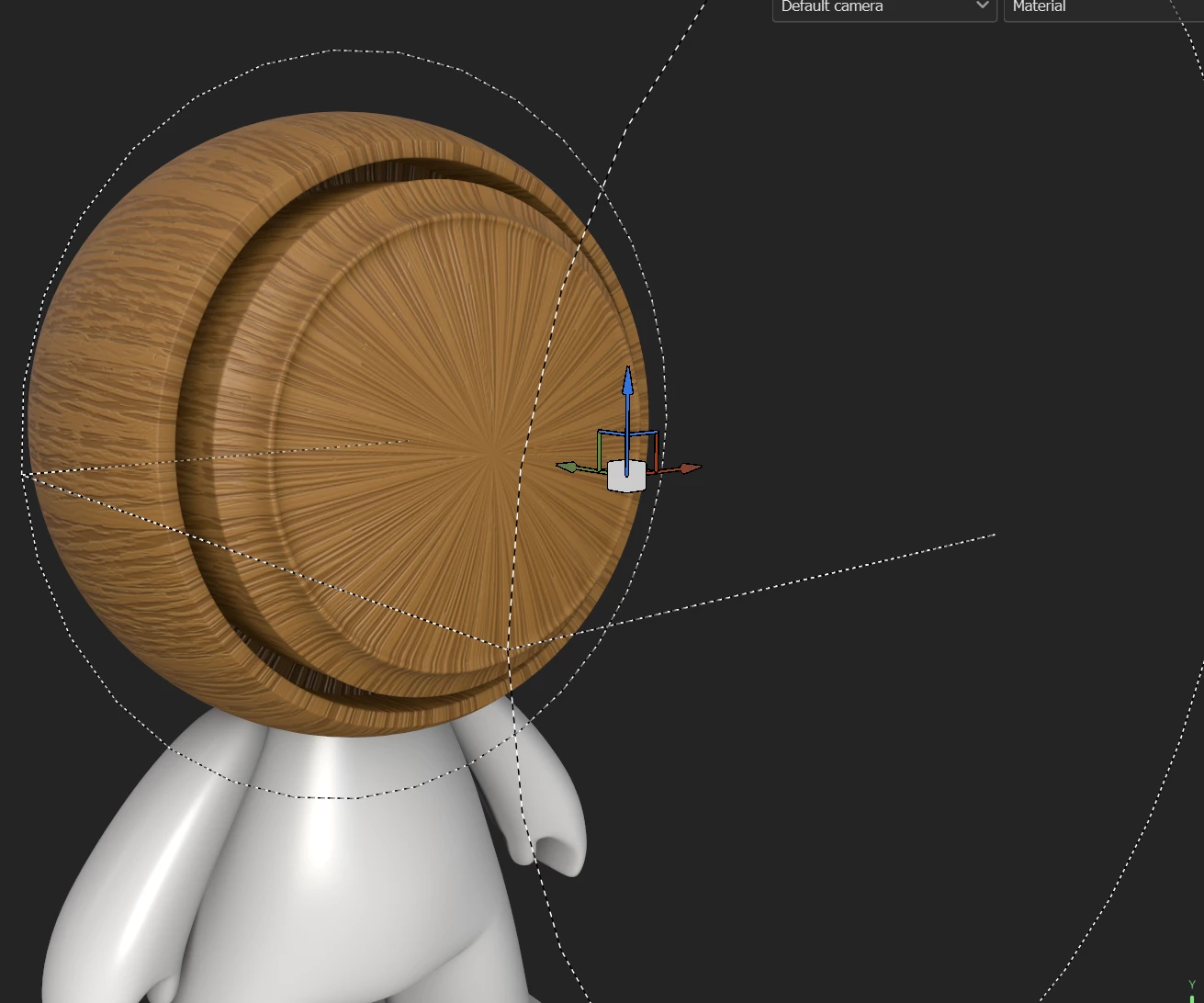
how do I uv this wheel so that the texture in painter follows the curve of the wheel instead of going across?

This topic has been closed for replies.
Correct answer Cyril Dellenbach

Hi @Michael24867556l1nh,


Thanks for the message.


You could use a Cylindrical projection, but the veins won't really follow the path.


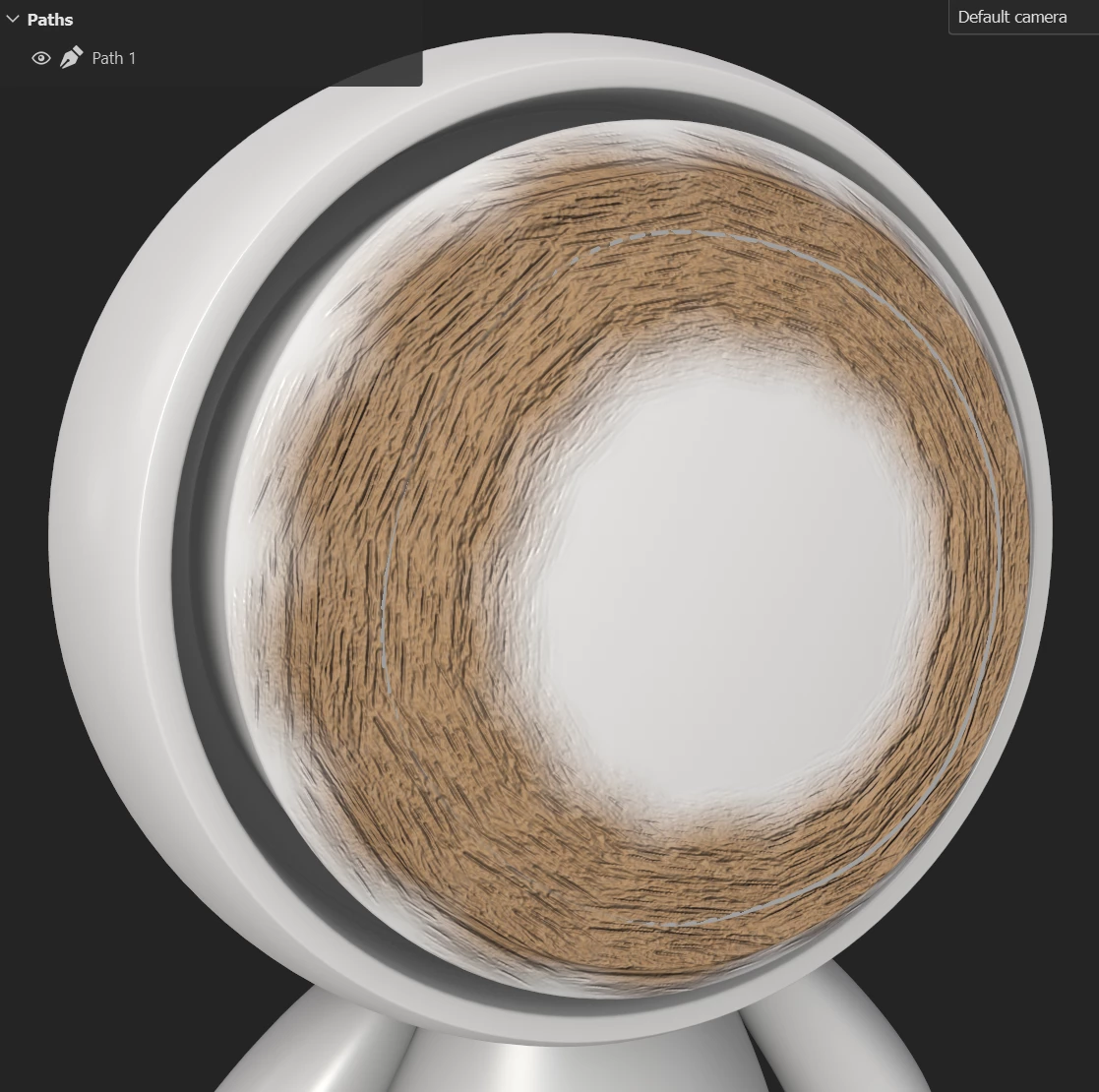
Alternatively, you can use the Path tool, plug the material in the brush properties and create a path following the wheel's curve.


Make sure to enable Follow Path parameter, and tweak the Spacing/Size according to the mesh.


Regards,

1 reply

Cyril Dellenbach
Community Manager
Cyril DellenbachCommunity ManagerCorrect answer
Community Manager
March 18, 2024

Hi @Michael24867556l1nh,


Thanks for the message.


You could use a Cylindrical projection, but the veins won't really follow the path.


Alternatively, you can use the Path tool, plug the material in the brush properties and create a path following the wheel's curve.


Make sure to enable Follow Path parameter, and tweak the Spacing/Size according to the mesh.


Regards,

Cyril Dellenbach (Micro) | QA Support Artist | Adobe
Participant
March 19, 2024
I hadn't thought of using the path tool. I'll give it a shot. Thanks!