


Known Participant
July 14, 2023
Question

Visible UV seams when working with UDIMs

  • July 14, 2023
  • 1 reply
  • 509 views

I've created a project and wored on it for a bit. When I reopened it. All the UV seams became visible 
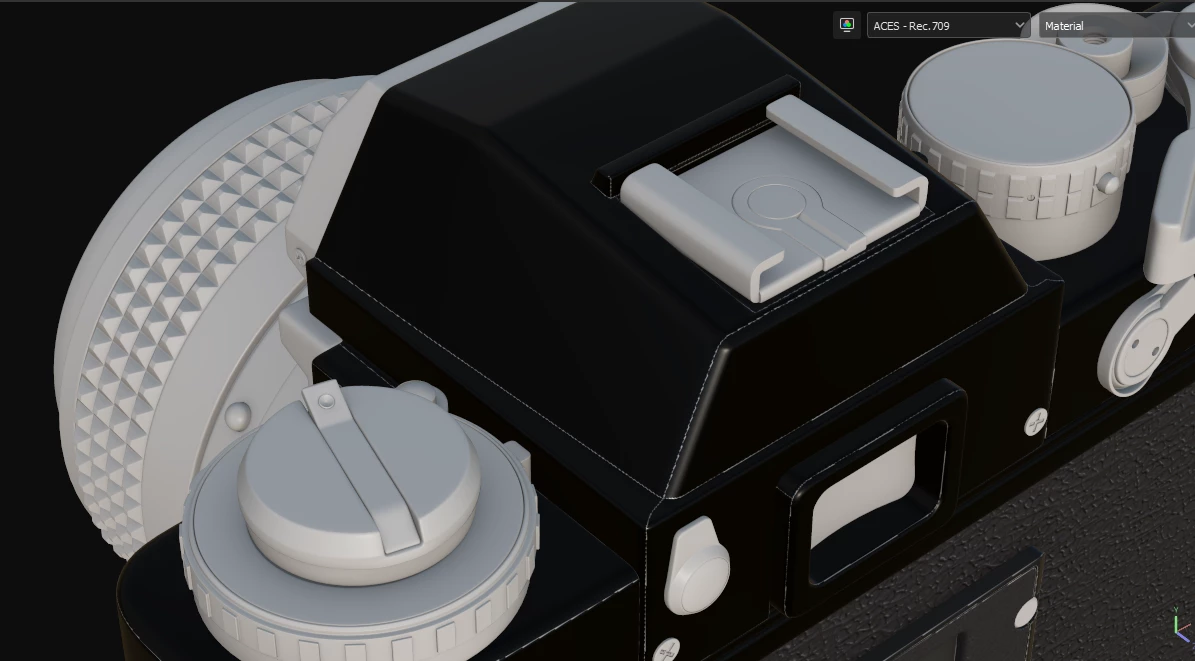
They even show up in UV view 
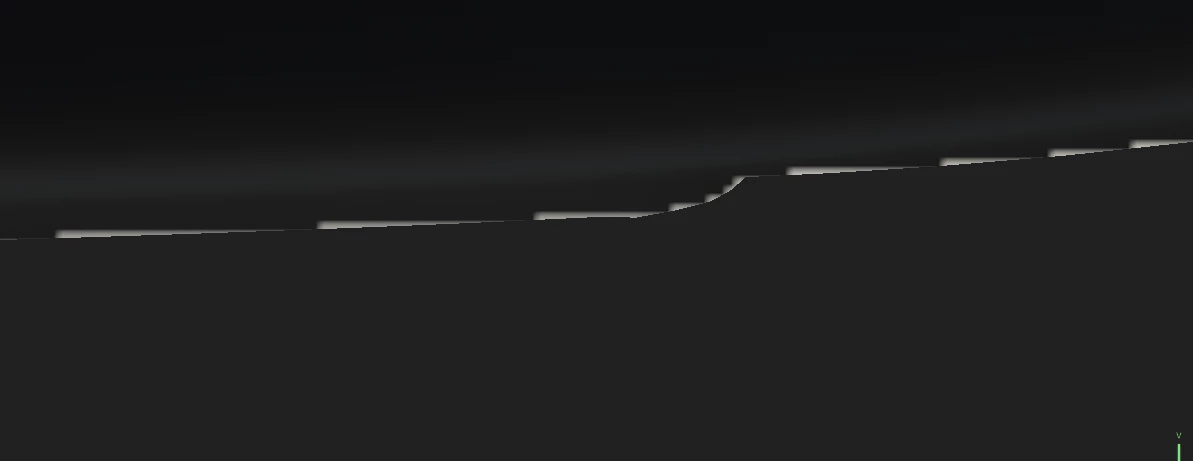
The only way I could fix it is to change padding to UV space neigbour.

So my question is: am I doing something worng or is it a bug? Never had this problem before, while working with no UDIM workflow.

This topic has been closed for replies.

1 reply

Cyril Dellenbach
Community Manager
Community Manager
July 14, 2023

Hello @Ilia5C31,


Thanks for the question.


Padding issues can be due to several things and it's hard for me to tell without more info. The black parts have been added trough a color selection?


With that being said, switching the UV Padding to UV space isn't a bad thing, it's simply a different method where the pixel inside an UV island is copied to the border outside the UV island before generating the padding.


Best regards,


Cyril Dellenbach (Micro) | QA Support Artist | Adobe
Ilia5C31Author
Known Participant
July 14, 2023

It's just a simple fill layer