


Participant
December 6, 2023
Question

Weird Artifacts Showing on Exported Maps

  • December 6, 2023
  • 1 reply
  • 199 views

Im using a SP plugin called HairTG-Surface to create a base layer of hair to cover the scalp of a character.


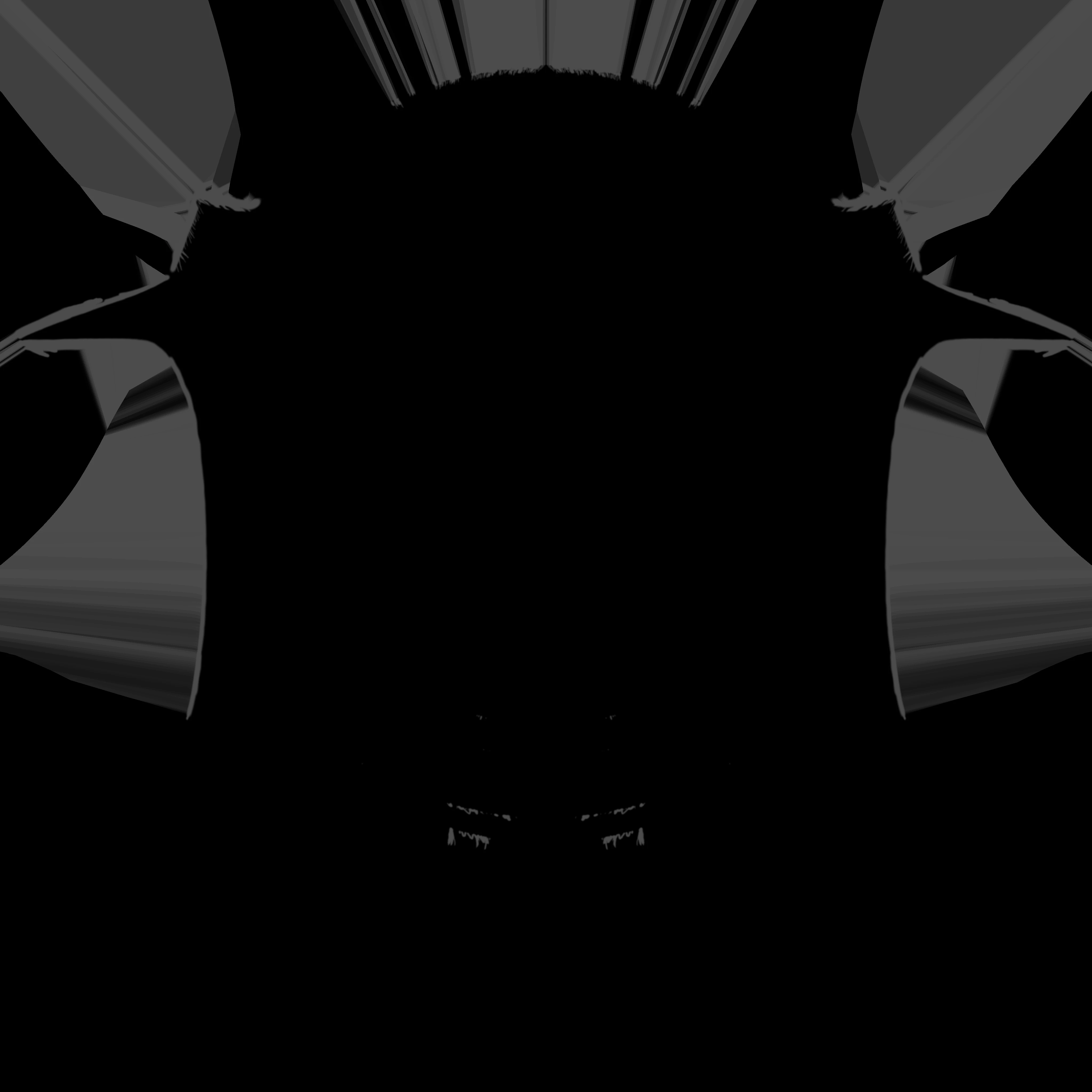
As the title says I'm getting these strange lines on my exported textures. I thought It might have been something to do with the cage when baking but I've tried adjusting the cage size and used low polly mesh as high polly, but I get the same result. Can't find much info on whats happening here and I've not come accross this before when exporting textures.


Appreciate any help.

Substance Painter
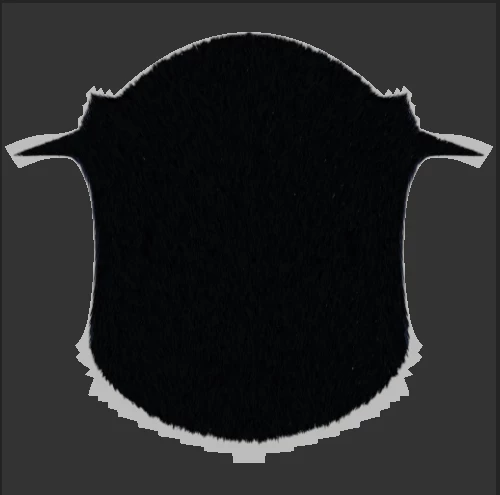
Base colour export
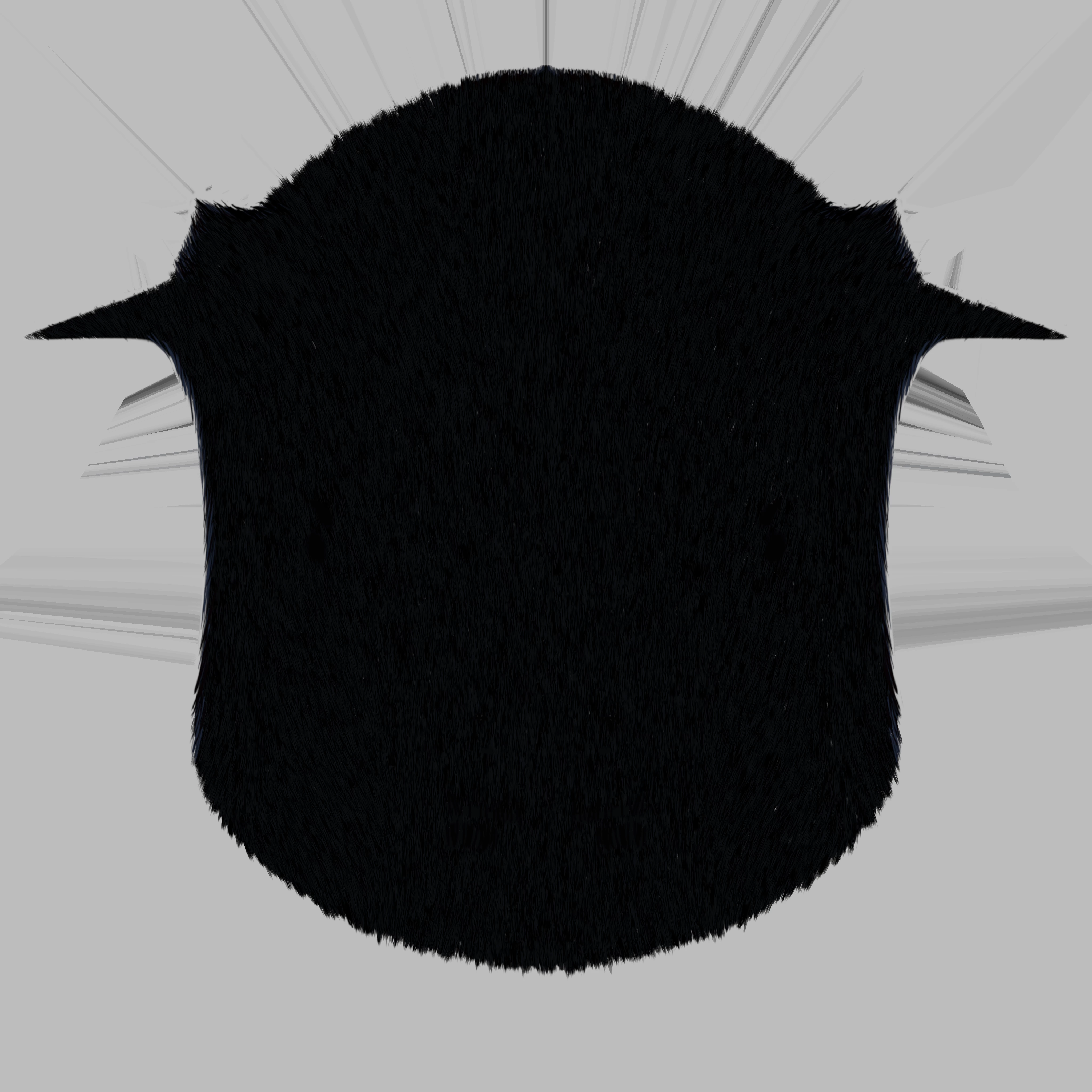
Displacement export
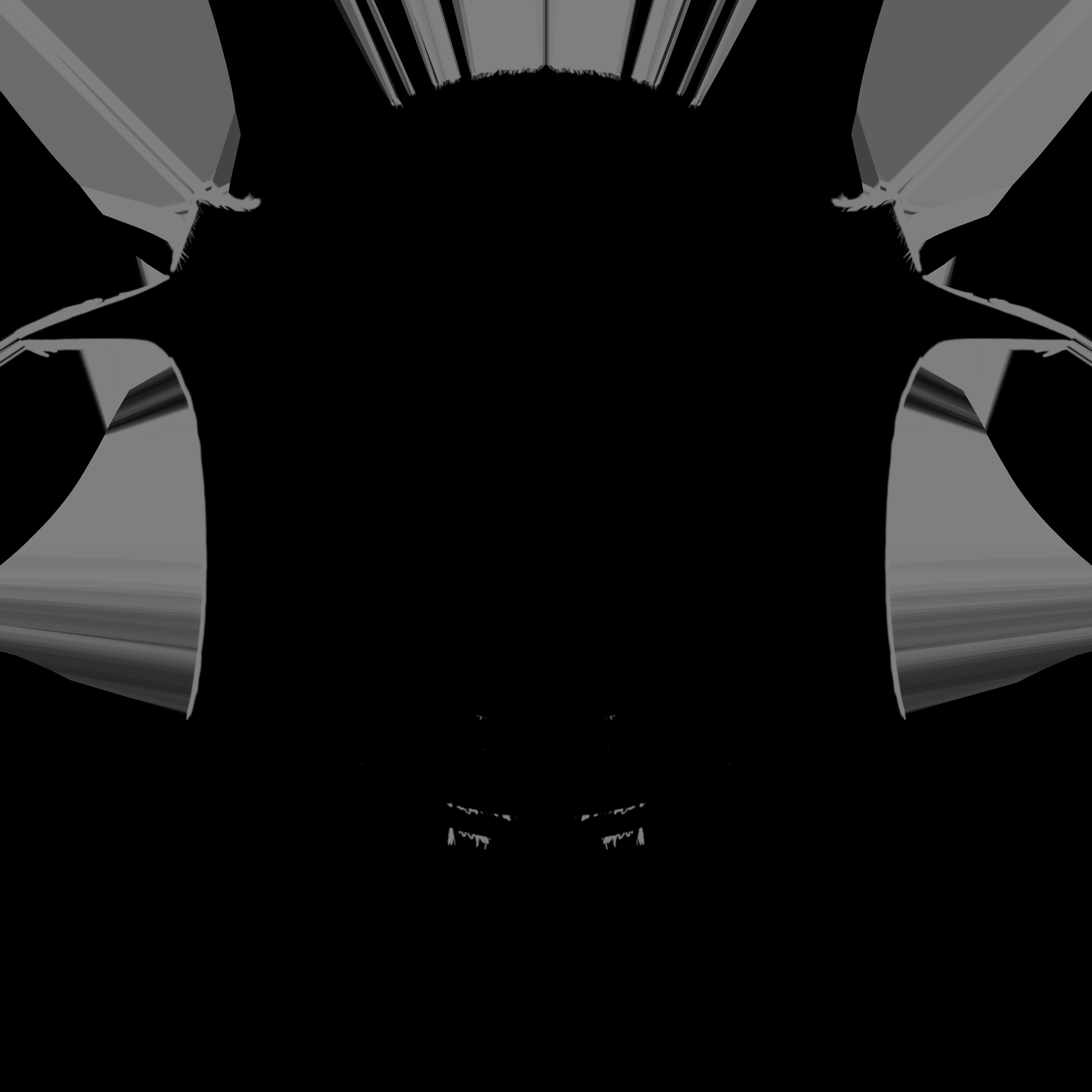
Opacity export
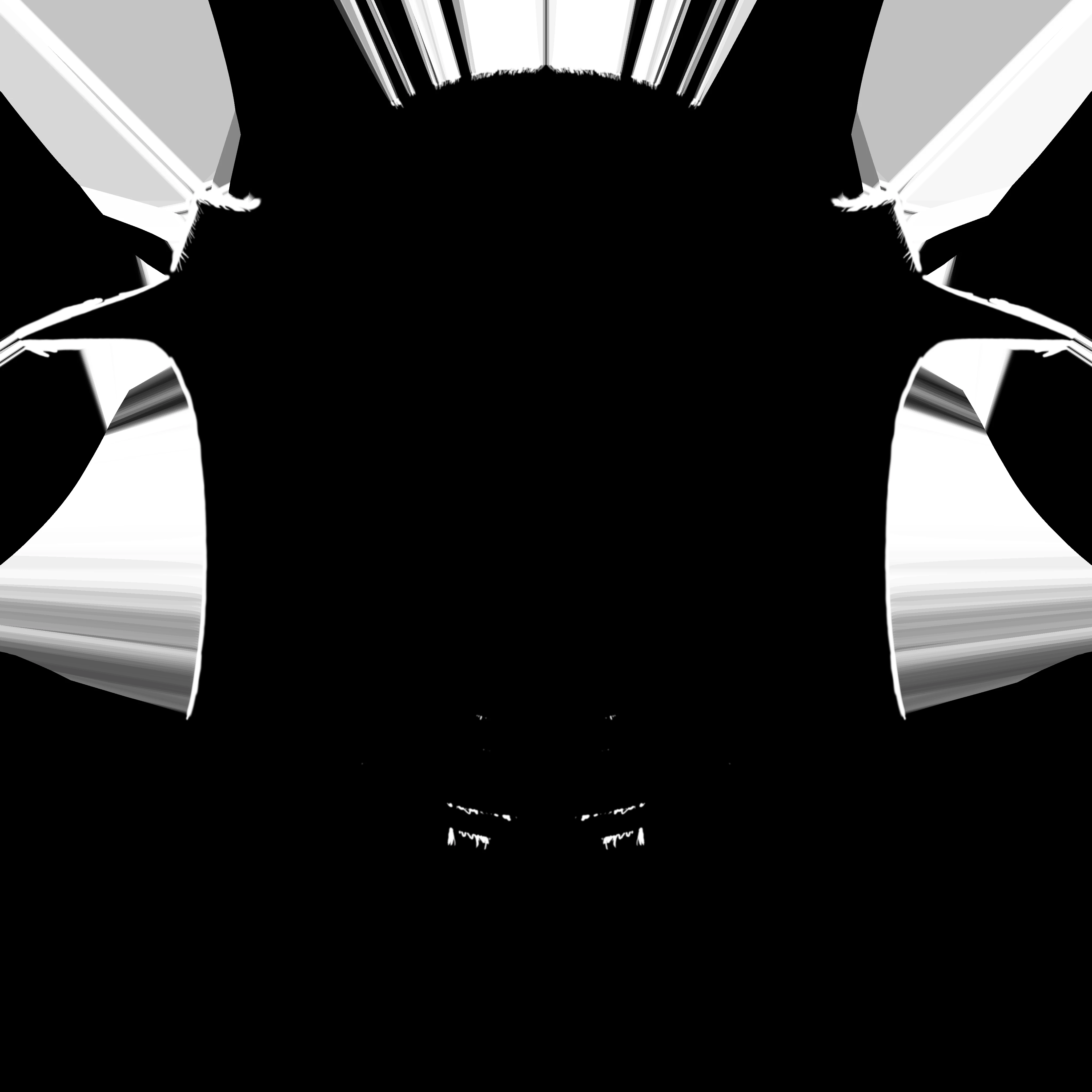
Roughness export
    

This topic has been closed for replies.

1 reply

Cyril Dellenbach
Community Manager
Community Manager
December 6, 2023

Hi @Nuntis,


Thanks for the message.


If you're mentioning the stripes at the border of your UV islands, those are simply Dilation. The Dilation (or padding) is an automatic process at export that uses the last pixels at the border of the UV islands and expand them in the empty spaces of the UV map. It prevents artifacts and are especially important when working with mipmaps.


Therefore, you have nothing to worry about, the map should work as expected once in your rendering software.


Regards,


Cyril Dellenbach (Micro) | QA Support Artist | Adobe