
Participant
July 22, 2021
Question

Why Is displacement affecting all the layers on my file.

  • July 22, 2021
  • 2 replies
  • 339 views

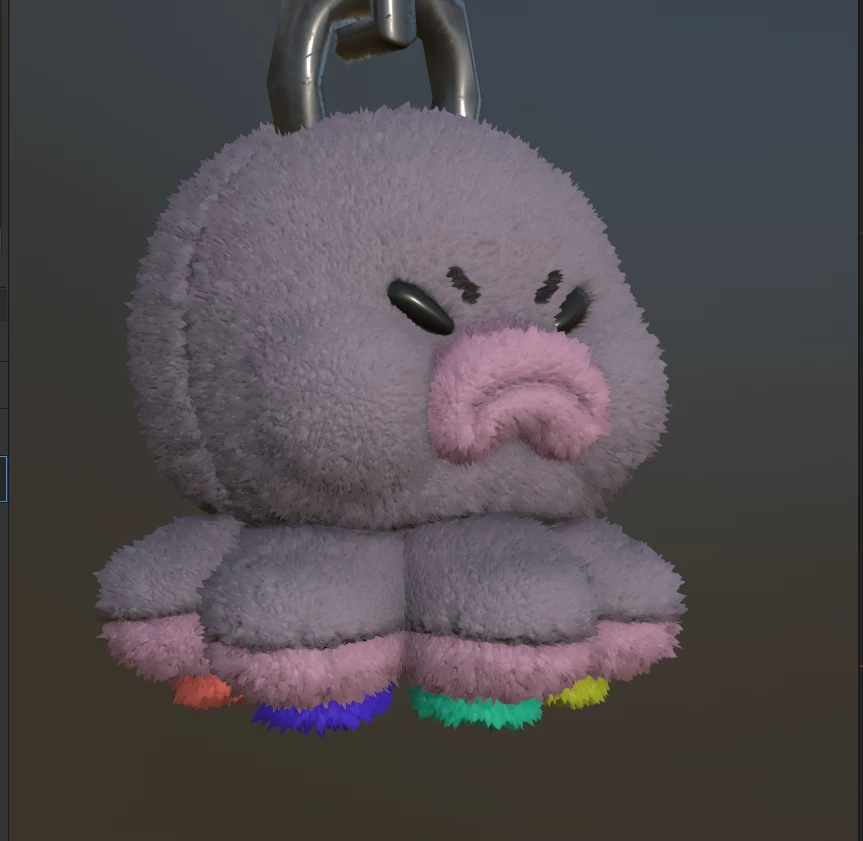
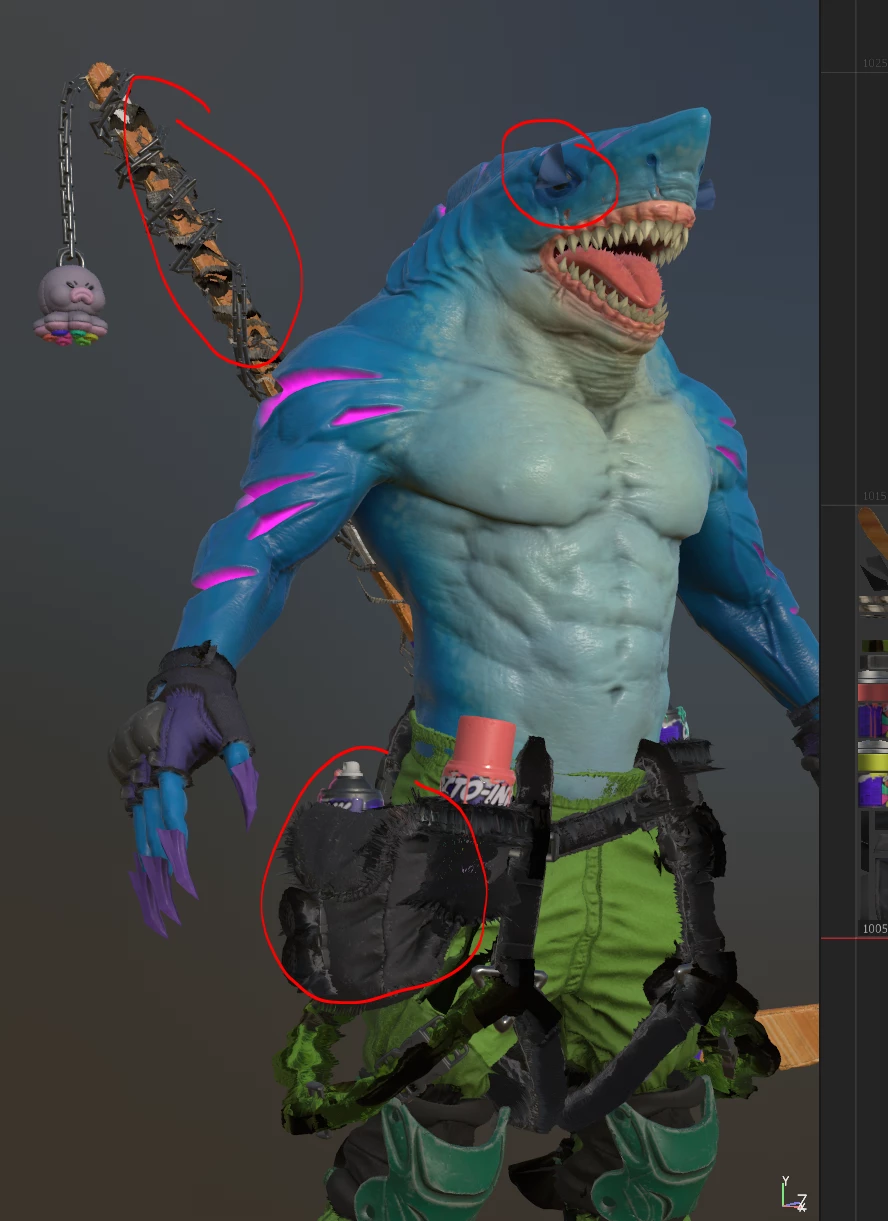
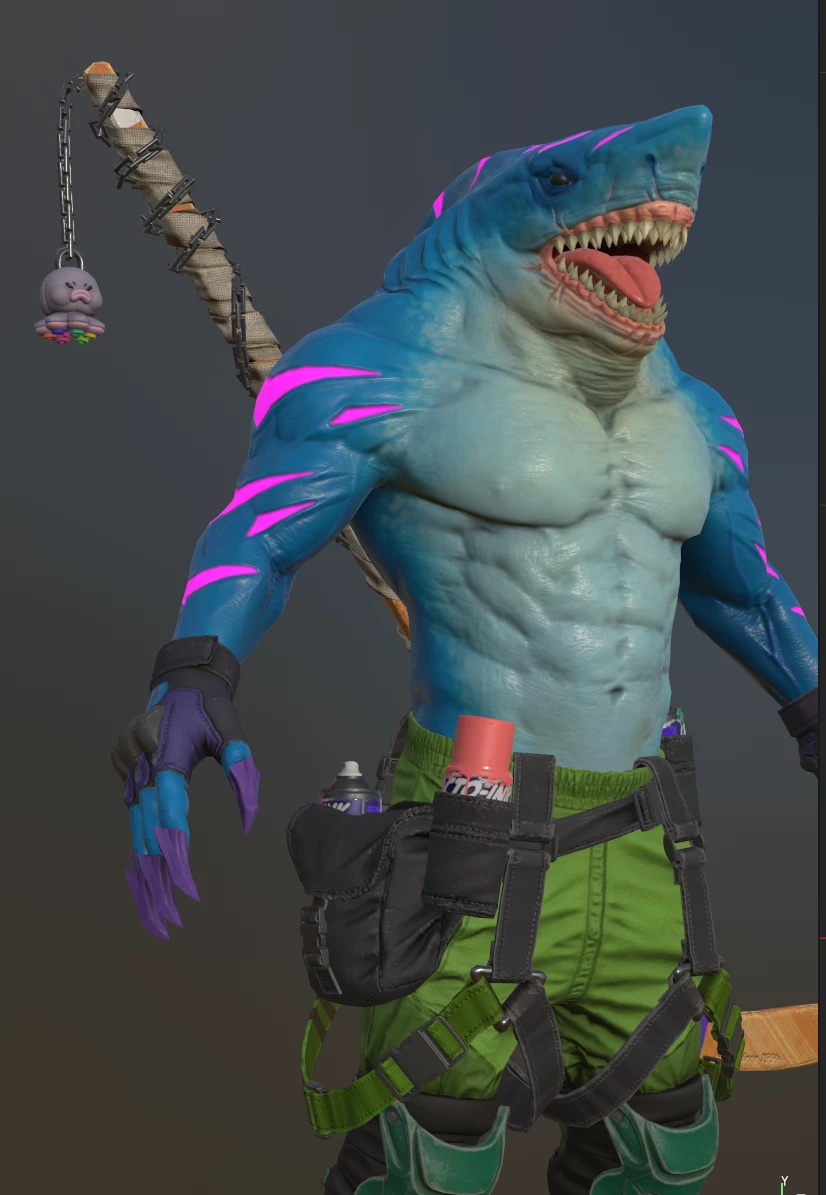
Hello, wanted to use displacement to simulate fur in a specific area of my character, but the displacement seems to affect all the layers even when those layer don't have displacemnt activated. Someone knows how to fix it. I can't find documentation whit a similar situation.

Thank you.

Here the displacement works fine.
 

Displacement ON


Displacement OFF
 

This topic has been closed for replies.

2 replies

Sebacho79Author
Participant
July 24, 2021

Hello Jeremie. The little octopus is the only part that has a Displacement channel enable. I try to add a displacement layer wondering if I can inver the shared displacement but didn't wok sending a screenshot of my layers. 


davescm
Community Expert
Community Expert
July 24, 2021

Did you alter the shader settings to use the displacement map instead of height or are you still using height?


Go to the shader settings and either :

Enable Parallax Occlusion mapping - adjust the strength

or

Set the displacement input to Displacement instead of height and adjust the Tessellation subdivision


Dave


Jeremie Noguer
Community Manager
Community Manager
July 23, 2021

Are all those part of a same texture set? If they are, and you only want displacement on that part, make sure you add a displacement channel and use that channel for the fur effect. By default, the displacement option in the shader will use the height channel, which I assume is used in many other places in your project in this case.