Digitalform
Inspiring
February 12, 2021
Answered

A concave background in Dimension?

  • February 12, 2021
  • 1 reply
  • 475 views

How do I create a concave background in Dimension? Like a 90° round transaction from flat to vert? Like a quaterpipe? Like a regular photographer backdrop? How is that done? I searched high and low, no clue so far. Send help! PLZ

This topic has been closed for replies.
Correct answer Ussnorway7605025

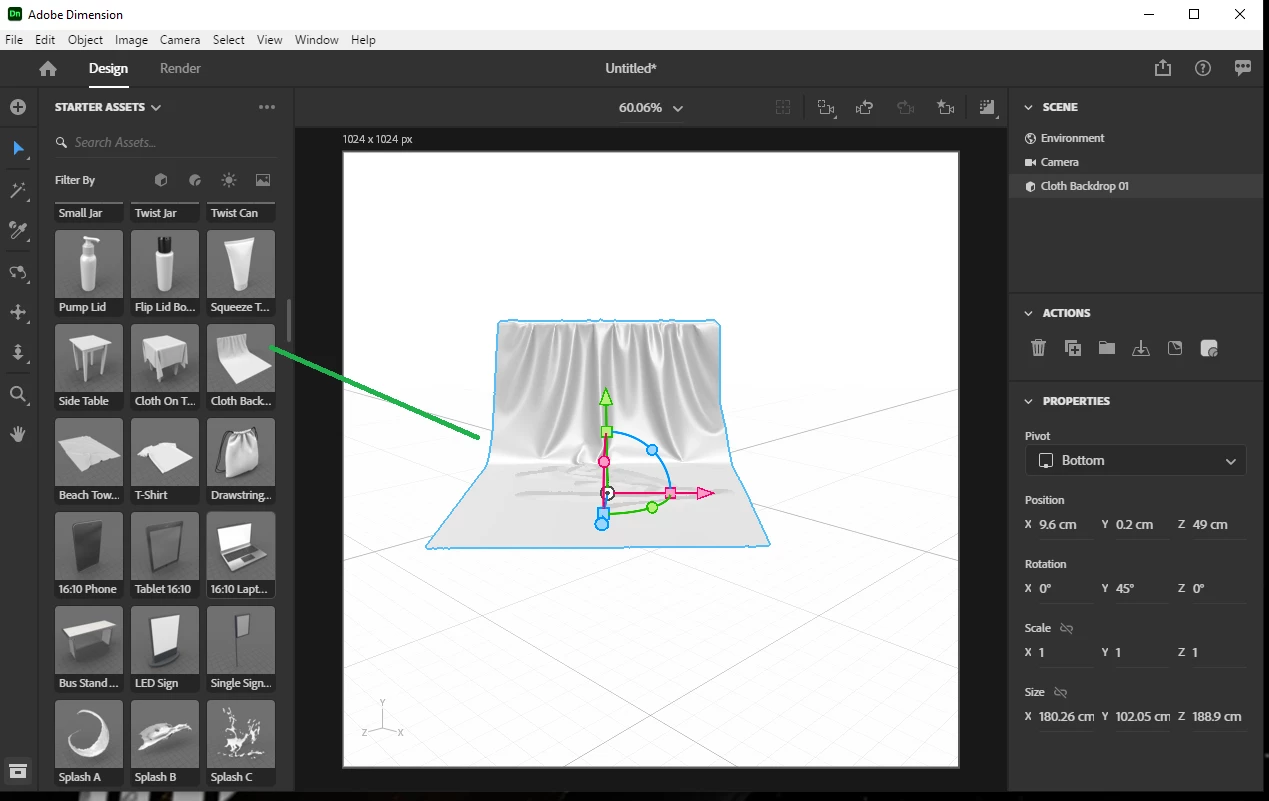
I assume the one included is to cloth like?

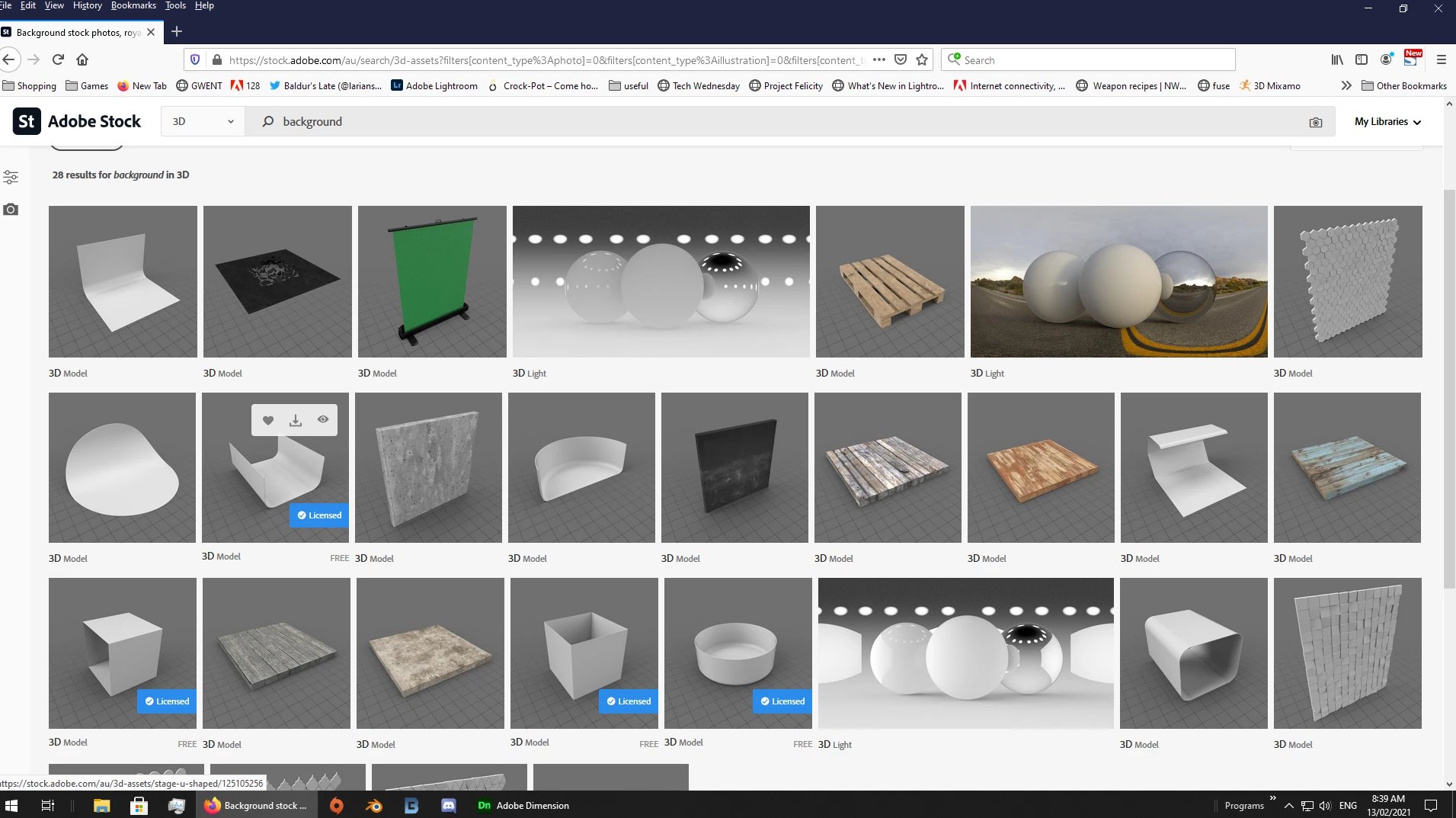
so have a look online... something like AdobeStock_125105256 perhaps?

1 reply

Ussnorway7605025
Ussnorway7605025Correct answer
Legend
February 12, 2021

I assume the one included is to cloth like?

so have a look online... something like AdobeStock_125105256 perhaps?

Digitalform
Inspiring
February 12, 2021

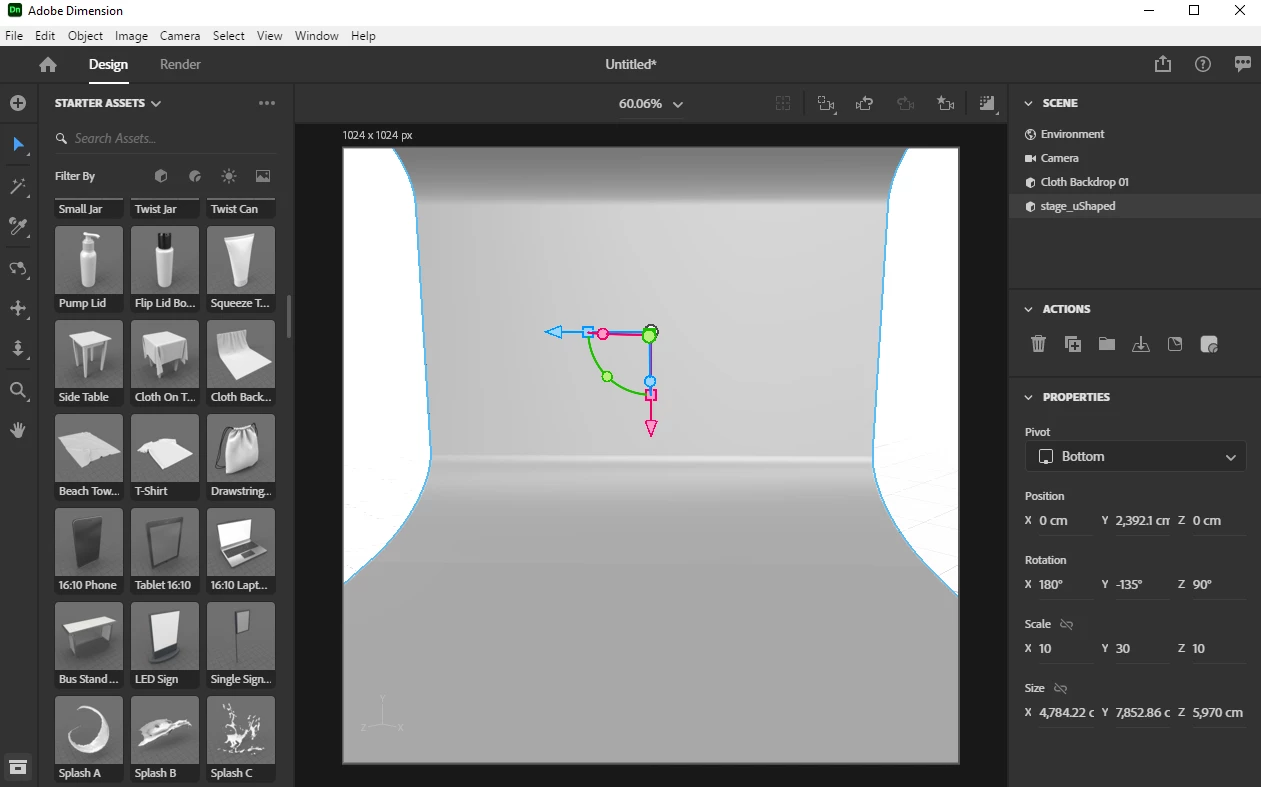
Yes, sort of. But I was looking for an even simpler solution. Like not a full pipe (a round hollow cylinder), but a quarter of this pipe. This piece could be scaled and aligned to flat surfaces to connect 90° shapes with a smooth transition. I assumed this was a basic default element in Dimension, that I somehow failed to find. But if its not in dimension your tip is the next best thing. Thanks for your help!

I did a quick render of how I want to use it as a background, to get the idea across. Maybe Adobe will add a quarterpipe-transition-thingy one day. Anyway, thanks again!