


Question
Adobe Dimension Blown Out White and Highlights (Overexposed)
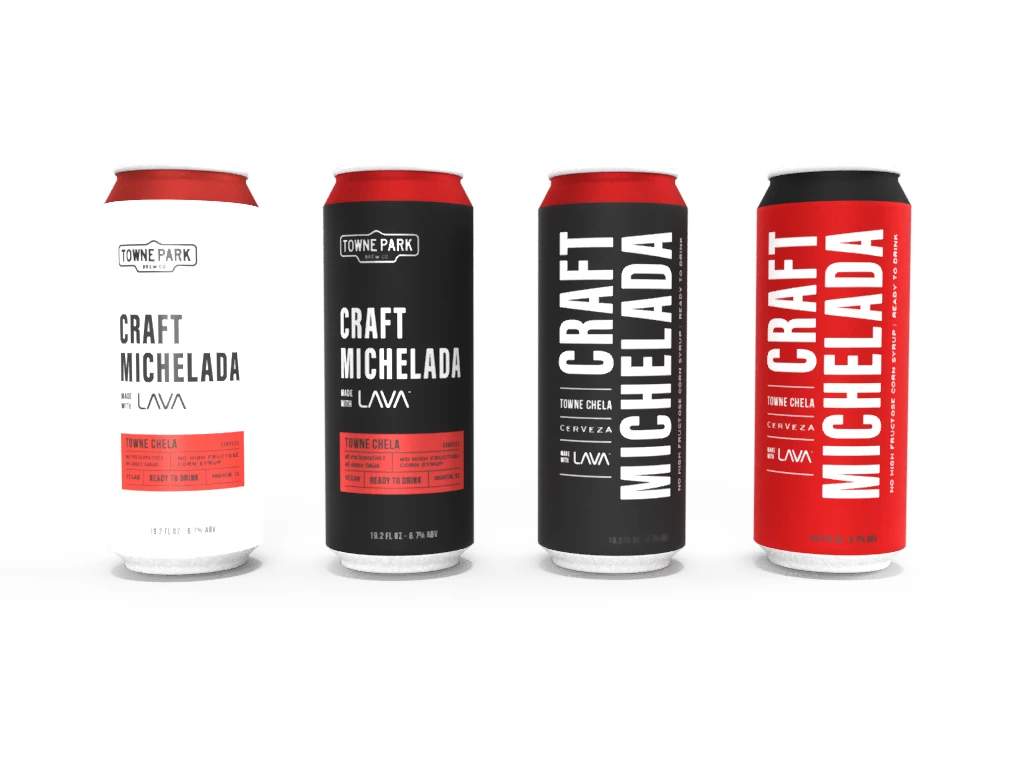
I have some pretty basic renders with no additional environmental lights. Basically a can with a label applied. The label has white areas and when I render the image, the white area is way blown out no matter what I try to do. I have tried moving/removing the lighting, reducing the light intensity, changing image (label) settings, and nothing works. White areas and highlights continue to be blown out (overexposed). So what are some solutions? Thanks!
 AdChoices