


Participant
Feb 18, 2025 4:35 AM UTC
Question

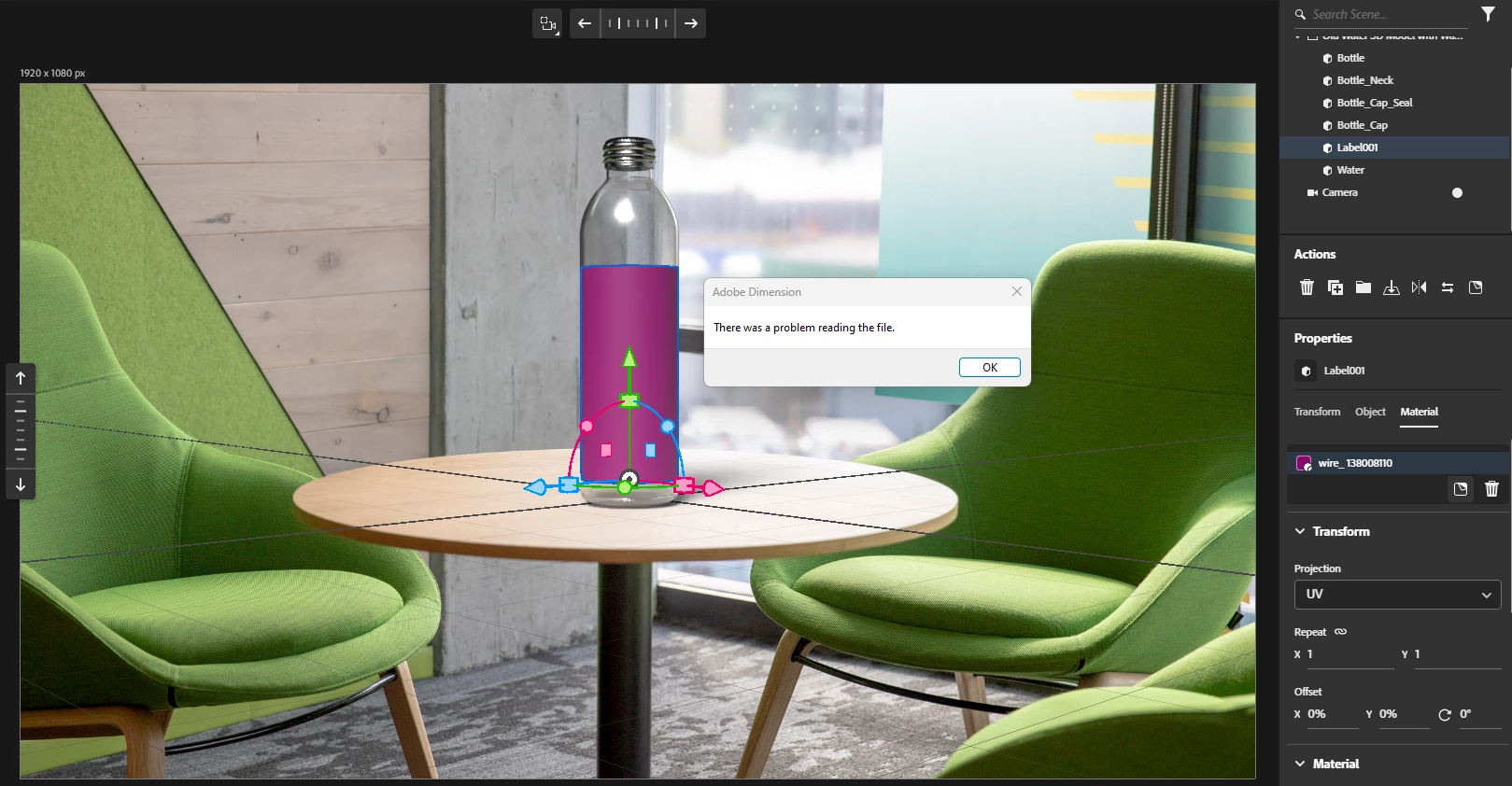
Adobe Dimension error: There was a problem reading the file

I can't use any images as materials in Adobe dimension. Whenever I add an image(I tried several file formats) to the diffuse slot of the material it says 'There was a problem reading the file'. I can't use the library for this purpose so library is not an option. I have been using dimension for many years without an issue and this is the first time I came up with this error.
 

3 replies

Participant
Feb 26, 2025 12:33 PM UTC

Is anybody going to answer that? I have same problem here...I've tried to replace existing image with new one on the model. I need this urgently because I have to create mockups for the client. It just pops up the message -  'There was a problem reading the file'.

Translate
Participant
Feb 27, 2025 5:29 AM UTC

If you have already got a map on the model you can edit it in photoshop and it will automatically update there(Screenshot attached). The problem is you can no longer add a new map to anything.


Translate
Participant
Feb 27, 2025 9:00 AM UTC

Hey, thank you so much. It solves the problem for me for now. 😀

Translate