
Basic shapes and models – modify thickness.
- November 8, 2021
- 2 replies
- 2768 views
Hi, I have a questions about modifying models and basic shapes.
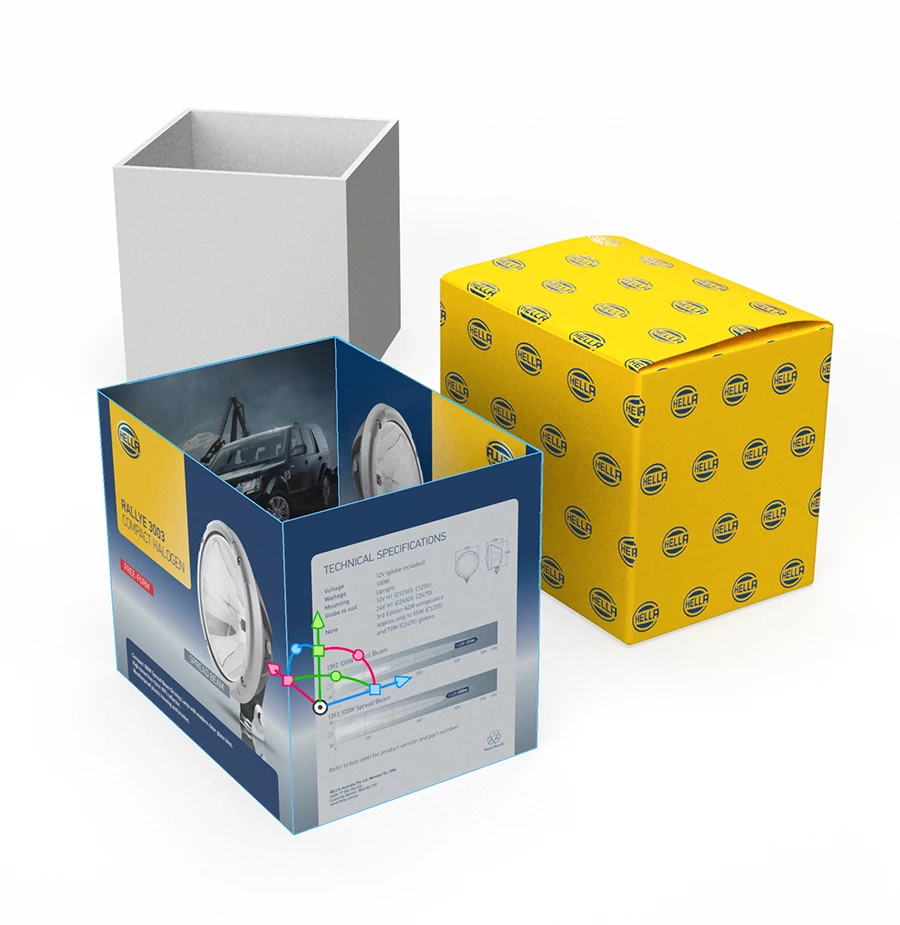
I want to create a packaging visual of a box with an outer cardboard sleeve.
My process of thought was:
- There is a cube box in models which is perfect for the box.
- There is a hollow cube in models which I thought would work for the sleeve but I am unable to adjust its thickness, so it's not a good option for the sleeve.
- I used planes in the basic shapes to build the four sides of a sleeve. But I cannot adjust the plane thickness and when I place a graphic onto the place it's transparent.
My questions:
» can the hollow cube thickness be modified?
» can the plane thickness be modified? (Y size is 0 and cannot be changed but X & Z can be changed)
» can the plane be made opaque? I have tried adding material etc without luck.
Refer attached visual.
Surely they can be adjusted and there is probably an easy solution I have missed.
I using the Dimensions 3.4.4 (OS big sur) and 3.4.3 (OS Catalina).
Thanks


 AdChoices