


Question
Can't edit textures after updating to Photoshop 2022
After an automatic update to the latest version of Photoshop I can't edit textures from Dimensions. The option to open a texture in Photoshop from the Properties Panel doesn't work anymore.
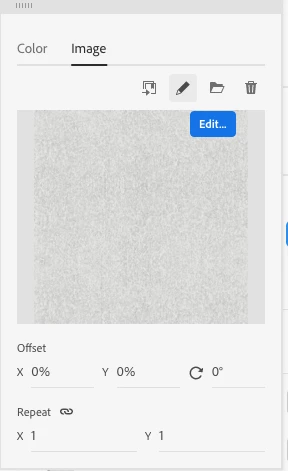
When I click on edit or double click the image, nothing happens. After restarting my Mac, I had a chat with support and he installed a previous version of Photoshop, but the issue still remains.
I hope with the next update, that will hopefully coming soon, this issue will be resolved. In the meantime, any tips and help how I can access textures that are saved in a Dimension file are much appreciated.
I could export the model, open in another 3D software, edit the texture and bring it back to Dimension - but I don't want to go that path.
 AdChoices