



user82573258
Inspiring
March 8, 2020
Answered

Can't get past welcome screen

  • March 8, 2020
  • 4 replies
  • 994 views

I've just downloaded Dimension on my Mac after doing a clean install, but can't seem to get past the welcome screen:
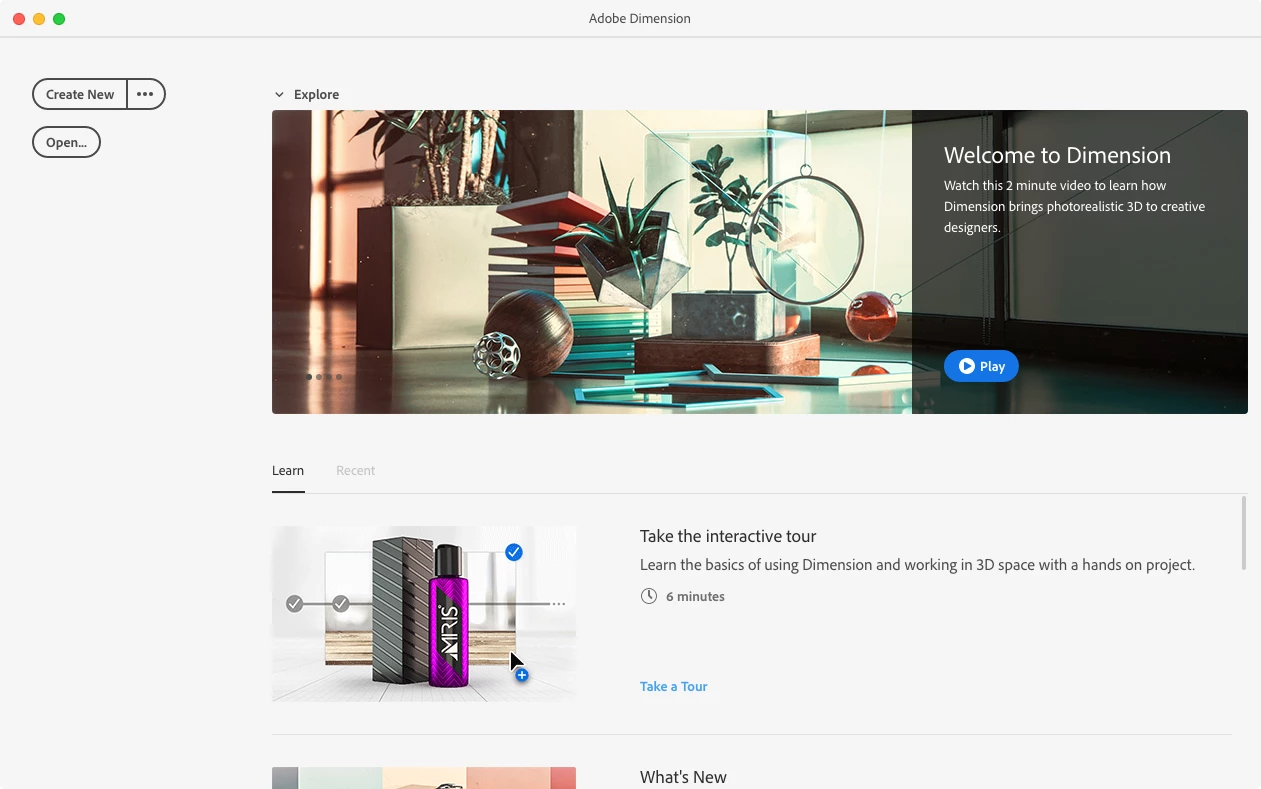
 

Whenever I click 'create new' or 'open' nothing happens

Also there is nothing in the menu bar apart from 'Quit'... which also doesn't work, I have to force-quit the app
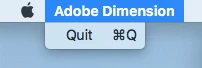
 

Could this be anything to do with my Mac being a late 2009 model? It is getting quite old now! But I generally don't have problems apart from it being slow at times

    This topic has been closed for replies.
    Correct answer Ussnorway7605025

    the install has failed and yes its because your Mac is just too old to run Dimension... 2011 is the [min] age chip that has any hope


    https://helpx.adobe.com/au/dimension/system-requirements.html


    4 replies

    Ben-Gee
    Inspiring
    March 15, 2022

    If your photoshop welcome screen is stuck and you can't see new files or images opened:

    Disable your graphics card link to photoshop - it is no longer supported:

    Settings -> performance - checkbox disable "use graphics processor"
    Camera-raw -> Performance -> Use Graphics Processor "OFF"

    Then update your graphics card drivers as they are released, and after every upgrade, try to switch these settings on again - if it doesn't work, switch them off.

    Ben-Gee
    Inspiring
    March 15, 2022

    If your photoshop welcome screen is stuck and you can't see new files or images opened:

    Disable your graphics card link to photoshop - it is no longer supported:

    Settings -> performance - checkbox disable "use graphics processor"
    Camera-raw -> Performance -> Use Graphics Processor "OFF"

    Then update your graphics card drivers as they are released, and after every upgrade, try to switch these settings on again - if it doesn't work, switch them off.

    Ussnorway7605025
    Ussnorway7605025Correct answer
    Legend
    March 8, 2020

    the install has failed and yes its because your Mac is just too old to run Dimension... 2011 is the [min] age chip that has any hope


    https://helpx.adobe.com/au/dimension/system-requirements.html


    lou-lilâm4933819
    Participant
    March 9, 2020

    Hi


    I am having the exact same issue, but my mac is a more recent one.
    Not sure what to do.

    Ares Hovhannesyan
    Community Expert
    Community Expert
    March 10, 2020
    Ares Hovhannesyan
    Community Expert
    Community Expert
    March 8, 2020

    I am on Win and there is HOME icon for showing Home screen. Hope this will help