Participant
March 20, 2023
Answered

Can't save textures

  • March 20, 2023
  • 1 reply
  • 333 views

I really don't know what to do anymore. 
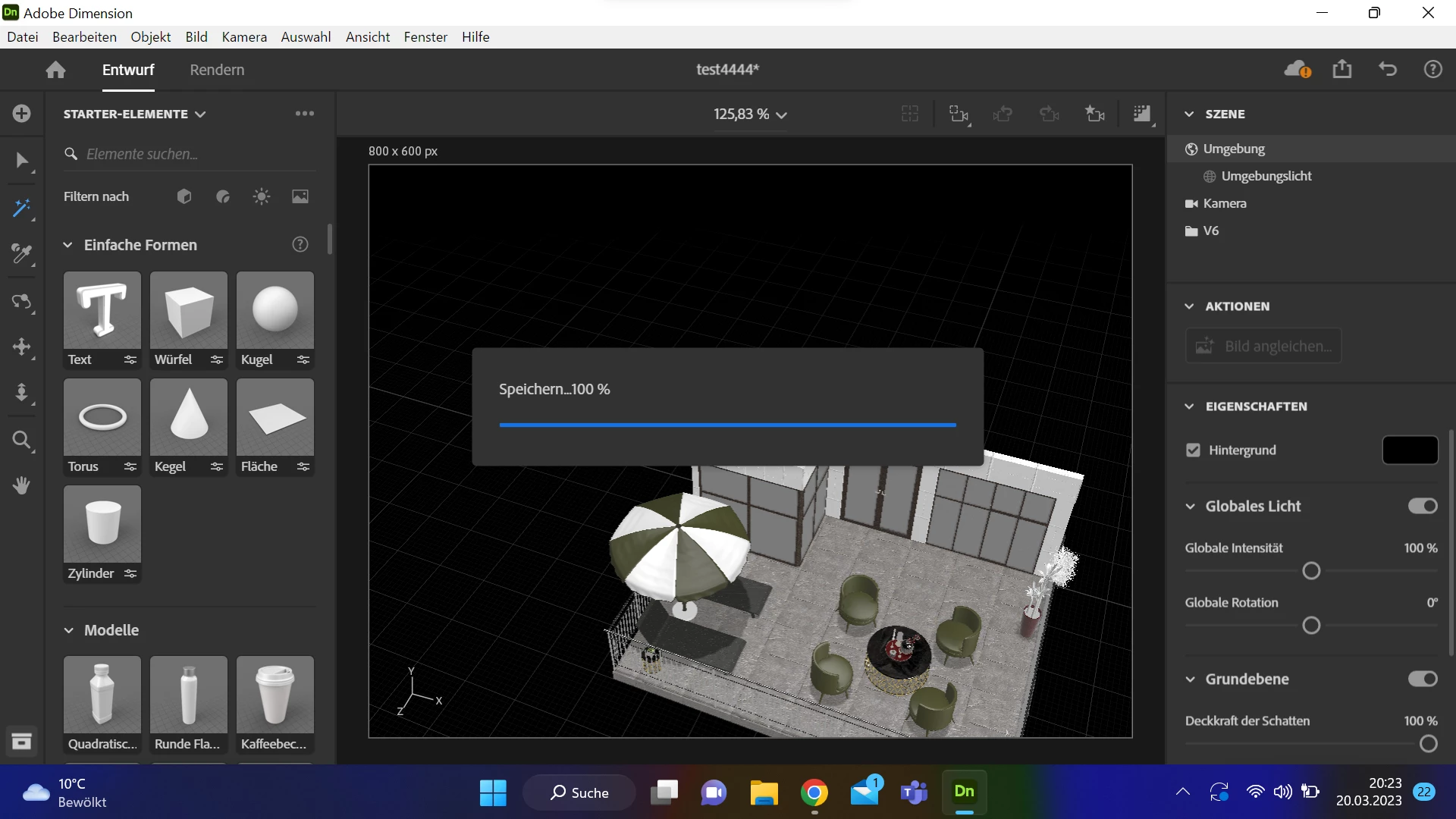
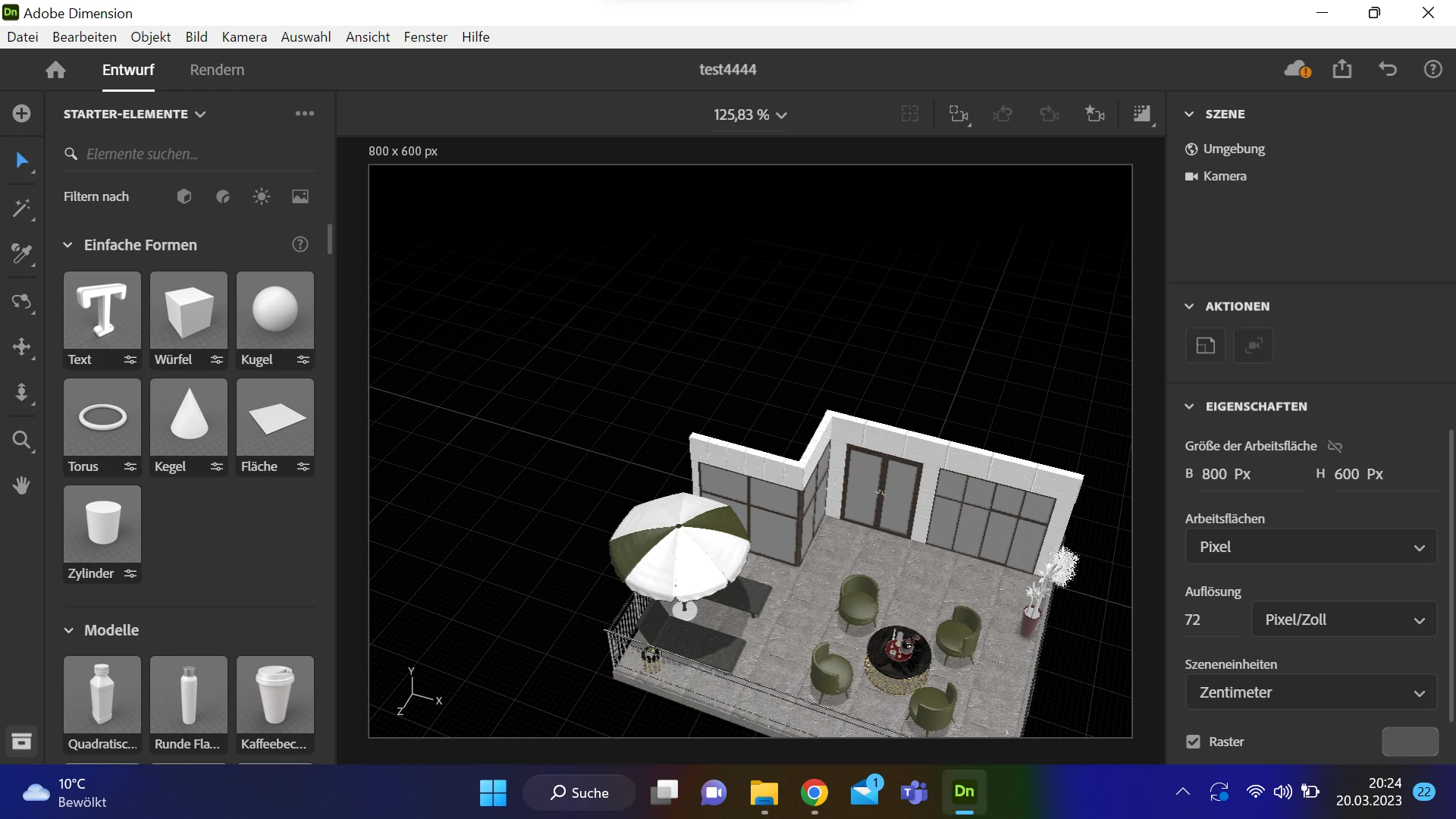
I can't work any longer on my project because it wont save... 
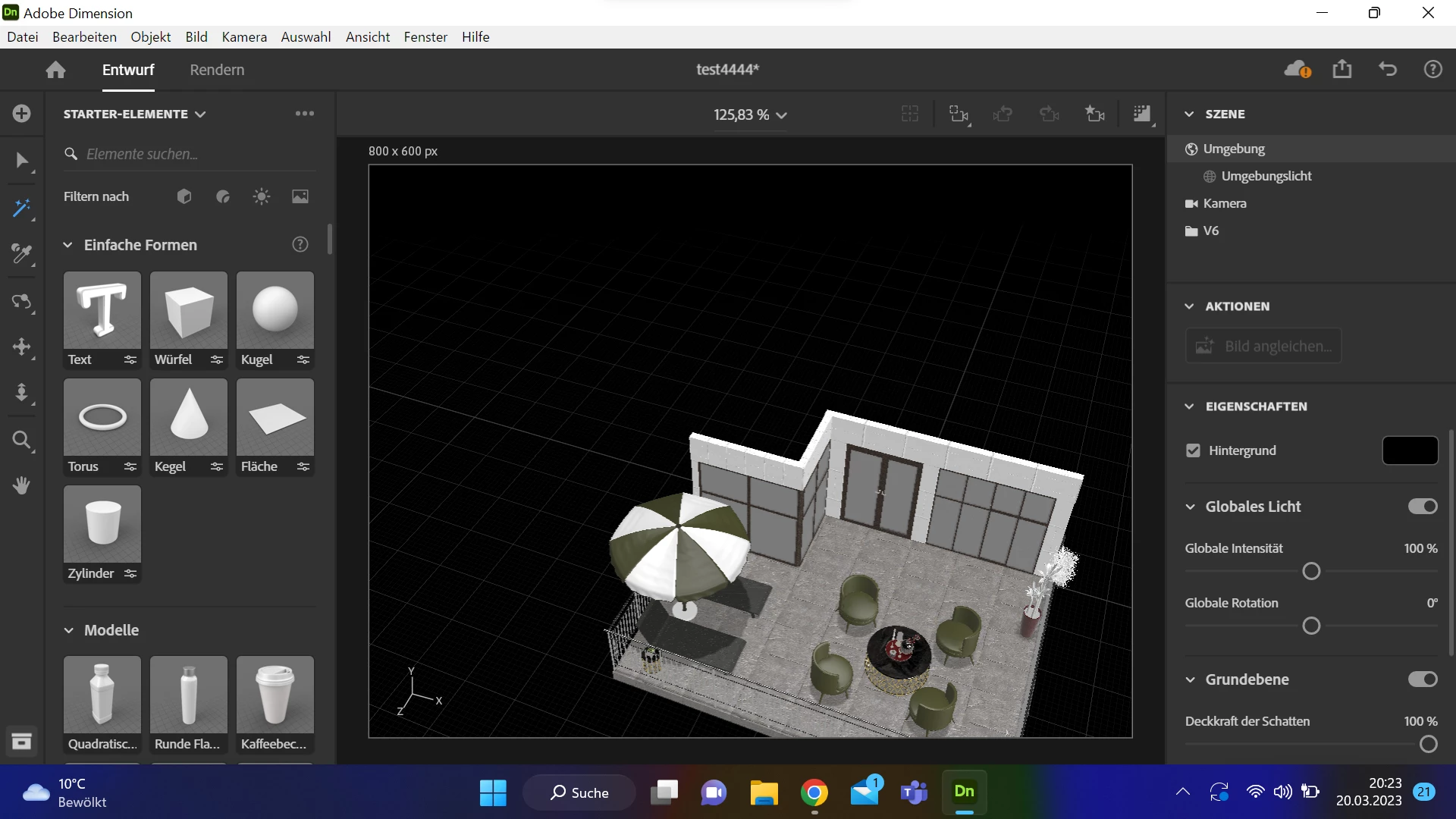
As you can see, the textures from the umberella is not loaded/saved.
However, it seems to be there anyway, since it is displayed to me in Dimension.
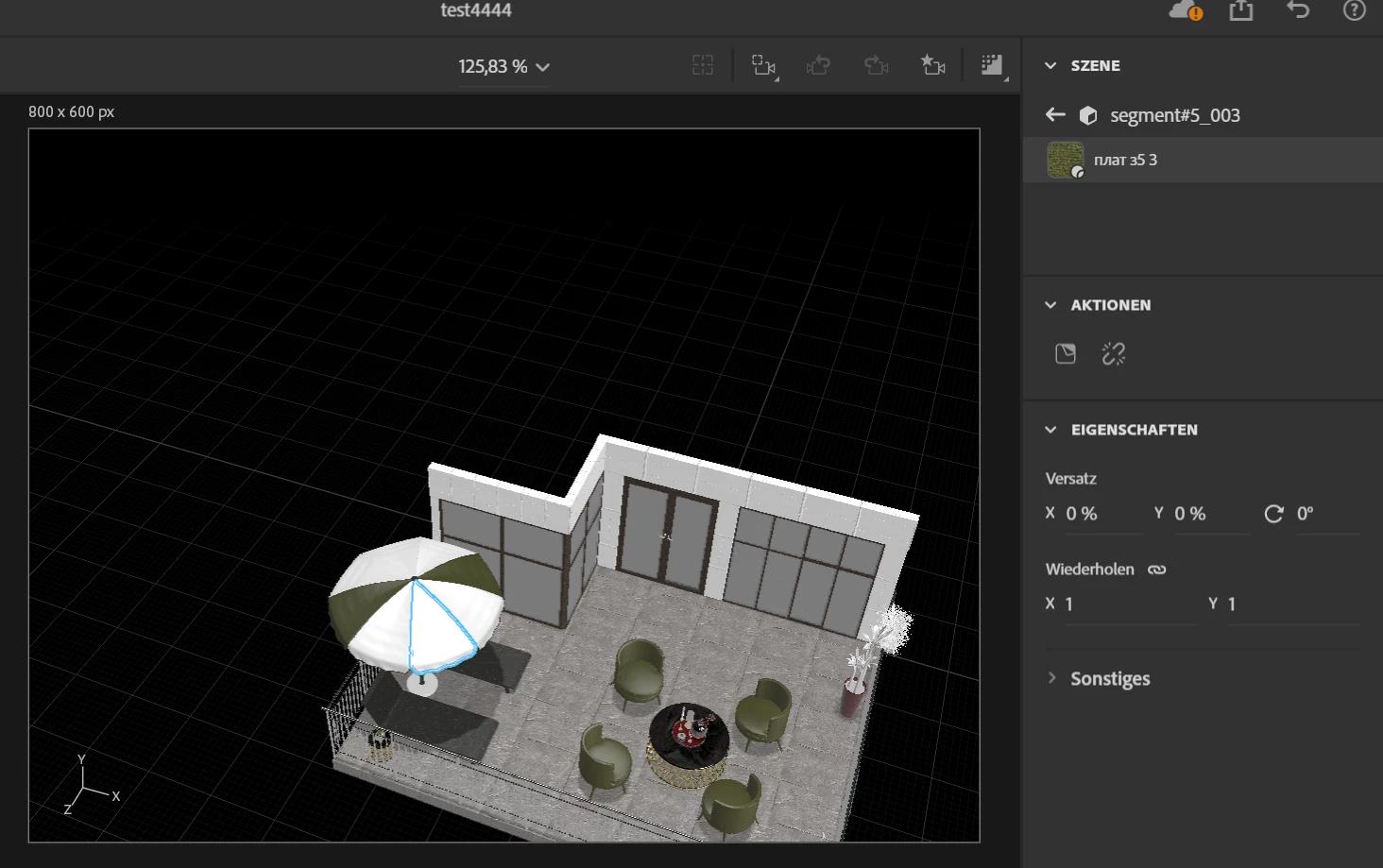

Got anyone a similar problem? 
I would be really grateful for help.

This topic has been closed for replies.
Correct answer Andreas28973978aeof

I have inserted a gradient for the object and then added the material... now everything is also saved. Thank you.

1 reply

Imaginerie
Community Expert
Community Expert
March 21, 2023

I can't really answer there as I never experienced this, but there was a similar post a while ago, where the person solved it by rendering, and the file saved after the render was done. Don't ask me why it worked though. It might just work and secure your file while you contact Adobe customer services to see if it's a bug...

Ares Hovhannesyan
Community Expert
Community Expert
March 21, 2023

Try to expert model as Dn file and then import it into new file. 

Participant
March 22, 2023

thank you for your answer, but that did not worked...