


Participant
February 10, 2022
Answered

Change the substance of only one object

  • February 10, 2022
  • 1 reply
  • 327 views

Hello,

I just started with dimension 3.4.5


I'm trying to import an 3D Object in Dimension.
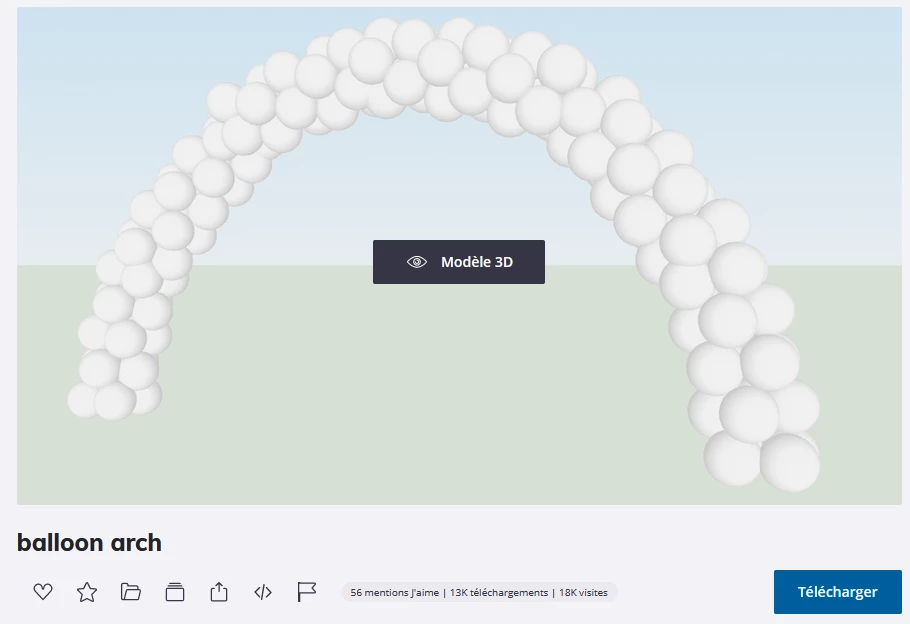
The object is well opened in Dimension.


But When i'm trying to change only the material for only one sphere, it changes the material for all object.

I'm trying to dissociate, ungroup, ...  the objects, but it's the same.


It's like if all the sphere are the same.
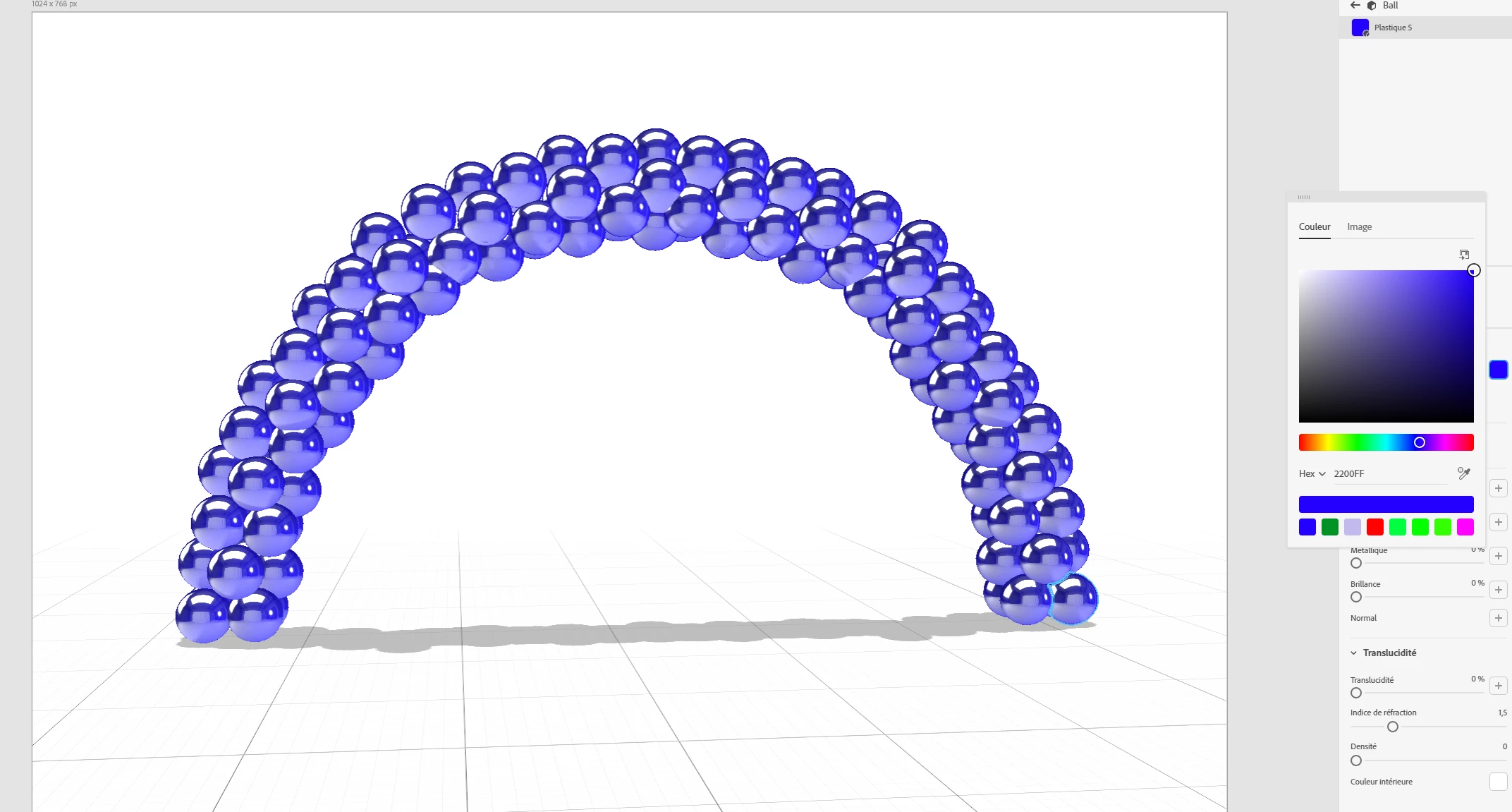
Could you help me ?


I'm trying to do something like that.
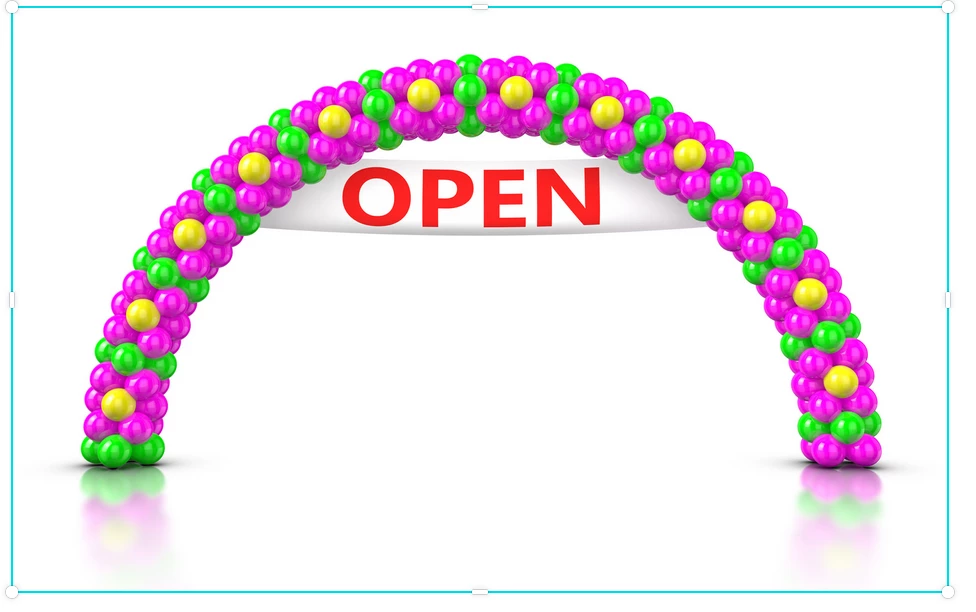
Thanks.

Cyril


This topic has been closed for replies.
Correct answer Ussnorway7605025

I am not sure but may be this is created from one mesh? What you think?


yes its prob a single mesh which means your idea of selection tool would be a workaround;

select a single ball or upscale the model first if its too small to select a single ball,

change the material of the selection then adjust the colour... repeat as needed but imo making the model from basic parametric shapes is the better workflow as he has full control and the end result will be cleaner

https://helpx.adobe.com/au/dimension/using/work-with-basic-shapes.html


1 reply

Ussnorway7605025
Legend
February 11, 2022
Participant
February 11, 2022

Hello

sorry, but i'm unable to obtain this unlink button.

It's strange.


But If I select only one ball and if I duplicate this ball, also I'm able to applicate a differente material to this new ball.


But, i'm unable to apply a specific material to only on ball in my arch.


An other idea ?


Thank.


Ares Hovhannesyan
Community Expert
Community Expert
February 12, 2022

Did you try to use Selection Tool or to "Convert to Basic Model"?

Is it possible to share 3d file to test?