


Participant
March 26, 2020
Answered

Created DN-file seems empty after re-opening

  • March 26, 2020
  • 3 replies
  • 775 views

Hello, I'm using DN 3.1.1 at Windows 10 and I've created a DN-file. The file opens without problems and the preview in the DN welcome-screen seems promising. But when the file is opened, nothing shows, eventhough the components of my model are listed in scenes. I've tried to fit to selection, fit to canvas, zoom in and out, move to ground, but the screen keeps empty.
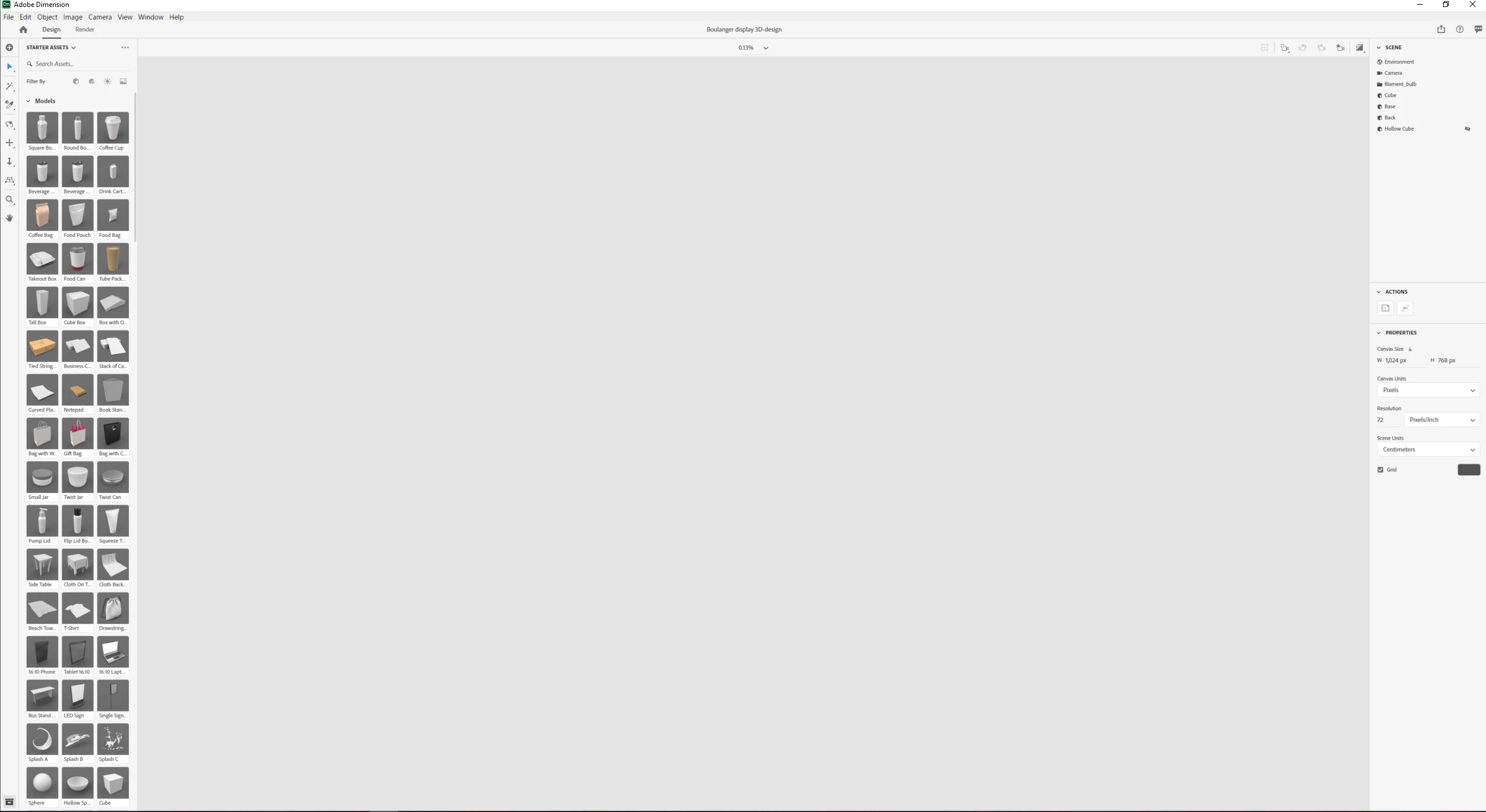
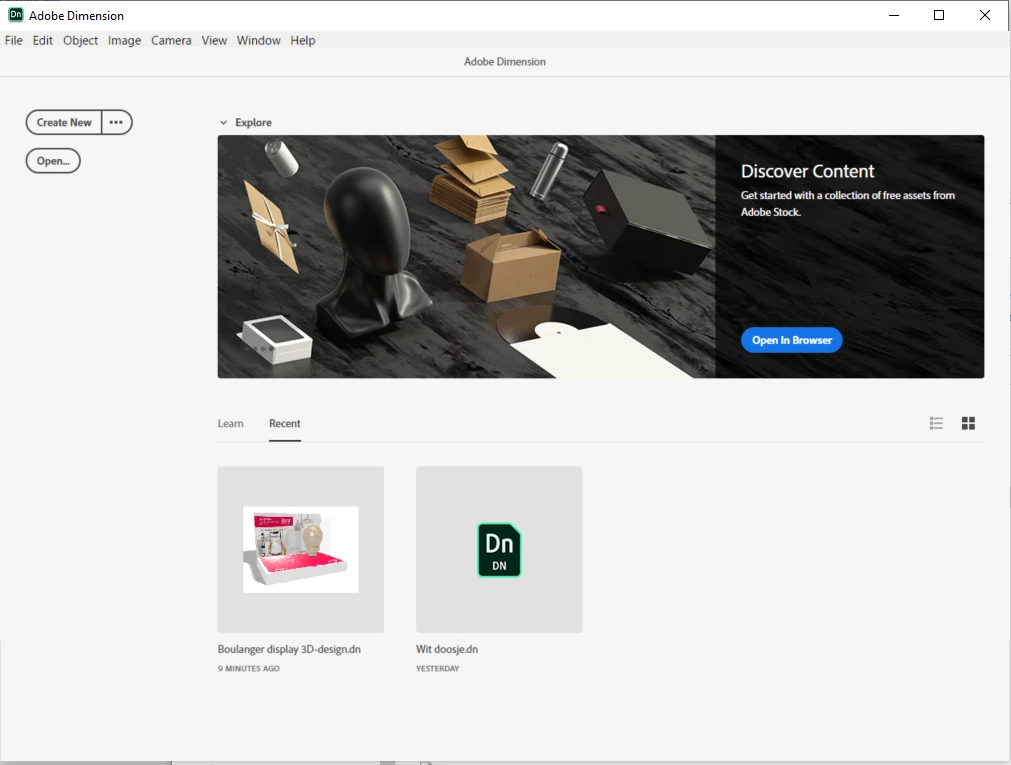


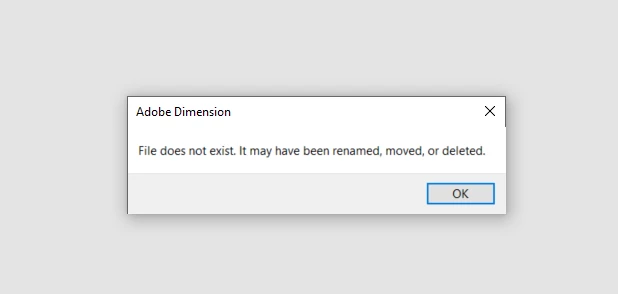
 I've installed a previous version of DN (3.1) but still no luck.This version tells me that this file was renamed, deleted or moved (which it was not) so there's an error.
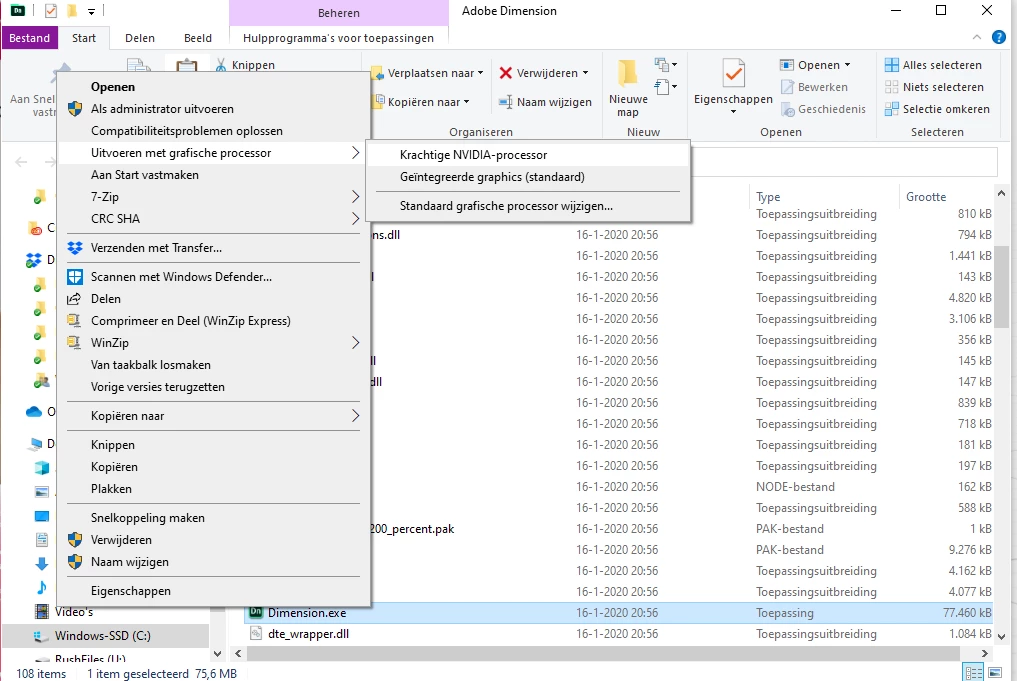
I tried to start over, but even a new document prevents me of being able to see anything happening. So basically I'm stuck. Does anybody have thoughts? 


[image size changed ussnorway]
This topic has been closed for replies.
Correct answer Innr

Thanks for checking. It isn't a school account.

I've checked my nvidia-processor again and by just selecting the the nvidia-processor it now works! 


Thanks for thinking along!

3 replies

Ussnorway7605025
Legend
March 26, 2020

after taking a better look at your screengrab... Dimension has failed to open

is this a school account perhaps?


this is a very common bug that you can report along with your log files https://feedback.adobedimension.com/forums/552760-adobe-dimension-bugs

InnrAuthorCorrect answer
Participant
March 27, 2020

Thanks for checking. It isn't a school account.

I've checked my nvidia-processor again and by just selecting the the nvidia-processor it now works! 


Thanks for thinking along!

Ussnorway7605025
Legend
March 26, 2020

the Dn file is fine at my end

Ares Hovhannesyan
Community Expert
Community Expert
March 26, 2020

Can you share file for testing? 

InnrAuthor
Participant
March 26, 2020