Participating Frequently
September 29, 2020
Answered

Decal Bleed Distortion

  • September 29, 2020
  • 3 replies
  • 587 views

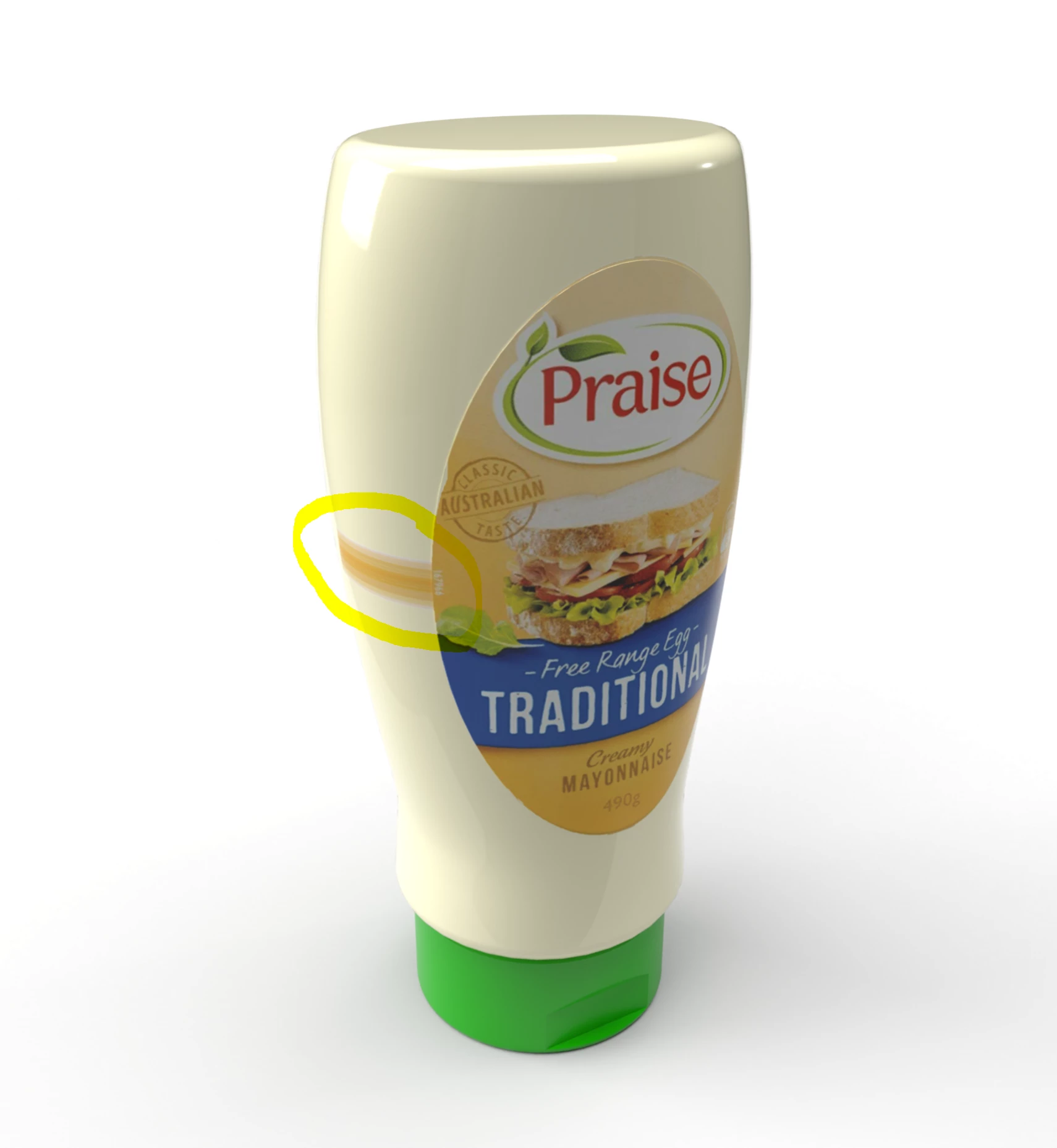
Has anybody had the same issue here with the decal distorting highlighted in yellow? It happens almost every decal I place but cant find any previous posts with this issue.

This topic has been closed for replies.
Correct answer Ussnorway7605025

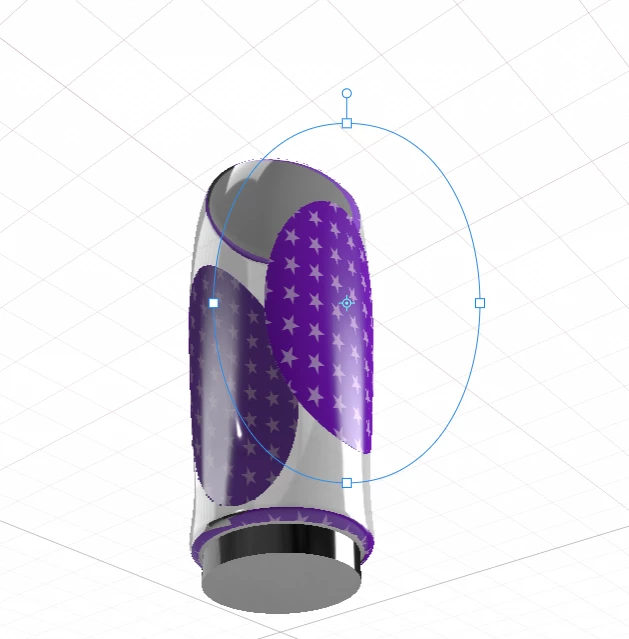
I got your file and confirm the error [bleed] is caused by the model UV map

your file back

some notes

  • the Dn file I'm sending back is a ful V3.4 public build... not just the model
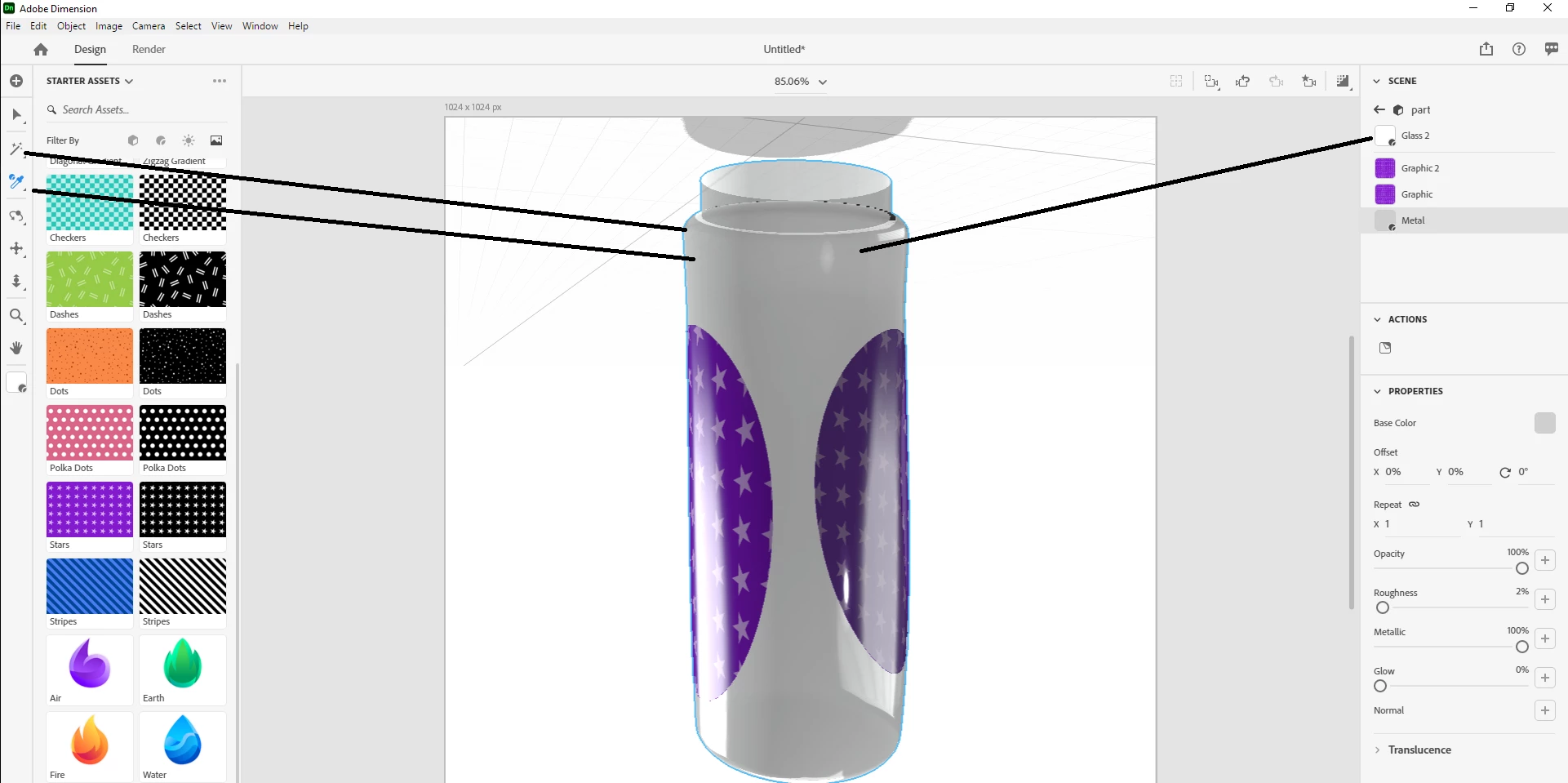
  • I tend to use the 'magic wand' + 'eyedrop' tools to repair these sort of errors by hand... the Ai just isn't up to it yet
  • you should be able to open these public build DN files in your beta because it is in fact the same build, however prelease builds are not something I'm allowed to talk much about here... they should only be asked in the prerelease forums where Adobe staff should know the answers

if you still get issues then please share the decal \ label you want to rendor and I'll try to repair the model at my end for you... good luck with it mate

3 replies

Ussnorway7605025
Ussnorway7605025Correct answer
Legend
October 1, 2020

I got your file and confirm the error [bleed] is caused by the model UV map

your file back

some notes

  • the Dn file I'm sending back is a ful V3.4 public build... not just the model
  • I tend to use the 'magic wand' + 'eyedrop' tools to repair these sort of errors by hand... the Ai just isn't up to it yet
  • you should be able to open these public build DN files in your beta because it is in fact the same build, however prelease builds are not something I'm allowed to talk much about here... they should only be asked in the prerelease forums where Adobe staff should know the answers

if you still get issues then please share the decal \ label you want to rendor and I'll try to repair the model at my end for you... good luck with it mate

Ussnorway7605025
Legend
September 30, 2020

that file is corupt


  • are you perhaps storing your models in Dn format? that is a known way to bugger files because the Dev team didn't test what happens when you change versions i.e, saving in Dn then upgrading to later builds = corupt files

have you got a copy of the models in Obj?

Ares Hovhannesyan
Community Expert
Community Expert
September 30, 2020

I have the same result.

Participating Frequently
September 30, 2020

Hi Ares

What version are you running?

I am running the BETA 4.0 which I should have mentioned in myearlier post.

Ussnorway7605025
Legend
September 29, 2020

if you share the Dn we can test it but no thats not normal and I would assume the model UV is the real issue


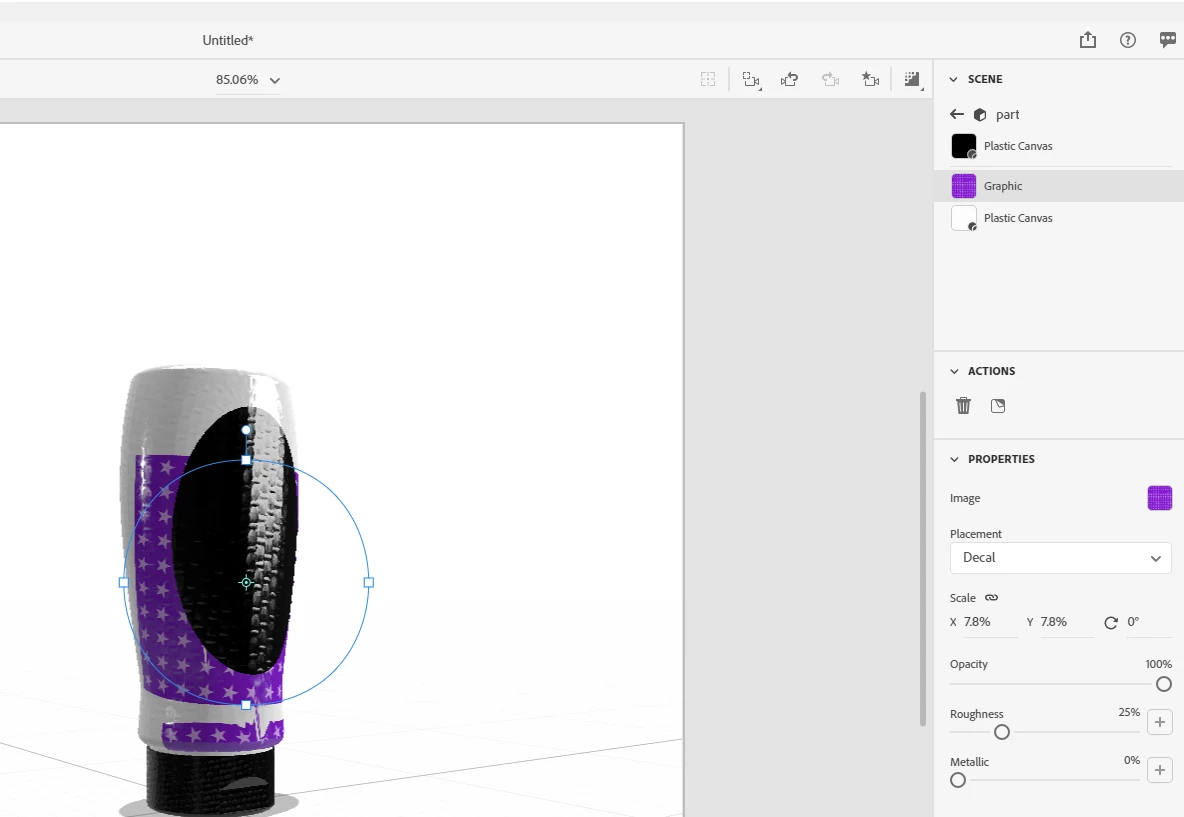
try removing the decal, select the bottle and ask Dimension to generate a new UV map then put the Decal back and run a test rendor

Participating Frequently
September 30, 2020

Hi Ussnorway

I really appreciate the reply, thanks!

I tried generating new UV's but no luck, I would be so gratefull if you could download (we transfer) and have a look for me.

Bottle Model: https://we.tl/t-z7pBgMEdWr


THANKS!!!