March 11, 2020
Answered

decal keeps appearing on two sides of the bottle

  • March 11, 2020
  • 6 replies
  • 4300 views

I made a bottle using illustrator and photoshop, and brought it into dimension as .obj


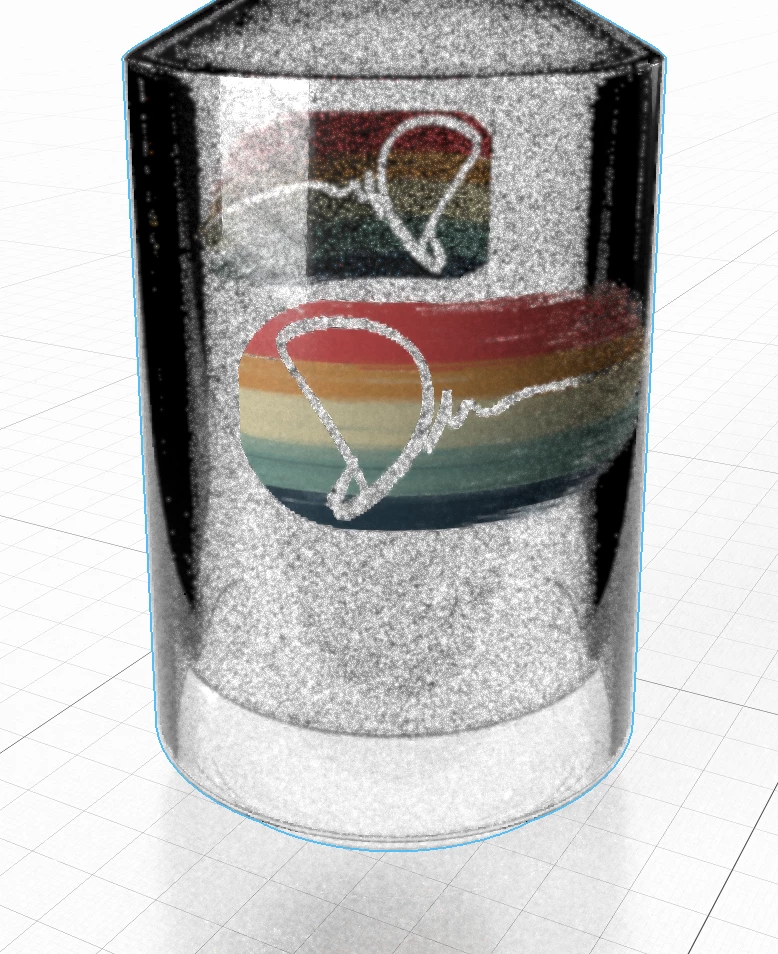
everything is working fine, except when I apply the decals, it appears on both sides (front/back) this is problematic since the bottle is clear glass and I only want the label to appear on one side. Is there any way to fix this?
 

    This topic has been closed for replies.
    Correct answer Ussnorway7605025

    your file back


    fix = make a new uv map


    6 replies

    Ussnorway7605025
    Legend
    May 20, 2020

    you didn't give me this image so I can't test it but sounds like the shape will end up being the problem i.e, a square image doesn't wrap without cutting part off or double up... you may have better luck learning Blender because that has a tool for unwrapping UV models so you can 'see' how the textures get wrapped around shapes


    @Ares no that bug is not the issue... at least not on the pill bottle I was given to test mate

    Participating Frequently
    May 20, 2020

    Its not an issue with the image size. I have attached my test label and when I add it to the model you sent over I cannot get the label to go all the way around. It repeats half way around for no reason?


    I think the UV mapping is fine as it goes all the way around the tub but its treating the image as though it isnt long enough when it is plenty long enough to go all the way around. Maybe I have some settings wrong but I can't see anything obvious?


    https://we.tl/t-4imkhv5T7y


    Ussnorway7605025
    Legend
    May 21, 2020

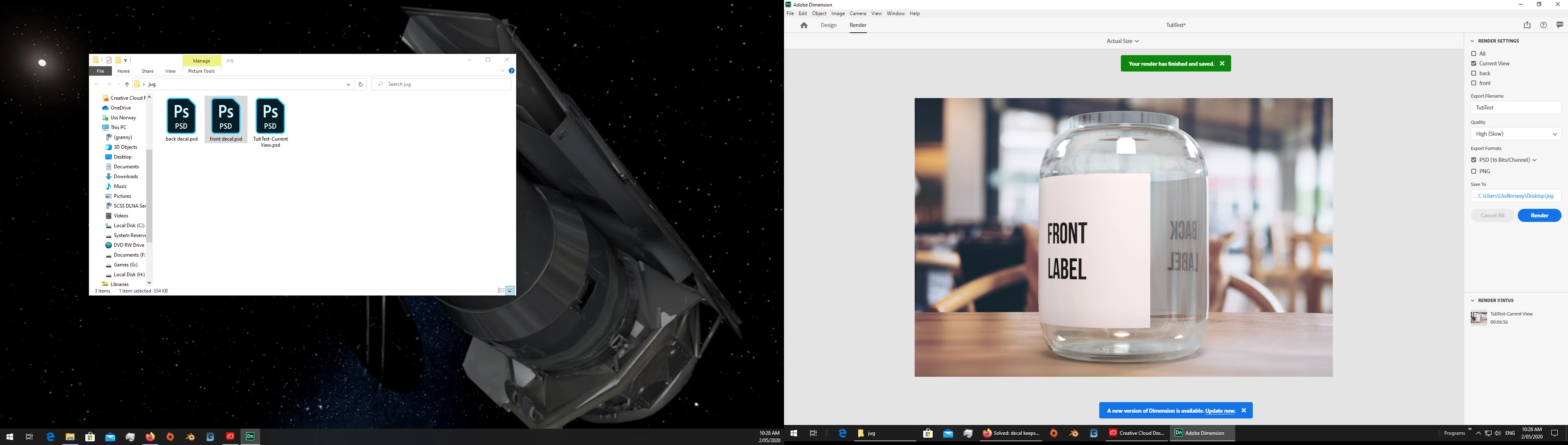
    your file back and I owe you an apology... the first label scale was also out and I missed that

    repair = i made you a new label at the correct scale

    Ussnorway7605025
    Legend
    April 30, 2020

    @colleenbruce, you have a different issue so the steps will be different for you

    the op wanted just one image and you in fact want two


    please share your Dn file and I'll take a look to see what can be done

    Participating Frequently
    May 1, 2020

    Hi,


    I am having the same issue as @colleenbruce, I have a clear tub with a different label on the front and the back. I created my tub using Illustrator and Photoshop and I can't figure out how to have two seperate labels.


    Here is my DN file https://we.tl/t-tp0z0OJMcb


    Ussnorway7605025
    Ussnorway7605025Correct answer
    Legend
    May 2, 2020

    your file back


    fix = make a new uv map


    Participant
    April 29, 2020

    Can you please explain these steps? I cannot seem to figure out how to get rid of the double side either. I'm trying to make a transparent front label, with also trying to have a transparent back (has different design than front) but it keeps mirroring and i can't figure out how to stop that. Can you explain what you're doing in this?

    Ussnorway7605025
    Legend
    March 18, 2020

    again, share the file = I'll test it for you

    Participant
    March 19, 2020

    Heres my file

    https://we.tl/t-1gIubRqE0k


    If it helps the model was made using photoshops 3D capabilities


    Thanks

    Ussnorway7605025
    Legend
    March 19, 2020

    thanks for the file... what matters is the way you made it in Photoshop i.e, a smart object = 2 faces for front and back

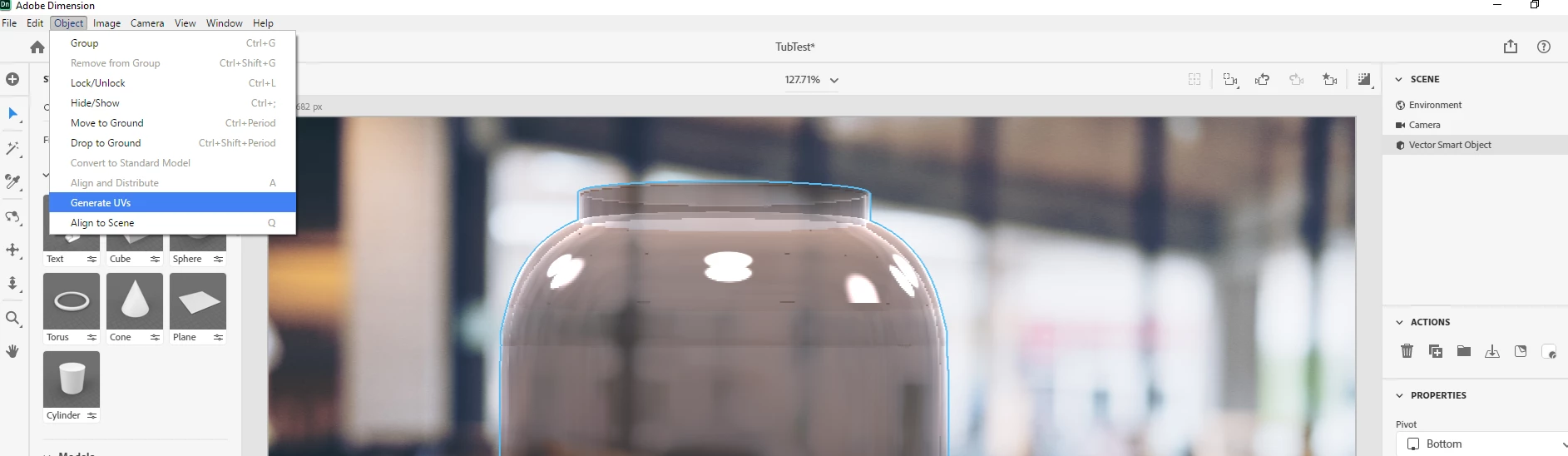
    the best way to repair your bottle is to select [just] the bottle and ask Dimension to make a new UV map... this will now have only a single face for the decal to fix to

    Ares Hovhannesyan
    Community Expert
    Community Expert
    March 18, 2020

    IF you using fill option for decal -you need to customize repeat value. 

    Ussnorway7605025
    Legend
    March 11, 2020

    the image looks like a fill not a decal... can you please share the Dn file so I can take a better look?

    Participant
    March 18, 2020

    Hi,


    Ive been having exactly the same issue on one of my bottle files, definitely got the label on the bottle as a decal and not a fill, but always gets replicated on the back of the bottle as well.