Participant
August 24, 2021
Answered

Decal Warp

  • August 24, 2021
  • 2 replies
  • 337 views

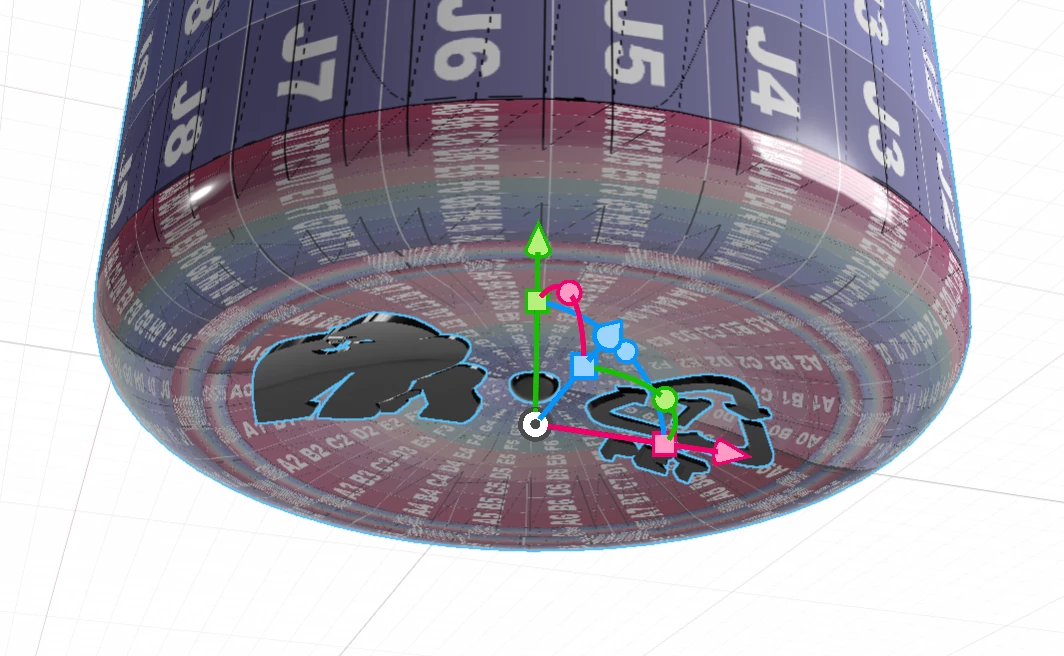
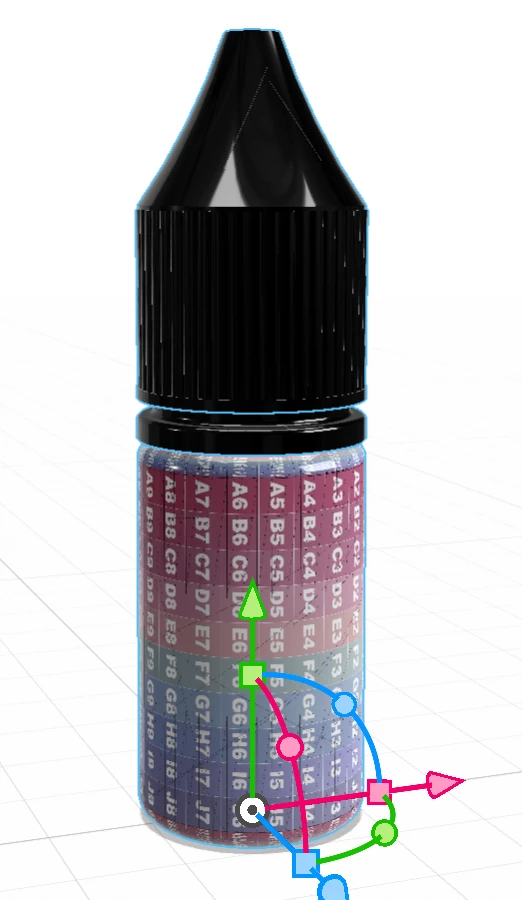
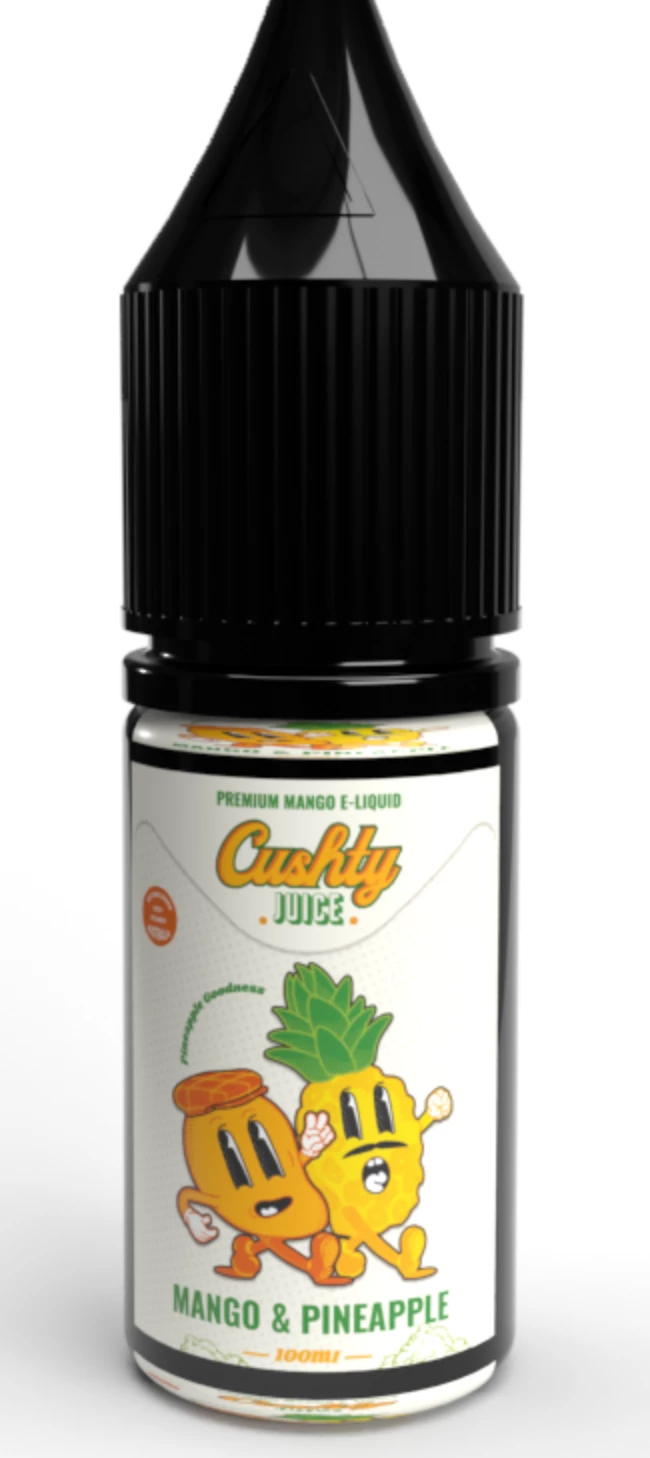
Hey Guys, Im wondering if someone can help me! Im trying to wrap a decal around a supplied bottle.obj and the decal is being reflected from the centre to the top and bottom of the body. I tried using the body Uv technique to see where I should place the artwork, but It is doing the same thing to the uv! 


Please help me! 🙂


Thanks Chey 
   

This topic has been closed for replies.
Correct answer Ussnorway7605025

try this;

step 1 remove the decal and any other labels from the bottle

step 2 select the bottle model and ask Dimension to generate a new Uv map for it

step 3 select a material for the bottle [doesn't really matter but lets assume glass]

step 4 now place your image as a decal... hold down alt [assumes Windows] and drag the bottle to make a new copy then change the image on the 2nd bottle from decal to fill


what does it look like now?

2 replies

Ussnorway7605025
Legend
August 27, 2021

if you think of your model as 'Origami' then the UV map shows how that paper looks when layed out flat


there are a lot of ways you could make the map for that model and basic error is the short cuts taken when it was made but Dimension knows what a bottle should look like... something as basic as a record disc with a hole in the center will totally bugger it however so its always a bit of random as to if making a new UV map will solve your issue


other things to try include grabbing the well made wine bottle template from Photoshop 3D before Adobe tosses it in the trash can later next month and using the label from that or of course learn to make your own maps with software like Blender or Iclone

Ussnorway7605025
Ussnorway7605025Correct answer
Legend
August 25, 2021

try this;

step 1 remove the decal and any other labels from the bottle

step 2 select the bottle model and ask Dimension to generate a new Uv map for it

step 3 select a material for the bottle [doesn't really matter but lets assume glass]

step 4 now place your image as a decal... hold down alt [assumes Windows] and drag the bottle to make a new copy then change the image on the 2nd bottle from decal to fill


what does it look like now?

Participant
August 27, 2021

Hey! Thank you so much for your help, it is working now! Can I ask you what generating UV maps does? Because that may be the reason its actually working now! 


I am new to this software I normally photoshop the labels on the bottles, 


Thank you for helping me out I really appreciate it 🙂