



Question
Difficulties rotating decal to a necessary degree
Greetings!
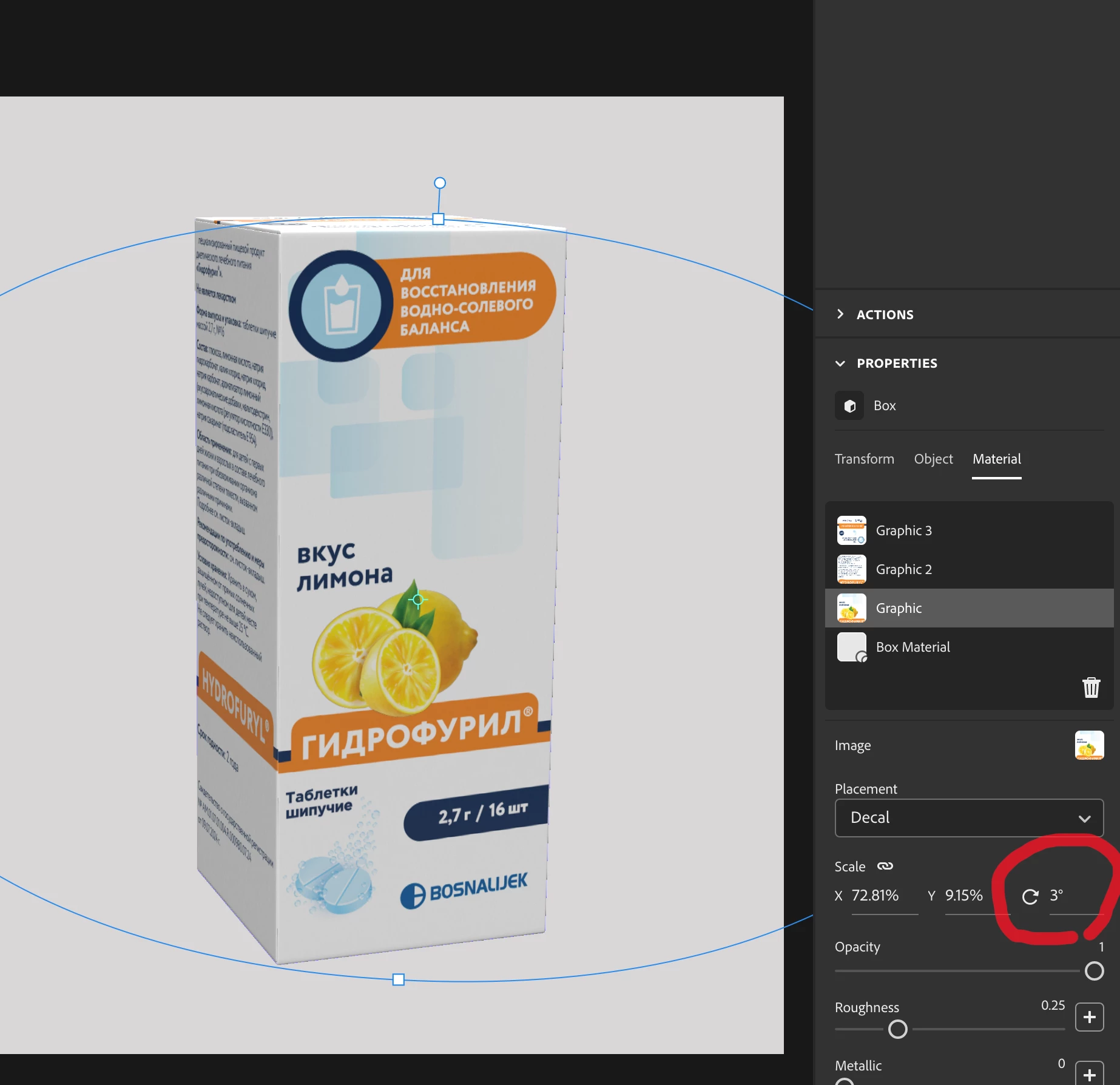
I had this issue for years now, but now decided to address it here: when I have a 3d model, for example a paper packaging from Dimensions library, and put a decal on it, I can never rotate it so that is aligned precisely with line of the horizont, or an edge of a packaging. Whenver I rotate it with a little handle for rotation the step is too big, even if it is just 1 number up or down. Is there a shortcut maybe to hold a key and make rotation more precise?
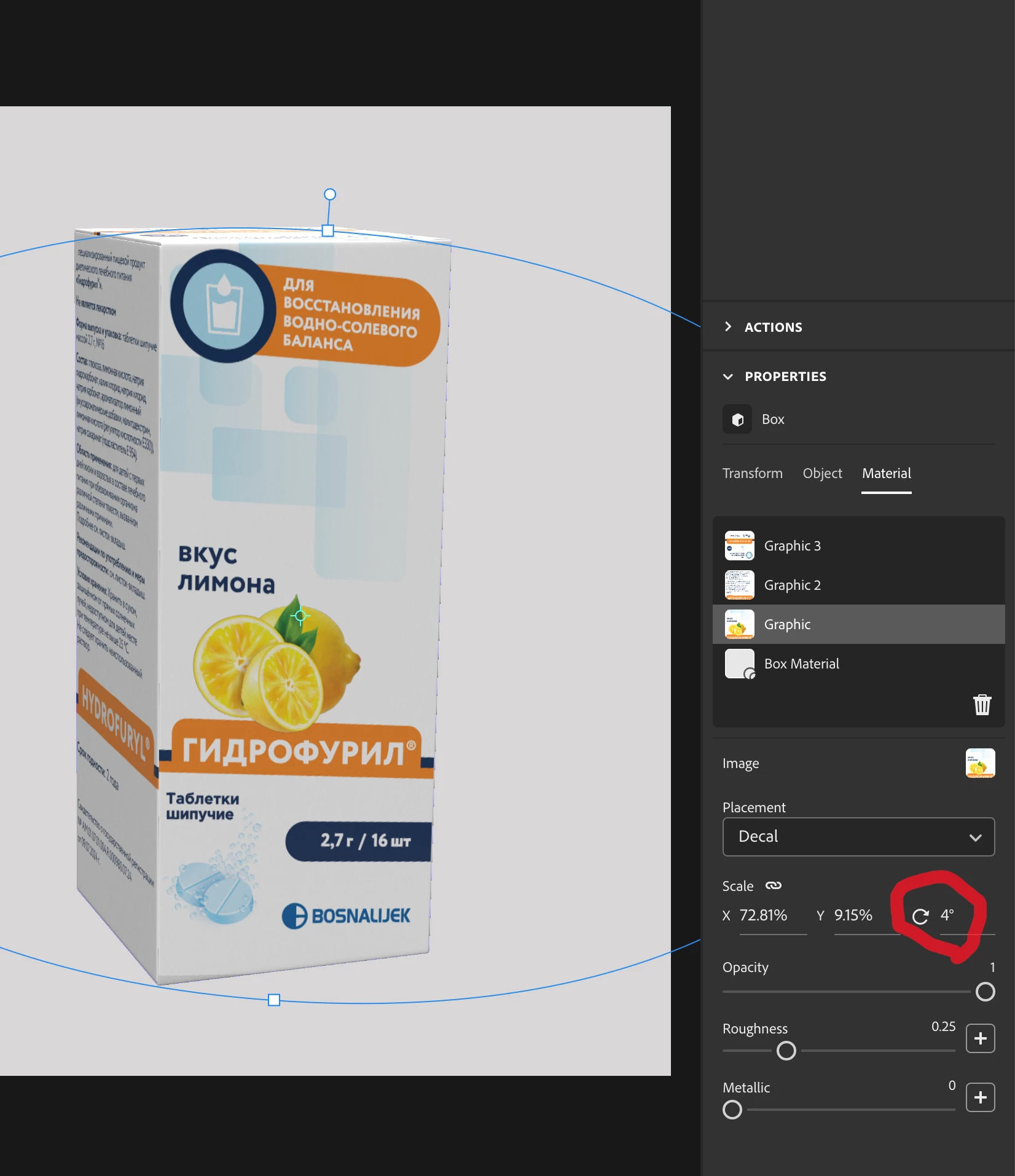
Like here, 3 degrees is almost there, but still not exactly the same level, and I cannot do fractions to fine rotate it(
 AdChoices