mauriziom56790583
Participant
September 17, 2018
Answered

Dimension CC Decal full cover

  • September 17, 2018
  • 1 reply
  • 377 views

Hi there, after trying with the Adobe Support staff (without any solution), now I try with the Community.

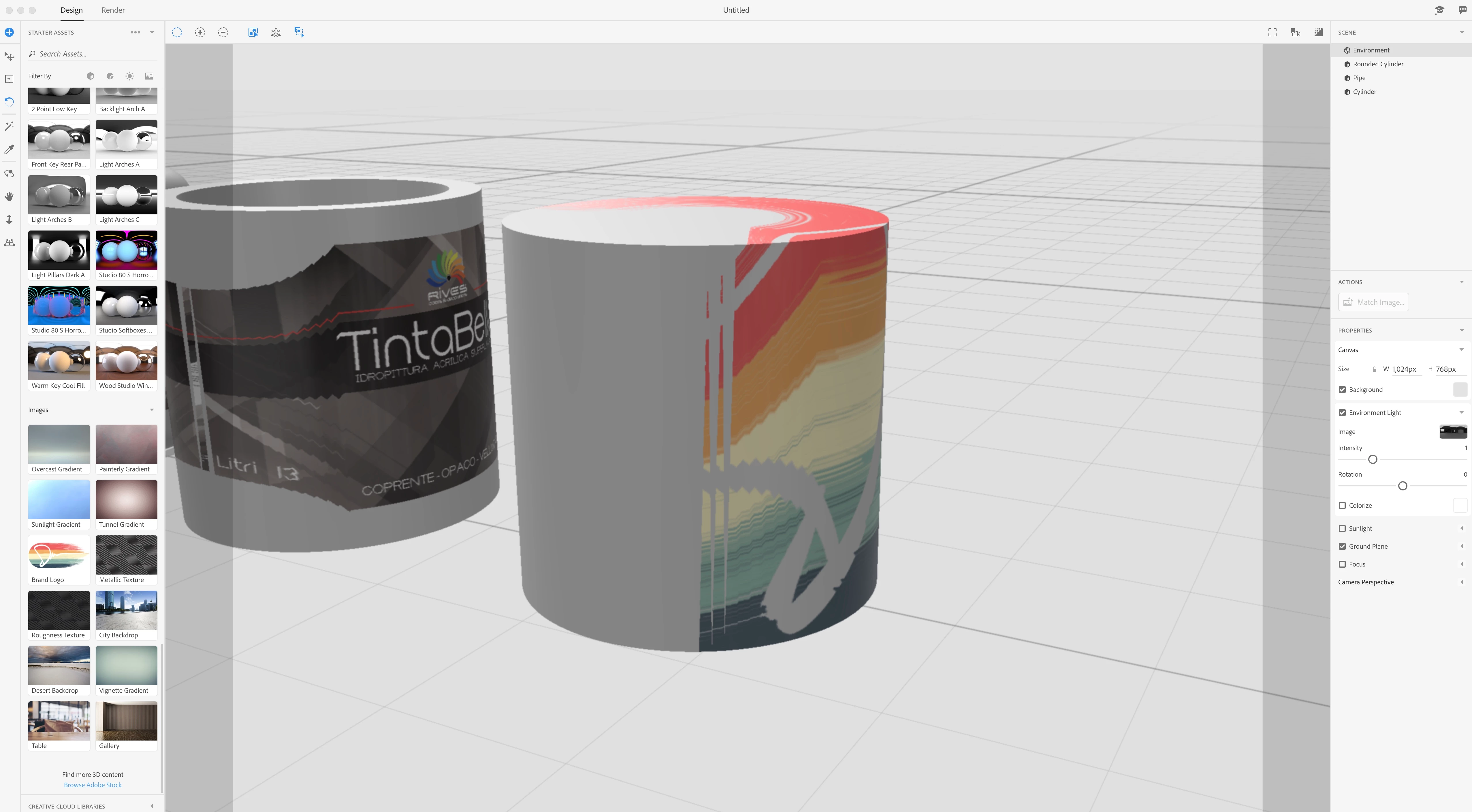
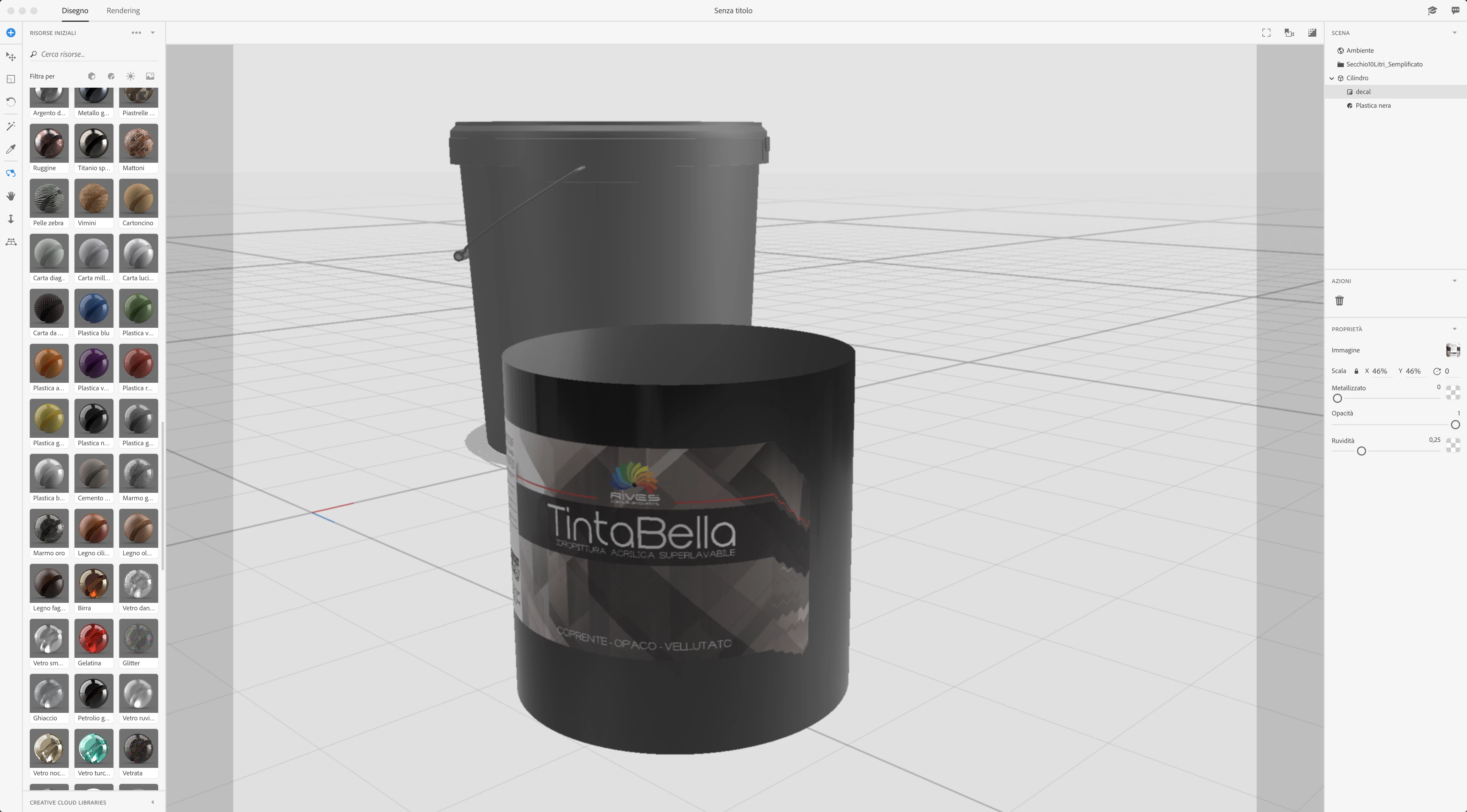
I have to create a full cover Decal for a bucket model. But I have this problem:
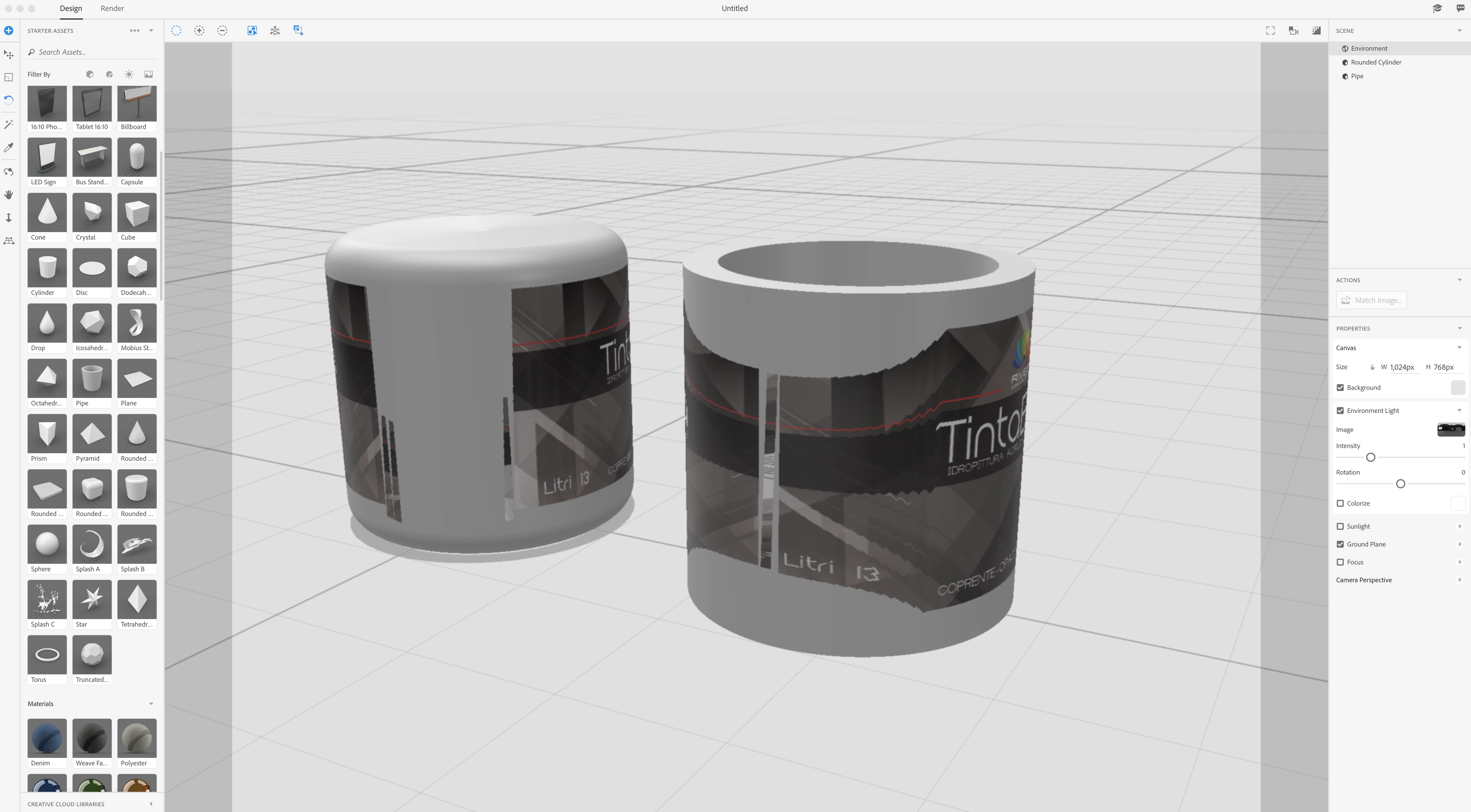
If I try to scale the Decal in order to cover all the object surface, the decal stops covering the entire area and begins to alter the graphics.

Any solution for me?

it seems to me to be a bug even if every time I looked for assistance from adobe they always told me to follow some video tutorials that do not indicate in any way how to solve this problem.

I am very disappointed with Adobe support.

This topic has been closed for replies.
Correct answer JeanetteMathews

This behaviour is much better in our current development builds, but this isn't publicly available yet.  You can sign up for the Dimension prerelease program to get early access to features and improvements.  I will say it's not perfect in the new version, but you can also add multiple graphics in the new build, so you could split it into front/back panels pretty easily if needed.  Artwork mapping and projection methods is an area we'll continue to invest in.

1 reply

JeanetteMathews
Adobe Employee
JeanetteMathewsCorrect answer
Adobe Employee
September 17, 2018

This behaviour is much better in our current development builds, but this isn't publicly available yet.  You can sign up for the Dimension prerelease program to get early access to features and improvements.  I will say it's not perfect in the new version, but you can also add multiple graphics in the new build, so you could split it into front/back panels pretty easily if needed.  Artwork mapping and projection methods is an area we'll continue to invest in.