

Participant
April 28, 2023
Question

Dimension Decal Distortion
  • April 28, 2023
  • 1 reply
  • 221 views


 Hello

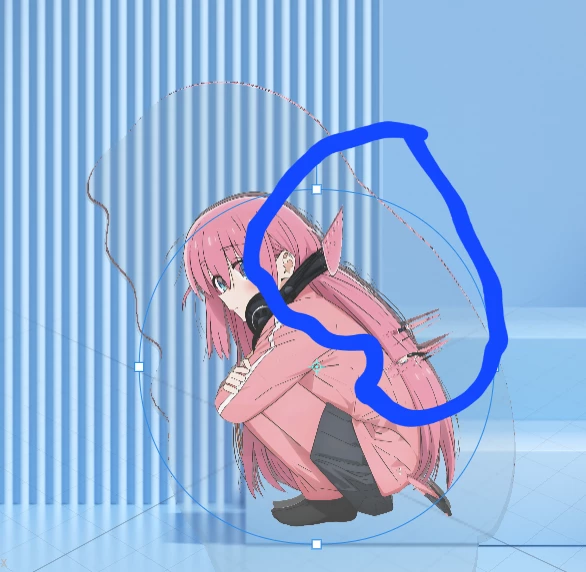
 Specifying an image as a decal option on a modeling object causes distortion like a picture.

 How do you solve it?

This topic has been closed for replies.

1 reply

Imaginerie
Community Expert
Community Expert
April 28, 2023

You can try a quick option to "generate UV" (object>generate UV)


if it doesn't work it's probably the way the object/model was built, in that case you can still Export the UV, open it in Photoshop and place the decal directly in Photoshop, save and and upload it again in the same menu as the "Generate UV".
UV can sometimes be puzzling (the faces appear like an unfolded package, so not necssarily straighforward to figure out)
https://blog.adobe.com/en/publish/2020/09/29/uv-export-dimension-uv-mapping-texturing