April 30, 2018
Answered

Dimension Decal Pinching and acting weird around corners.

  • April 30, 2018
  • 2 replies
  • 404 views

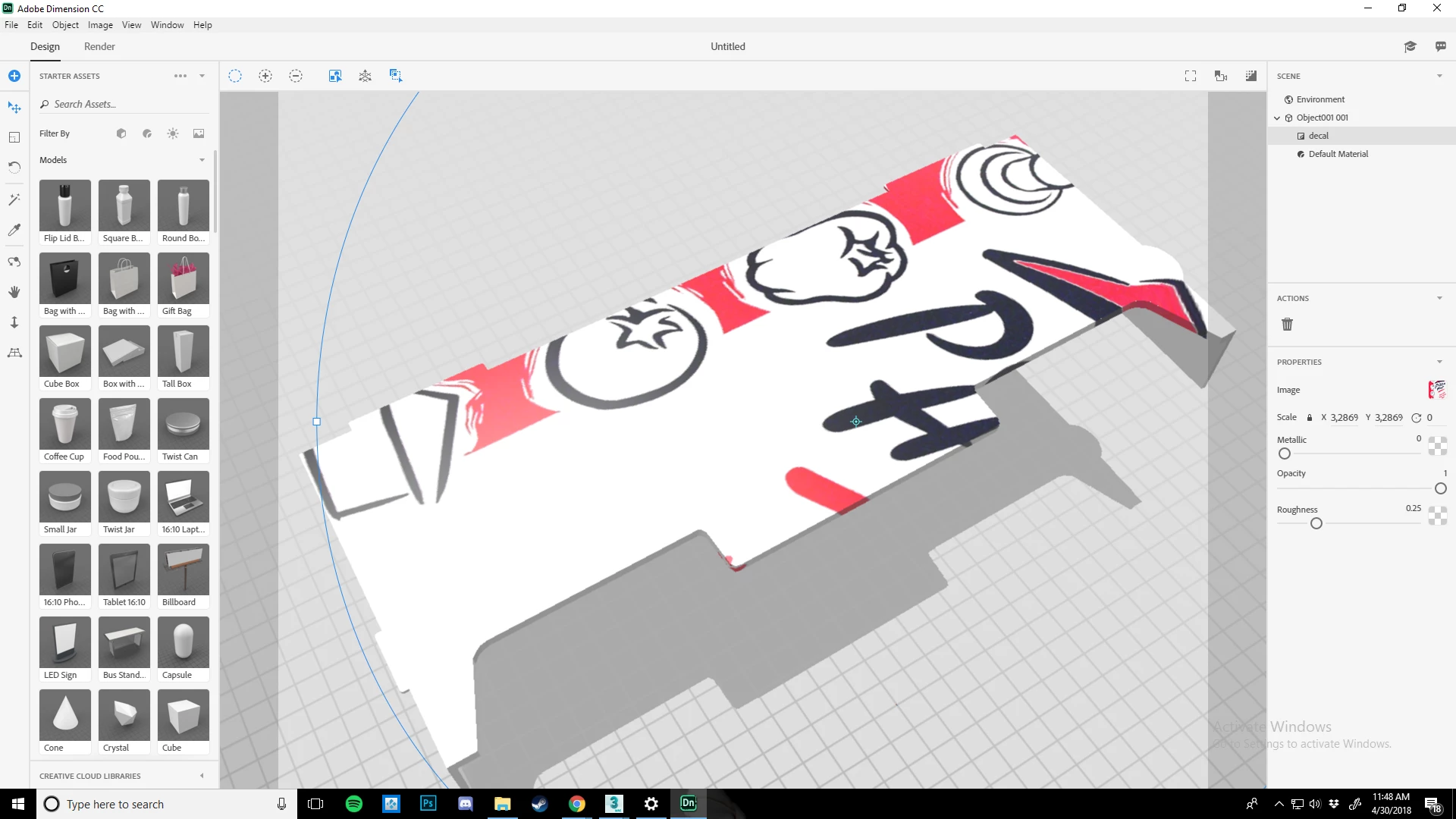
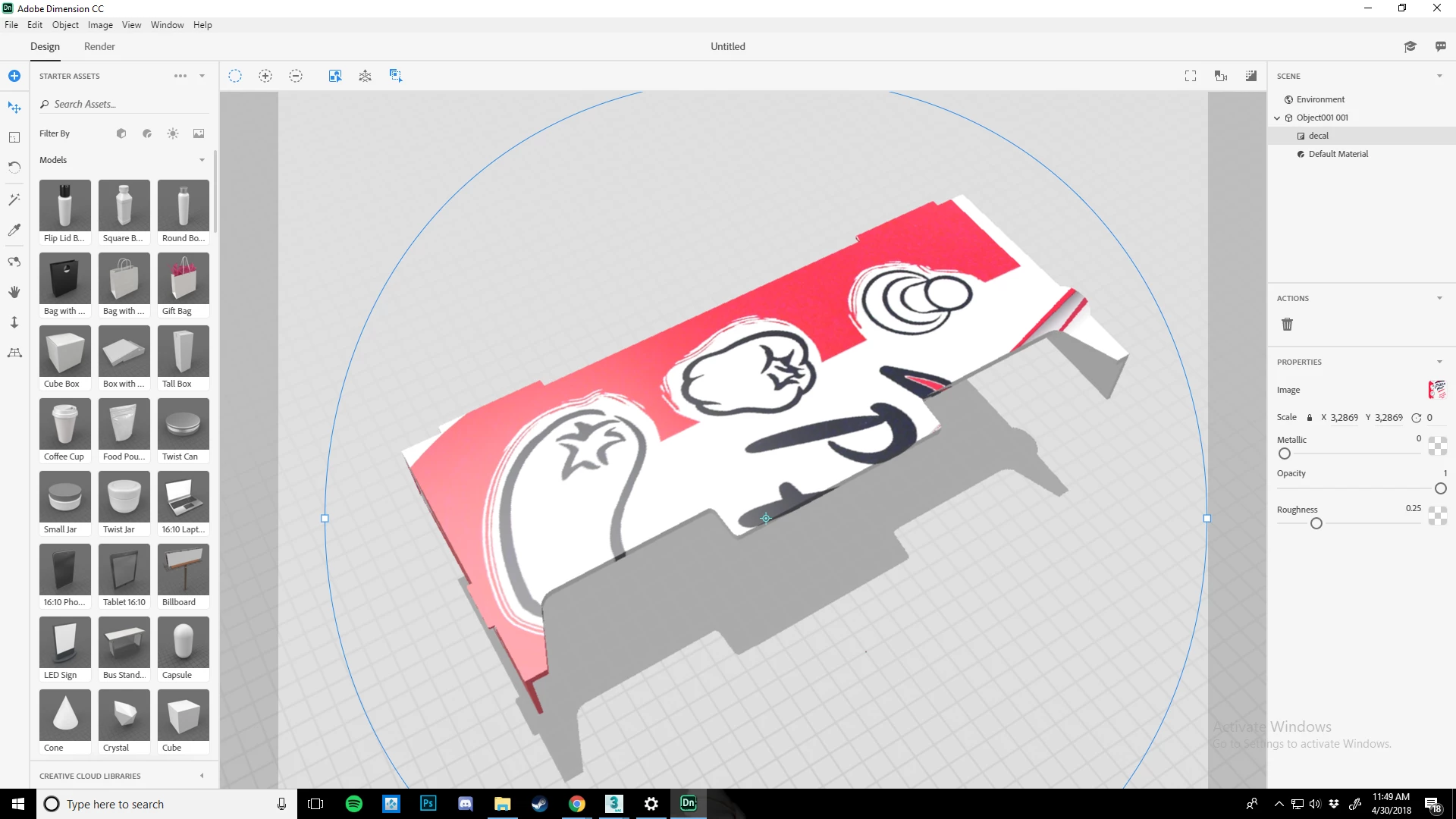
So im making a special box and for some reason the decal I put on it looks fine. But when it gets like halfway around a edge it wigs out and stretches, pinches etc. My model has really clean Geo and Unwrap because I have been having the problem. It has gotten much better but its still not fixed and I dont really know what do do beyond this. I have multiple pieces with similar shapes that art doing the same thing.
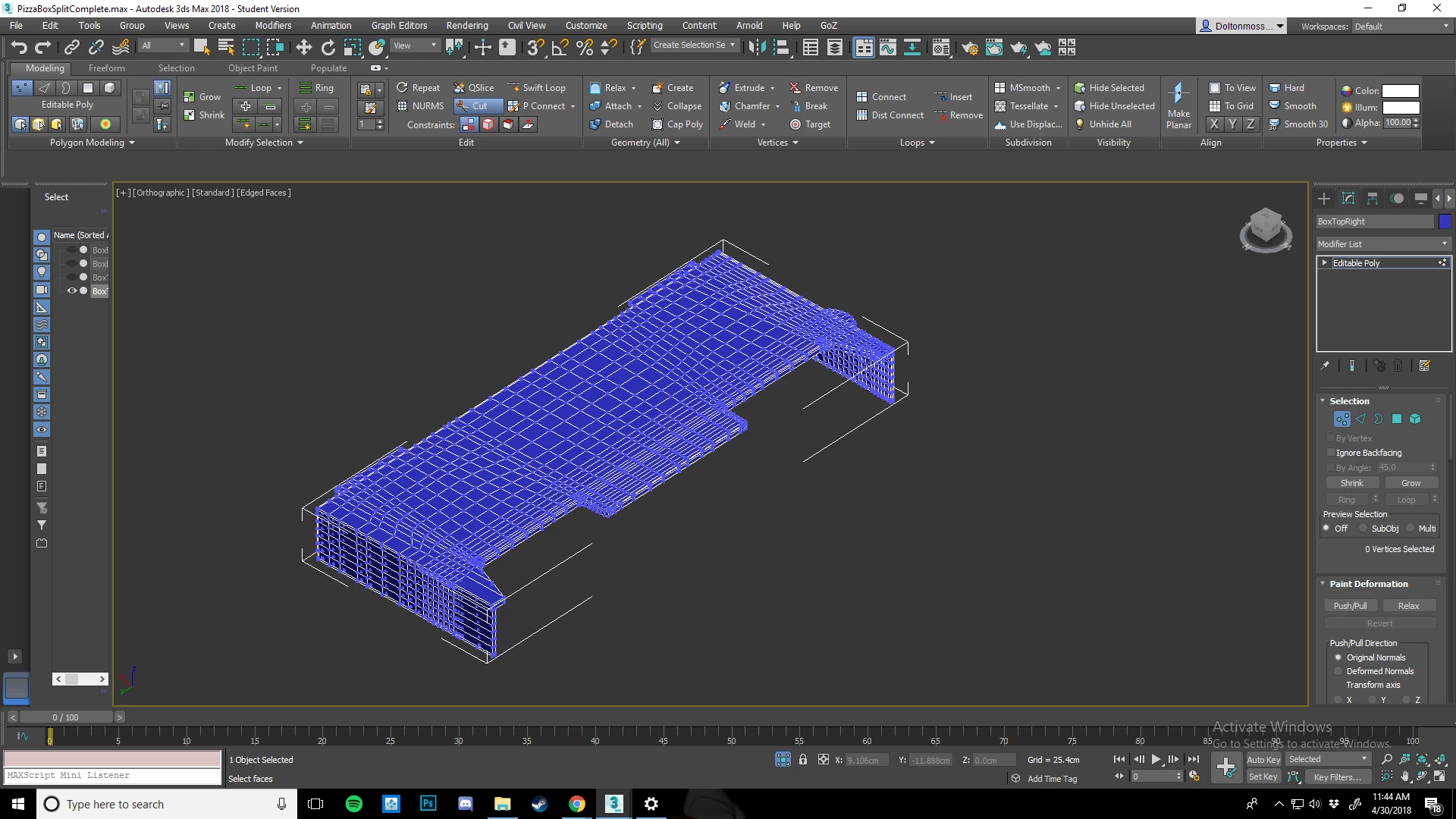
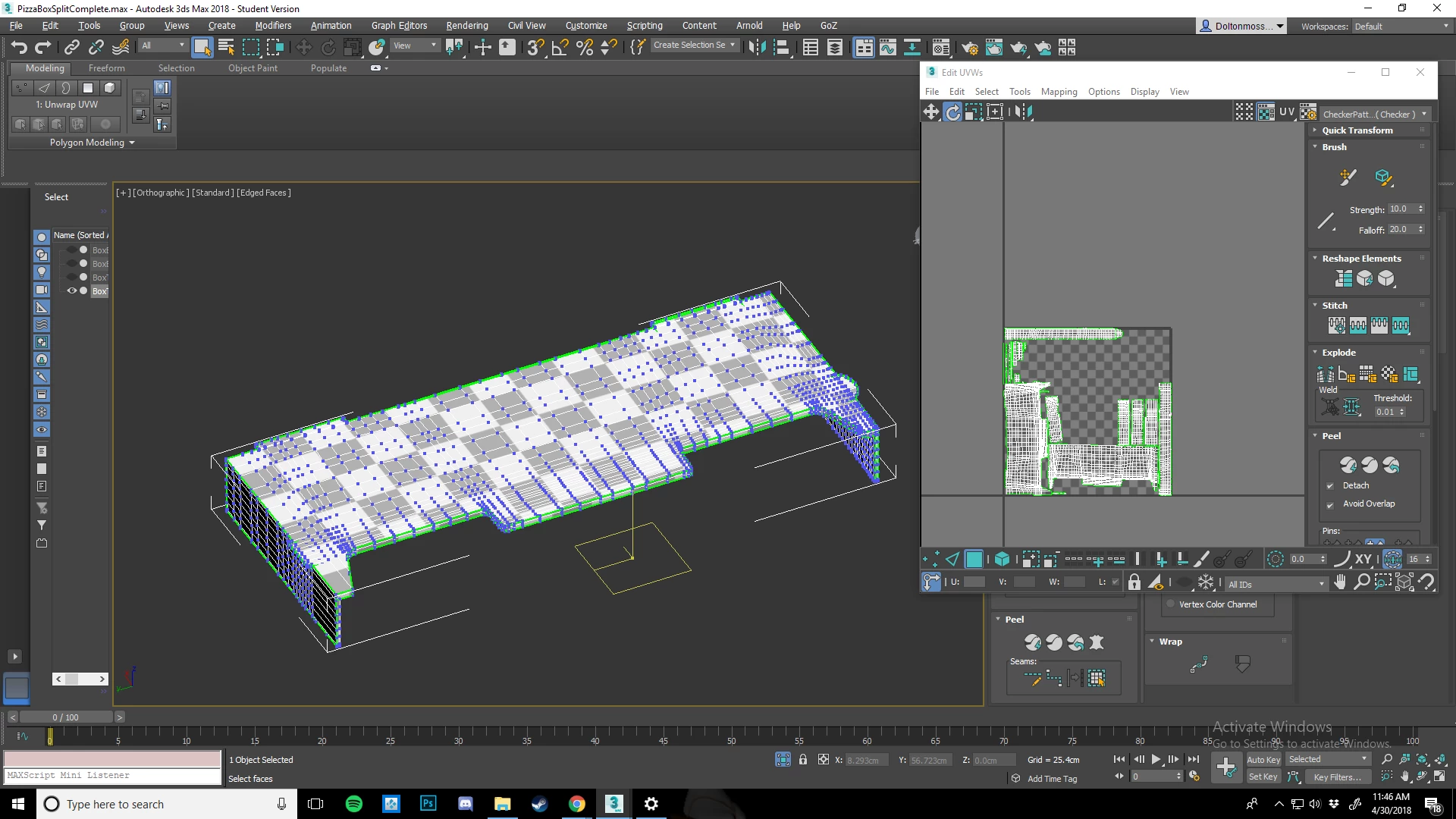
But this is where things start getting wonky
This topic has been closed for replies.
Correct answer JeanetteMathews

Hm, unfortunately not much I can say here.  Decals are pretty smart about relatively straight corners or organic shapes, but these types of cutouts can just be difficult for it to auto-wrap.  We're adding more control around how images are applied in our next release but this won't be available for several months, so there's nothing I can really recommend short-term.  This is just a technology limitation at the moment.

2 replies

JeanetteMathews
Adobe Employee
JeanetteMathewsCorrect answer
Adobe Employee
May 1, 2018

Hm, unfortunately not much I can say here.  Decals are pretty smart about relatively straight corners or organic shapes, but these types of cutouts can just be difficult for it to auto-wrap.  We're adding more control around how images are applied in our next release but this won't be available for several months, so there's nothing I can really recommend short-term.  This is just a technology limitation at the moment.

May 1, 2018

Appreciate the information. have a good one.

May 1, 2018

Bump, Please anyone cant figure this out.