Ussnorway7605025
Legend
March 9, 2019
Question

Dimension map reading issue

  • March 9, 2019
  • 1 reply
  • 437 views

problem = Dimension sometimes misreads maps... in this case an opacity map
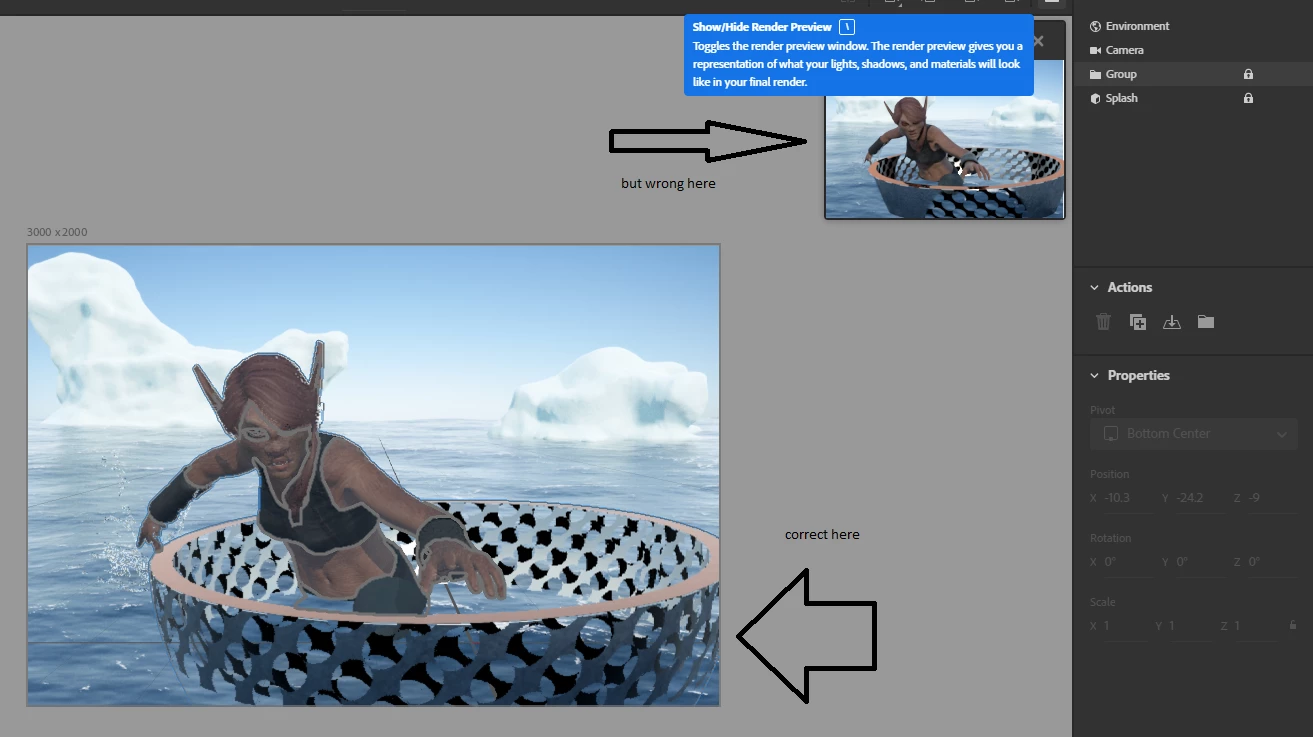
work around = set the maps manually

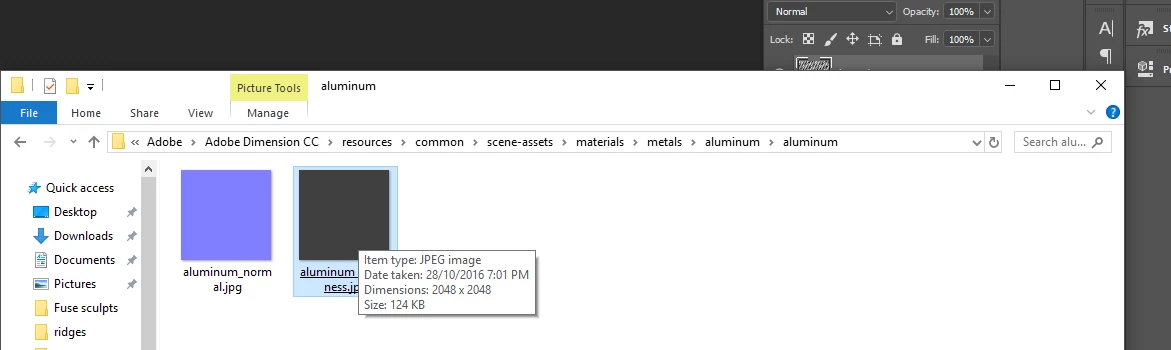
  1. i know from the files that Dimension likes 2048 so I edit one of these to make my map the same size | scale
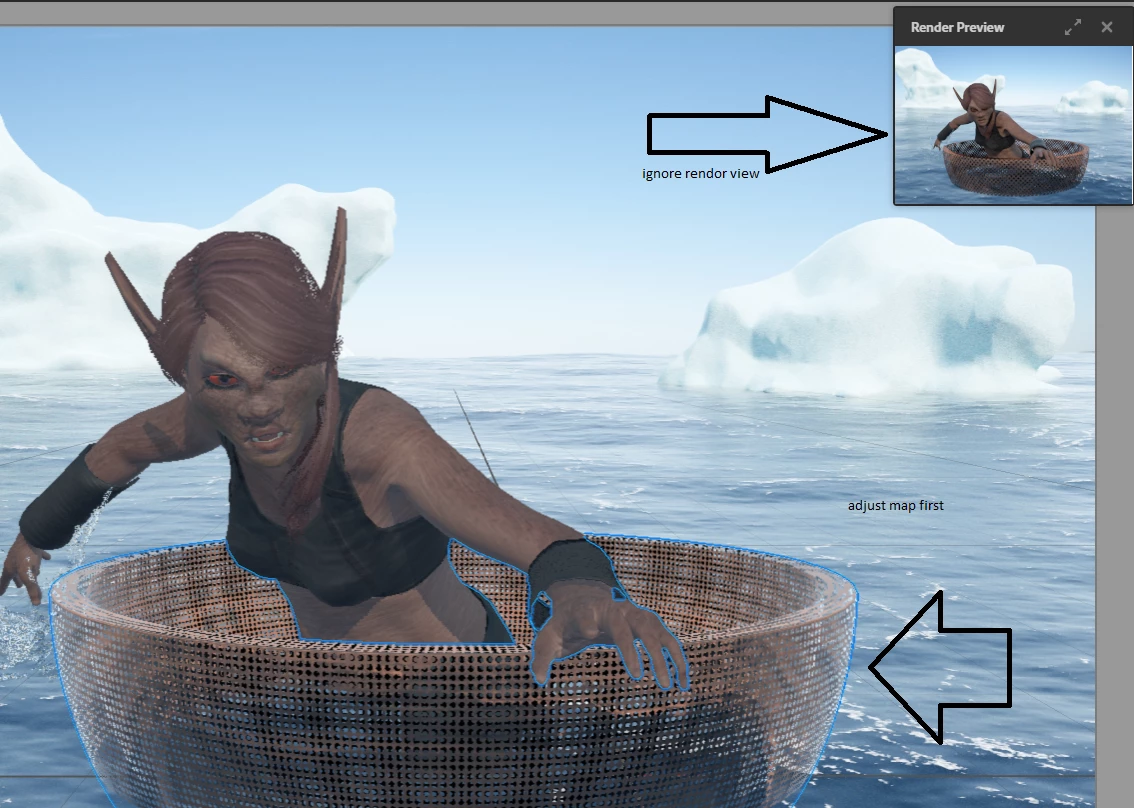
  2. insert the map to the opacity, black = a hole and watch the cpu rendor as you adjust offset and repeat
  3. then open colour map and adjust that to match your custom (opacity in this case)... once they match Dimension understands what to do and rendors correct
This topic has been closed for replies.

1 reply

Ares Hovhannesyan
Community Expert
Community Expert
March 9, 2019

In Photoshop we have "Apply to matching Textures" feature in UV Edit Panel that is very helpful for solving this kind of problem. Hope we wil see it Dn also

Y3BhdD

Ussnorway7605025
Legend
March 9, 2019

a simple tick box to tell Dimension which map size to use would solve the problem as well, sometimes we would want the colour map size and others the opacity... at the very least it should flag the mismatch to warn users because its for average people