Participant
September 10, 2021
Question

Dimension 'Match Image' not loading at all past 'loading . . . panel' freeze, bug issue ?

  • September 10, 2021
  • 2 replies
  • 555 views

Hi all, any help would be much appreciated!
Bug/issue? (Tested on versions 3.4.3 - 3.0) 

System:  128gb Ram, RTX3090, AMD Threadripper 3970x  


Problem:

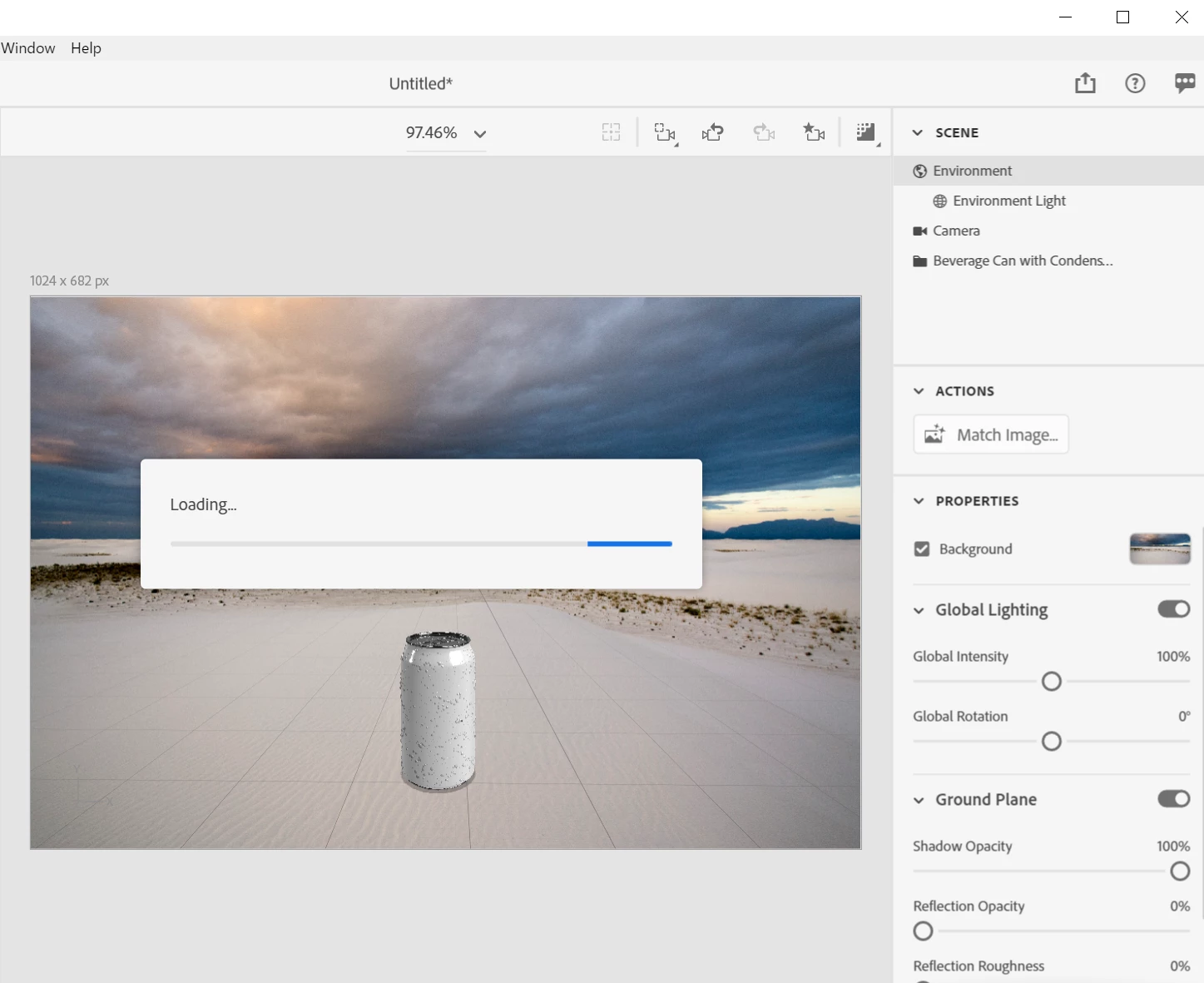
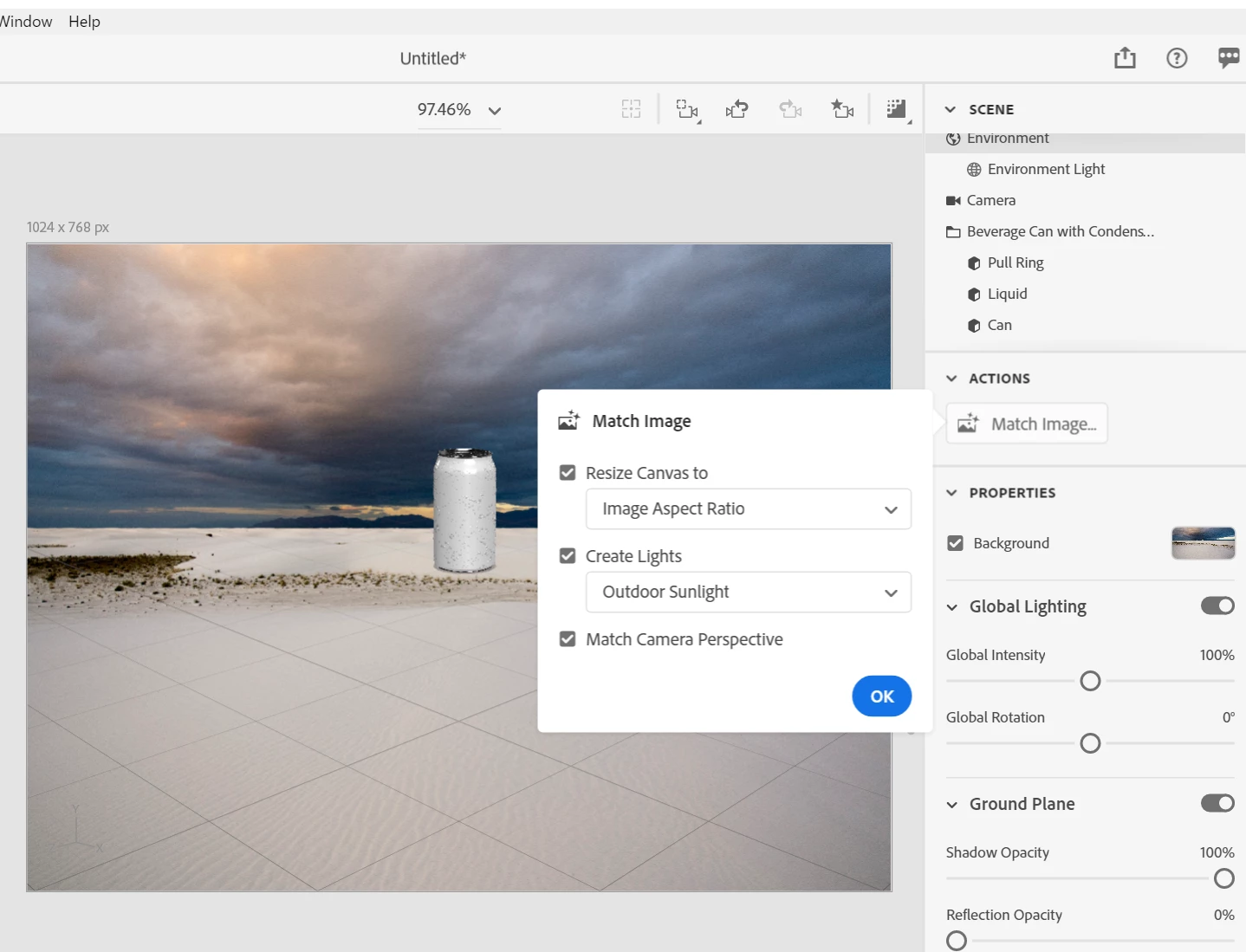
After clicking on the ‘Ok’ button within the ‘Match Image’ panel - match camera perspective etc,
Nothing happens just hangs on the: ‘loading…’ bar. Can’t get past it. No error message, nothing.

Have tested on both CPU & GPU settings. In versions 3.4.3 to 3.0) Same problem occurs.

Tested overnight for 16hrs, and on different models & textures – same problem won’t move past loading screen. Must force quit every time!


Thank you


2 replies

Ussnorway7605025
Legend
September 12, 2021

is Dimension detecting your Gpu?

test 1 - do a rendor without matching the background on that cone... does it work?


test 2 - try temp removing the "gpu-sniffer-core" and test again

https://community.adobe.com/t5/dimension-discussions/dimension-not-starting-quot-minimum-open-gl-version-quot/td-p/11560629


if its not your Gpu then it must be a permission issue but one thing at a time

Participant
September 13, 2021

Thanks Ussnorway,

Yes, Dimension detects GUP.

Test: 1: Output render without matching background works fine.

Test: 2: deleted ‘gpu-sniffer-core’ I’m able again to out render without matching.

However, still the same issue as before, still hangs on 'match image'/ok action.


I’ll set what I can find out about permissions.


Thanks for your help.


Ussnorway7605025
Legend
September 10, 2021

I'd say the system is not allowing access to your temp folder... I can see you didn't save the Dn file before trying to rendor and that would be the best thing to test next

  • make a new folder in a place outside the C programs folder like D; tests for example
  • start a new Dimension scene and save that Dn file to the folder
  • then place a default image from the basic list and try to match it
Participant
September 12, 2021

Hi Ussnorway, thanks for the info/reply. 

I tried this on two diffenet drives D, E. Unfortinuly the same issue happens.