
Participant
August 19, 2021
Answered

Dimension no me deja visualizar mi trabajo / Dimension doesn't let me see my work

  • August 19, 2021
  • 2 replies
  • 257 views

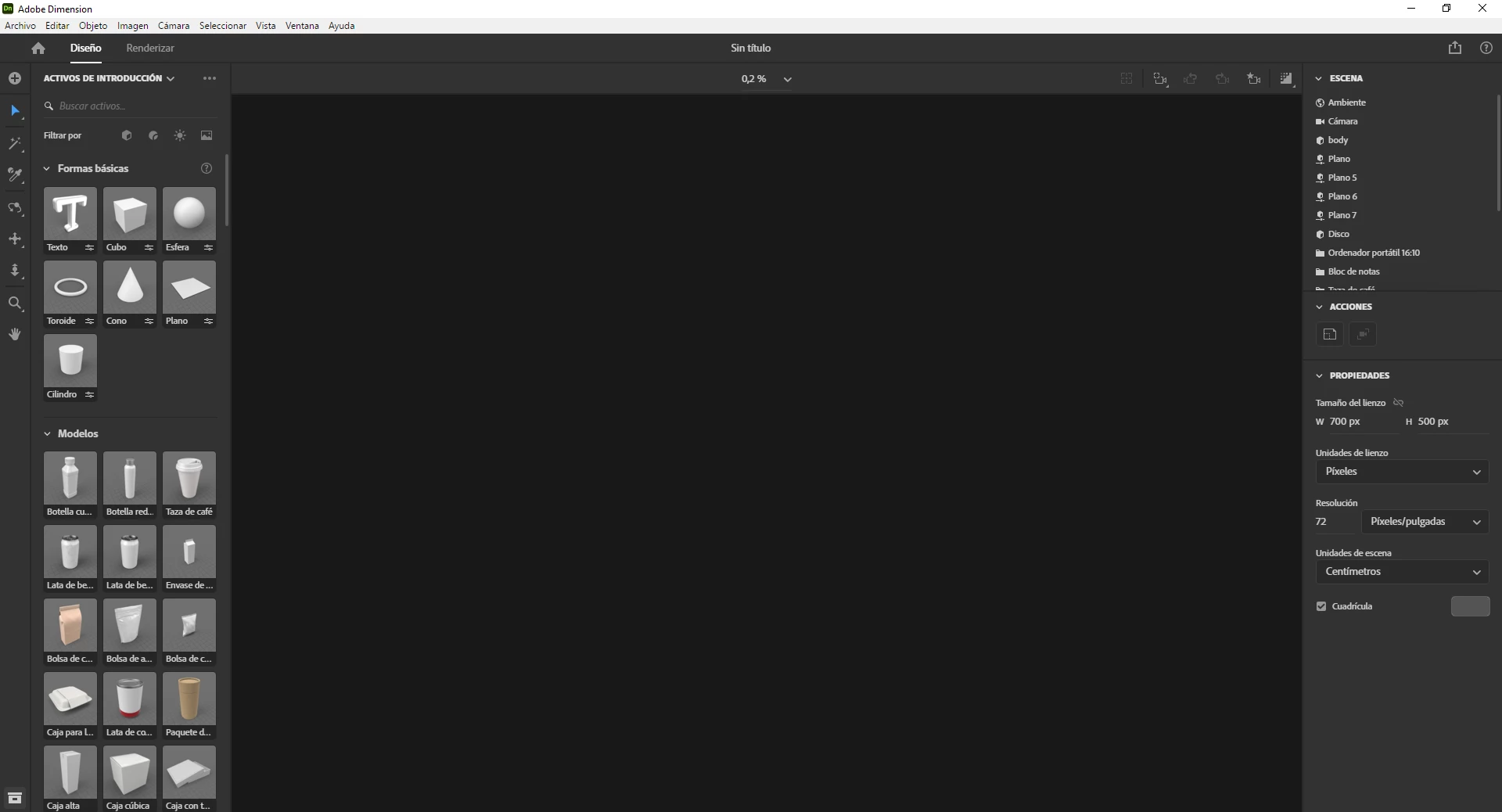
Hola, tengo la versión de Dimension 3.4.3 y cuando quiero hacer un archivo nuevo o abrir uno existente, Dimension me deja ver la barra de herramientas, las capas, etc. pero no me deja ver la mesa de trabajo con las formas 3D.  Antes de la actualización no tenía problemas para ejecutar el programa. Sin embargo, ahora al ingresar al programa me dice que no tengo VRAM suficiente para ejecutarlo correctamente, ¿dónde puedo consultar mi VRAM?¿Y cómo puedo aumentarlo/mejorarlo? Gracias.

---------


Hello, I have Dimension 3.4.3 installed. When I want to create a new file or open a prexisting one, Dimension lets me see the tool bar, the layers, etc. but it doesn't let me see the work-table with the 3D shapes. Before this last system update, I didn't have any problems while using Dimension. However, now after opening the program, it said that I didn't have enough VRAM to visualize it correctly, where can I see how much VRAM I have? And how could I improve it? Thanks.
 

This topic has been closed for replies.
Correct answer Ussnorway7605025
quote

where can I see how much VRAM I have? And how could I improve it? Thanks.
 

By @glamorous_Butterfly5FA7

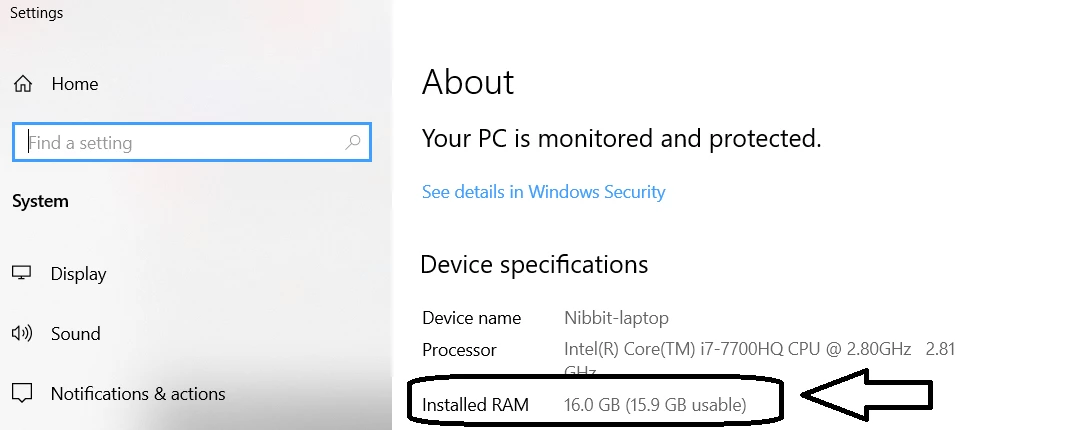
that is a Windows system so you press the [windows key] + [pause] to open your about page


your Vram is normally the same thing as Ram... at least on laptop or standard desktop models


how much extra Ram you can add will depend on the motherboard model of your system and boils down to, do you have any spare slots?


how much Ram you will actually need to open that file is tricky but your best option is to open it in a better Windows system with more Ram and monitor how much Ram is then used... this is just a guess unless your two cpu are the same type but it gives you an idea

2 replies

Ussnorway7605025
Ussnorway7605025Correct answer
Legend
August 22, 2021
quote

where can I see how much VRAM I have? And how could I improve it? Thanks.


By @glamorous_Butterfly5FA7

that is a Windows system so you press the [windows key] + [pause] to open your about page


your Vram is normally the same thing as Ram... at least on laptop or standard desktop models


how much extra Ram you can add will depend on the motherboard model of your system and boils down to, do you have any spare slots?


how much Ram you will actually need to open that file is tricky but your best option is to open it in a better Windows system with more Ram and monitor how much Ram is then used... this is just a guess unless your two cpu are the same type but it gives you an idea

Ares Hovhannesyan
Community Expert
Community Expert
August 20, 2021