


Participant
Jun 17, 2025 12:11 PM UTC
Answered

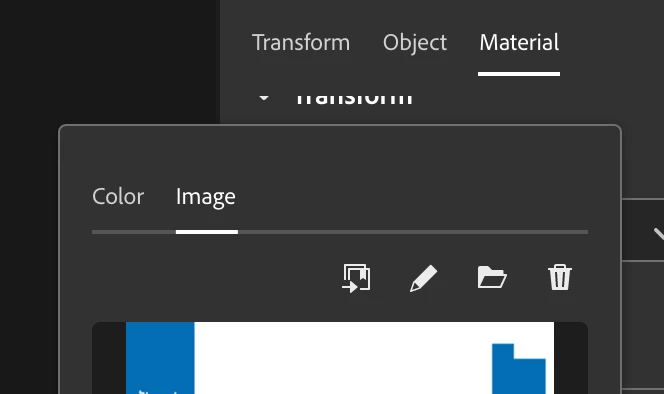
Dimension opens Illustrator to edit Base color (which is orginally a .PSD file)

Earlier it used to open Photoshop automatically, but now it has switched to Illustrator since the last update. I did not find any options to change the software. My object has a .psd file as UV layer, or Base surface layer, and it happens if i click on the small pencil icon to edit it. How to switch it back to Ps ? Help pls.

Ares Hovhannesyan
Ares HovhannesyanCorrect answer
Community Expert
Jun 17, 2025 4:28 PM UTC

May be your system use AI for PSD file as default for opening them. Try to use Open With on desktop for opening PSD file and choose Ps as default. Also try to uninstal PS and Dn and then install PS then Dn.

2 replies

Ares Hovhannesyan
Community Expert
Ares HovhannesyanCommunity ExpertCorrect answer
Community Expert
Jun 17, 2025 4:28 PM UTC

May be your system use AI for PSD file as default for opening them. Try to use Open With on desktop for opening PSD file and choose Ps as default. Also try to uninstal PS and Dn and then install PS then Dn.

Translate
Participant
Jun 18, 2025 1:19 PM UTC

Thank you! It was the solution!

Translate