Participant
September 17, 2019
Answered

Dimension Render is Being Cancelled

  • September 17, 2019
  • 6 replies
  • 6563 views

Hello,

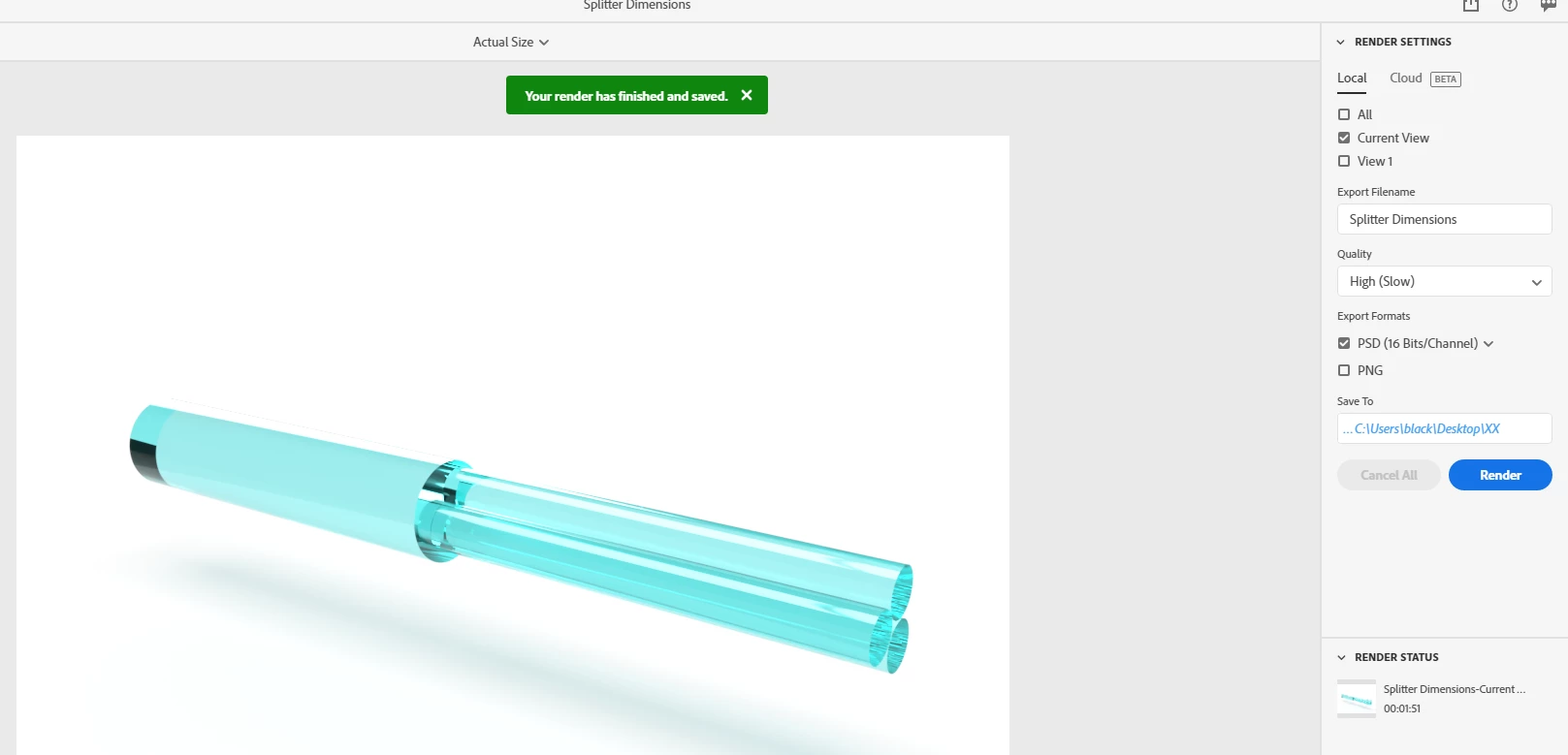
I have a MacBook Pro, with 8Gb of Memory, 2.3Hz Processor, and more than 5Gb of free space on the disk. I'm trying to make a simple render of a pen I designed some time ago. When I did it, with the same machine, I did the render including 13 more objects in the scene, I'm just trying to render each item separately to make a simple animation of the items appearing, but now, the render is being cancelled automatically. I incremented the size of the final picture even doe, but the thing is that I was seeing one of the cancelled renders, and it finished, I mean, I saw the count down 'til zero, and suddenly the image was gray, with nothing to show or even to save. So, can you help me understanding this?

What should I do? Is possible to make this render with my machine specifications in high quality (5760x3240px)?

Thanks in advance.

This topic has been closed for replies.
Correct answer Ussnorway7605025

I am having the same issue on a Macbook Pro 2014 16gb ram, lots of hd space. No background, but won't render. I was using the cloud render and that worked until I ran out of tickets for this month. Please look at my file too. I've been taking screen grabs as a workaround, but they are inadequate quality...Help!  https://drive.google.com/file/d/1Xudlp87XBG1fPd_4DKyb1ZyF_1HG0hbo/view?usp=sharing  https://drive.google.com/file/d/1Oy41SbZINJXwVbxzG4x4OlXZjmruXDxb/view?usp=sharing


Hi Topstep, I just noticed your file

rendor = https://adobe.ly/3by6AXBhttps://adobe.ly/3by6AXB


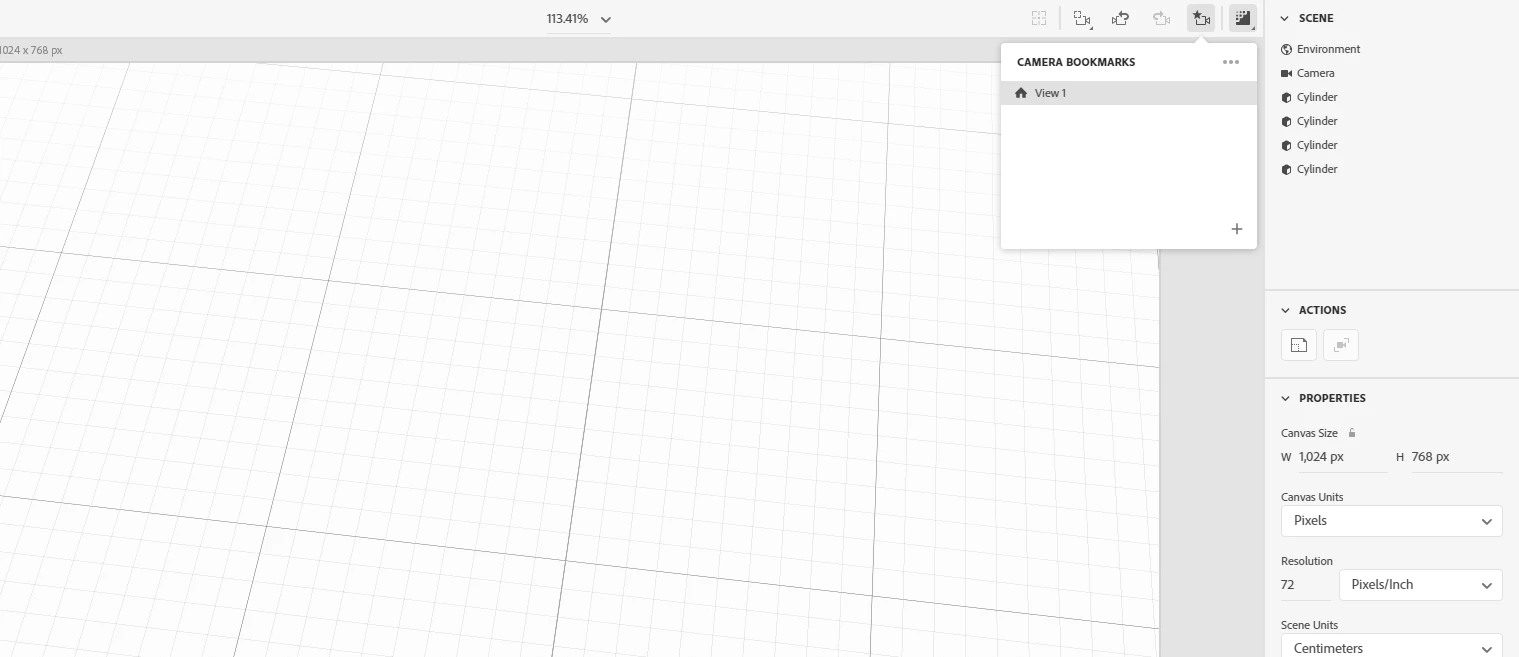
the only issue i see is that you have view1 set to nothing

6 replies

Participant
September 26, 2024

I discovered that cancellations happen when the render can not save to a specific directory on your computer. it doesnt like saving to network folders in my specific case but has no problem saving to desktop and it has not problem saving it to the pictures folder or any of the folders saved on the computer itself. Just doesnt seem to like network folders. 

pauli40259114
Participant
August 10, 2021

I ran into the same issue and tried a few things like restarting, rendering at a lower resolution etc to no avail.

I then tried saving it directly to the disktop (rather than a folder I had setup) and it has worked fine ever since.

Hope's this helps someone, I wasted a bit of time figuring this out so it's work a go if you are getting the "Render has been cancelled" error.


Ussnorway7605025
Legend
August 12, 2021

a server like in a school \ work place?

thanks for posting

Ussnorway7605025
Legend
October 22, 2020

The difference between rendor on a large or complex image is more Ram than just the minimum needed to run the program


Yes if you want to report the results to Adobe dev team then you can see a "give us your feedback" link from the main Dimension forum page... Use a computer not a phone as the uservoice system is old and doesn't have phone friendly code

Participating Frequently
August 18, 2020

Hi there


I use Dimension quite intensively, doing 10-20 high quality renders a week. It's generally been working well for me on my 2019 MacBook Pro with its 2.3 GHz processor and 16GB of memory. Today, having done six renders in succession, all my subsequent renders are getting to the end and then saying 'Cancelled'. 


I've closed and reopened Dimension several times, rebooted my Mac several times, and switched it off completely for a couple of hours. I've tried to render different files. All to no avail. Each new render ends in 'Cancelled'.


As I say, Dimension typically works well for me, with renders usually succeeding, and I've been using it intensively for about a year. What might be causing these cancellations? Might it have anything to do with the recent Adobe app updates? Several apps updated on my Mac today (albeit not Dimension). 


Thanks in advance for any advice.

Ussnorway7605025
Legend
August 18, 2020

step 1

make a new folder somewhere on a root drive, so not inside anything else

step 2

open Dimension pick a standard background, Object etc from the default assets and [save the Dn then] do a quick rendor into the new folder you made in step 1... if that fails then share the Dn so we can test that its your system and not Dimension

Participating Frequently
October 14, 2020

Thanks for your help. I've been able to do more renders since my initial message but now it's stopped working again and today every render cancels.


So, as per your instructions, here's a standard background and default asset, saved to my desktop.


I've tried to render it three times, and each times it results in 'Cancelled' – This is the Dn file 


I managed to render 17 Dn files just yesterday, so there's no rhyme or reason as to why the very next day all renders should consistently fail.


Look forward to hearing from you.

Ussnorway7605025
Legend
September 17, 2019

try redo the 'match image' tool and set the result to match aspect ratio before you rendor

Participant
September 24, 2019
Thank you. This worked fine, the resolution was better and faster. The thing is it changed each item perspective, so finally I gave more space to hard drive and could make all my renders.
Ares Hovhannesyan
Community Expert
Community Expert
September 17, 2019

Which version of Dimension are you using? 

Participant
September 24, 2019
Last one.