Participant
February 22, 2018
Answered

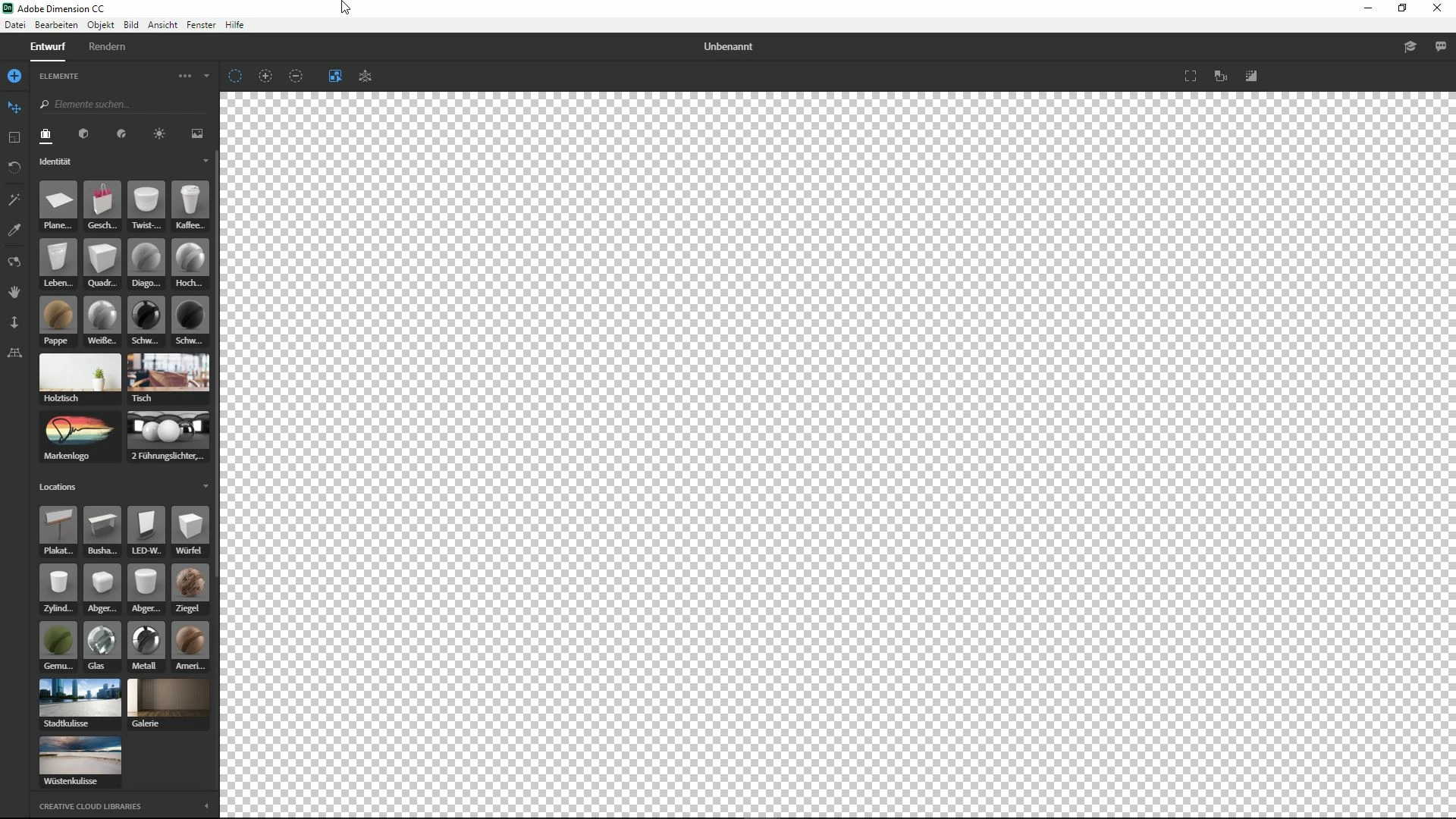
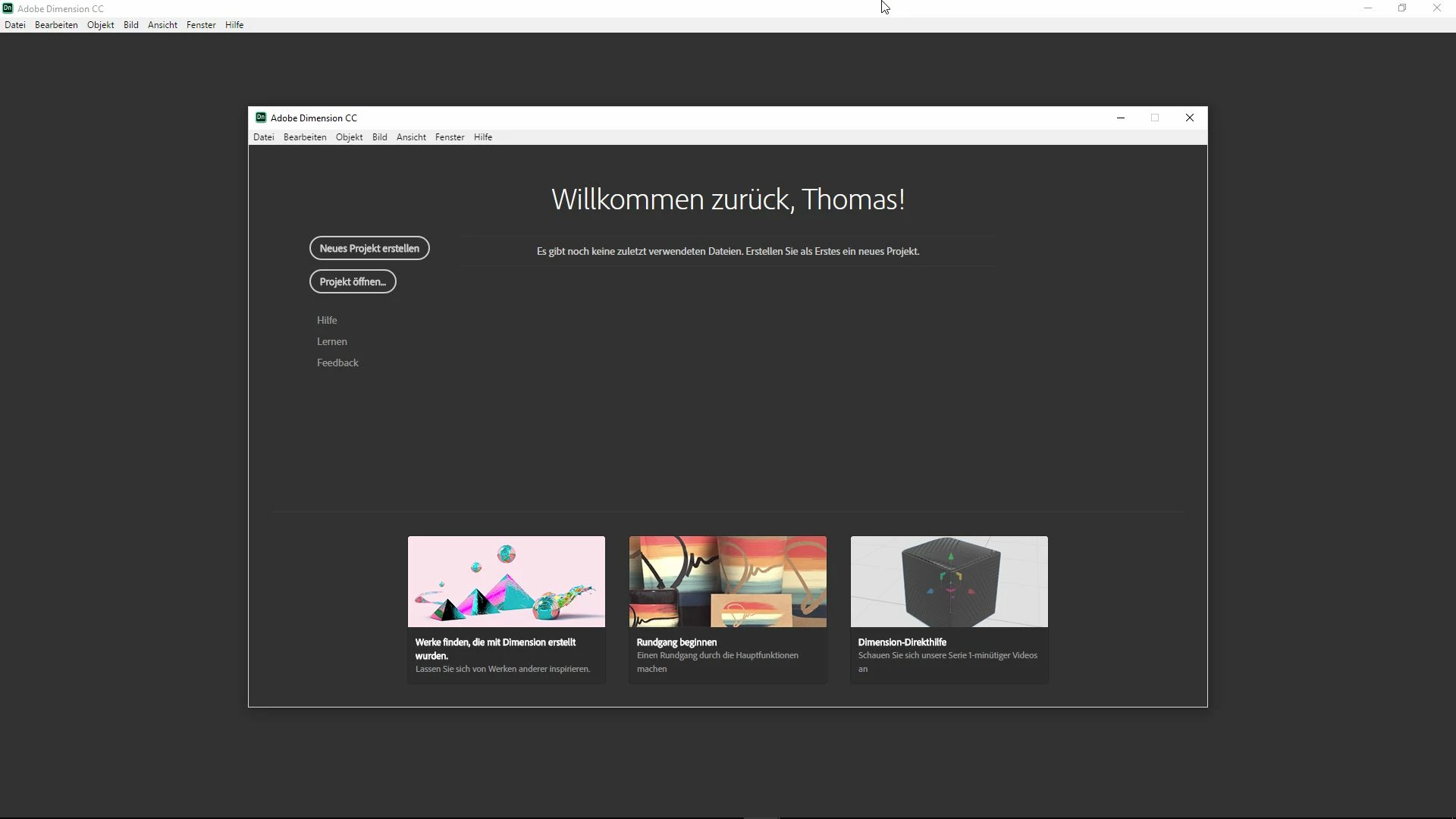
Dimension starts, but not able to insert e.g. 3D objects.

  • February 22, 2018
  • 2 replies
  • 314 views

Hi,

We have 1 PC (Windows 10) using Dimension CC and having troubles with User Interface. We start Dimension CC and there is a completely other UI than on other PCs (see attachments). Then we are not able to insert any 3D object or something.

We already uninstalled and reinstalled it - no improvement.

Behaviour is the same with all User-Profiles on this PC (domain and local Users)

Any Ideas?

Thanks
This topic has been closed for replies.
Correct answer JeanetteMathews

Hello!  This looks like it might be an OpenGL compatibility issue.  You can try updating your video card drivers but if the hardware is older it also might need an update.  If a driver update doesn't resolve the issue please contact us directly at tickets@adobedimension.com and we can get some log information to see what's going on!

2 replies

JeanetteMathews
Adobe Employee
JeanetteMathewsCorrect answer
Adobe Employee
February 28, 2018

Hello!  This looks like it might be an OpenGL compatibility issue.  You can try updating your video card drivers but if the hardware is older it also might need an update.  If a driver update doesn't resolve the issue please contact us directly at tickets@adobedimension.com and we can get some log information to see what's going on!

Inspiring
February 23, 2018

Try this

Go to the "Edit-Preferences" and "Reset Preferences" menu. If it does not return to normal, it may be a hardware problem. What are the Hardware Configurations?