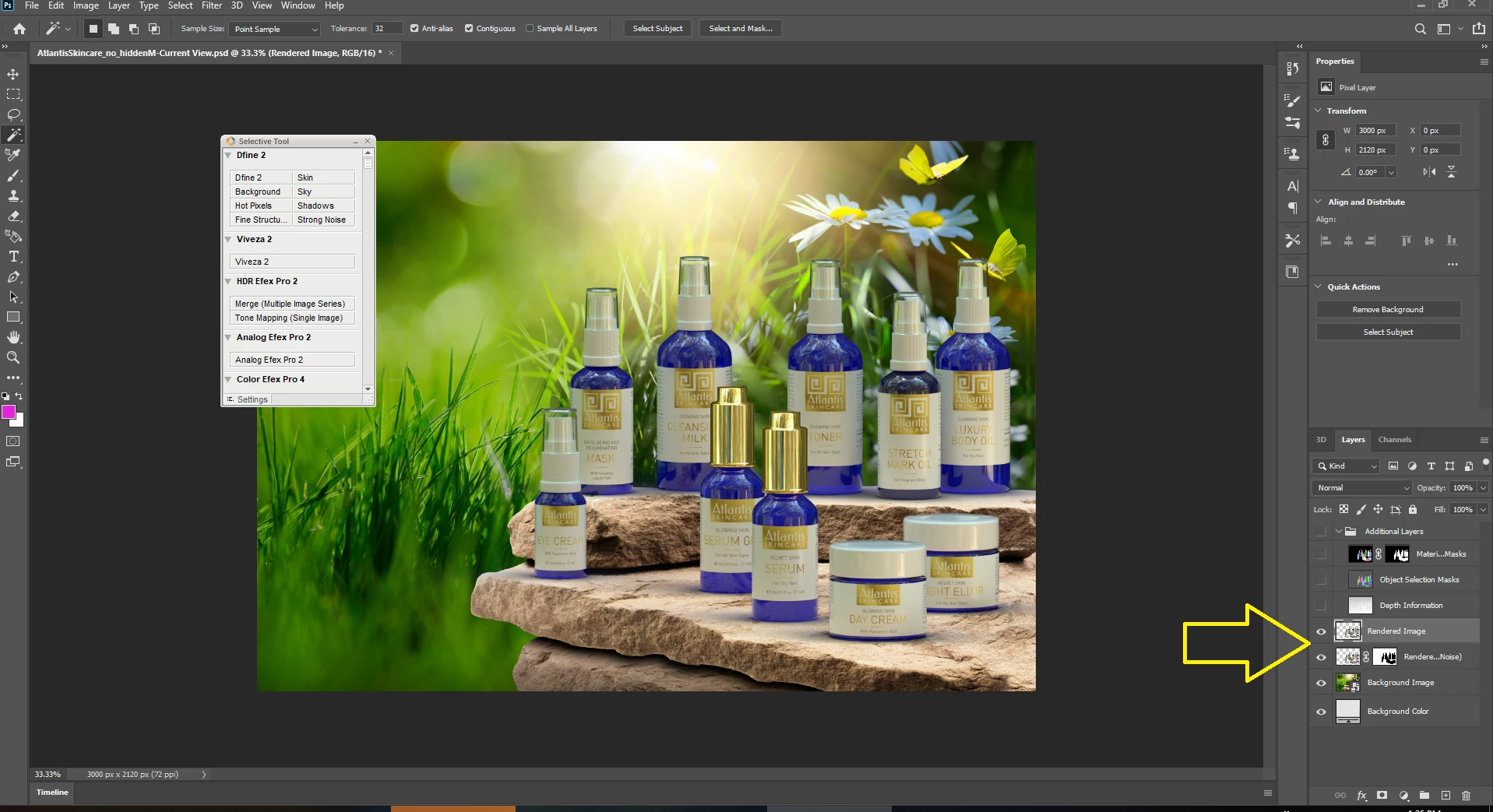
I have empty squares in rendered image when rendering my project in medium or high quality. Tried many times in different sizes and environment lights, always the same. See image attached.
this needs some time... first I confirm your results and this is a known issue with workarounds
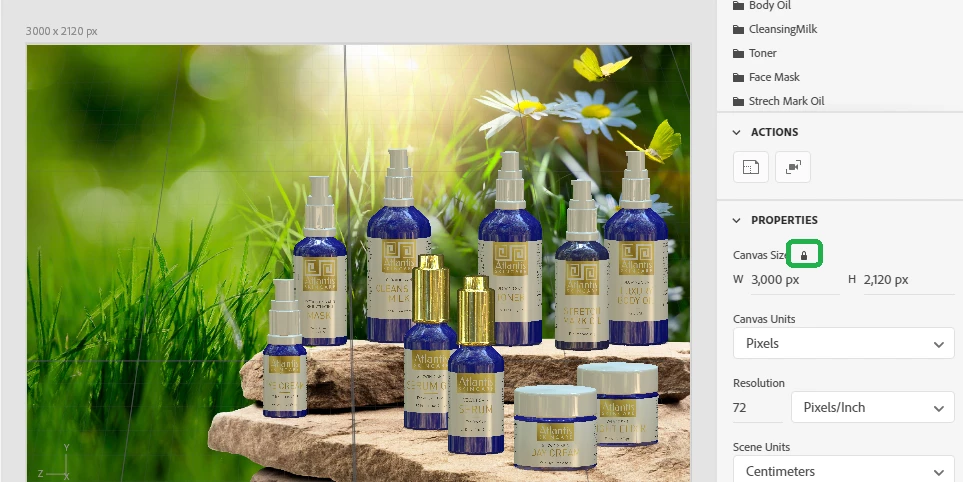
locking the canvas at that size is why cloud rendor has issues
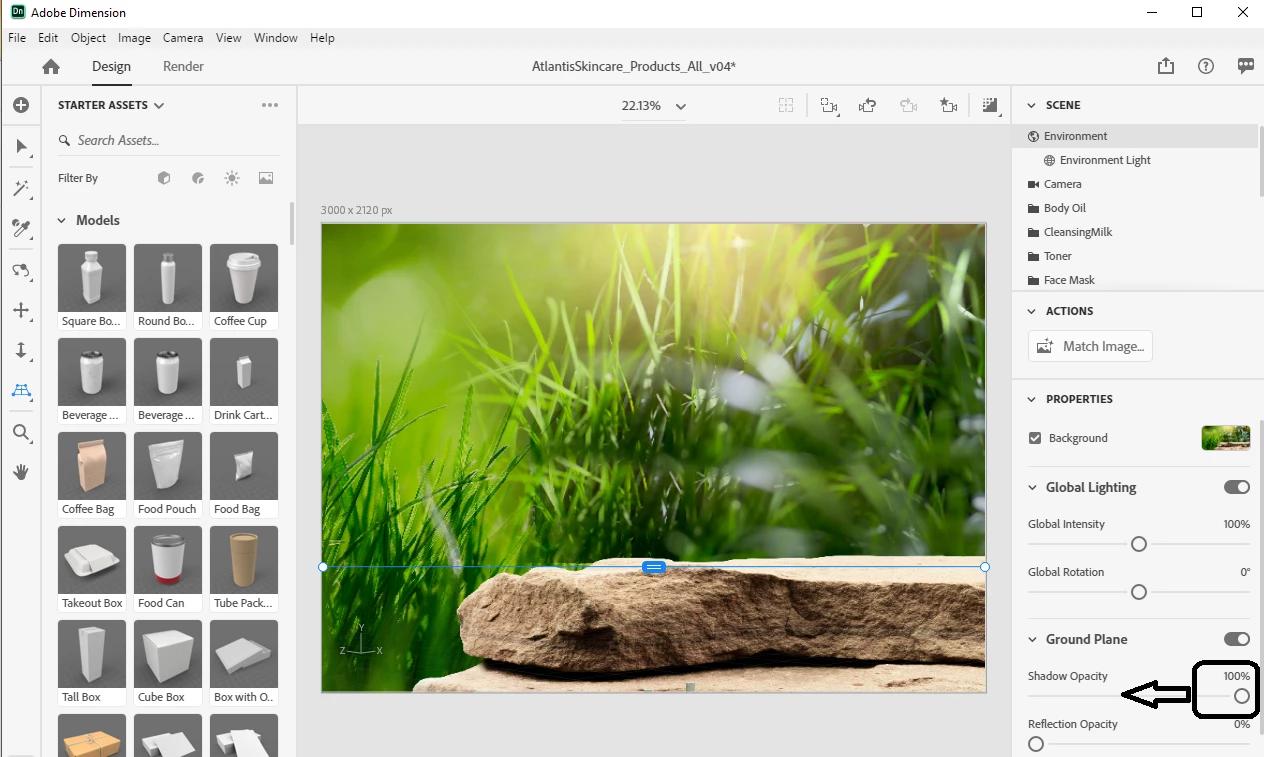
for the ground line you will get beter results by having the hoz line set and tone down that ground shadow
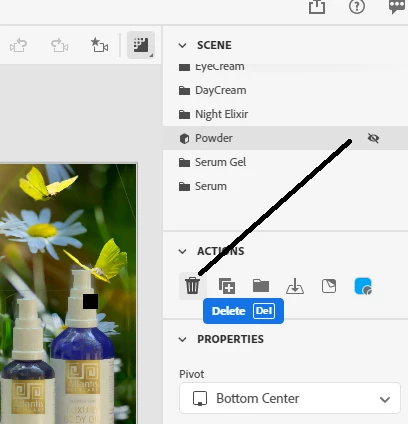
the new rendor has a major bug with transparency... an effect of that is layers that are hidden STILL rendor shadows at Med or High so you need to delete these parts for your final rendor
I replaced your custom glass material with the new Dimension glass... this is optional but ime the best when you want Med or high settings
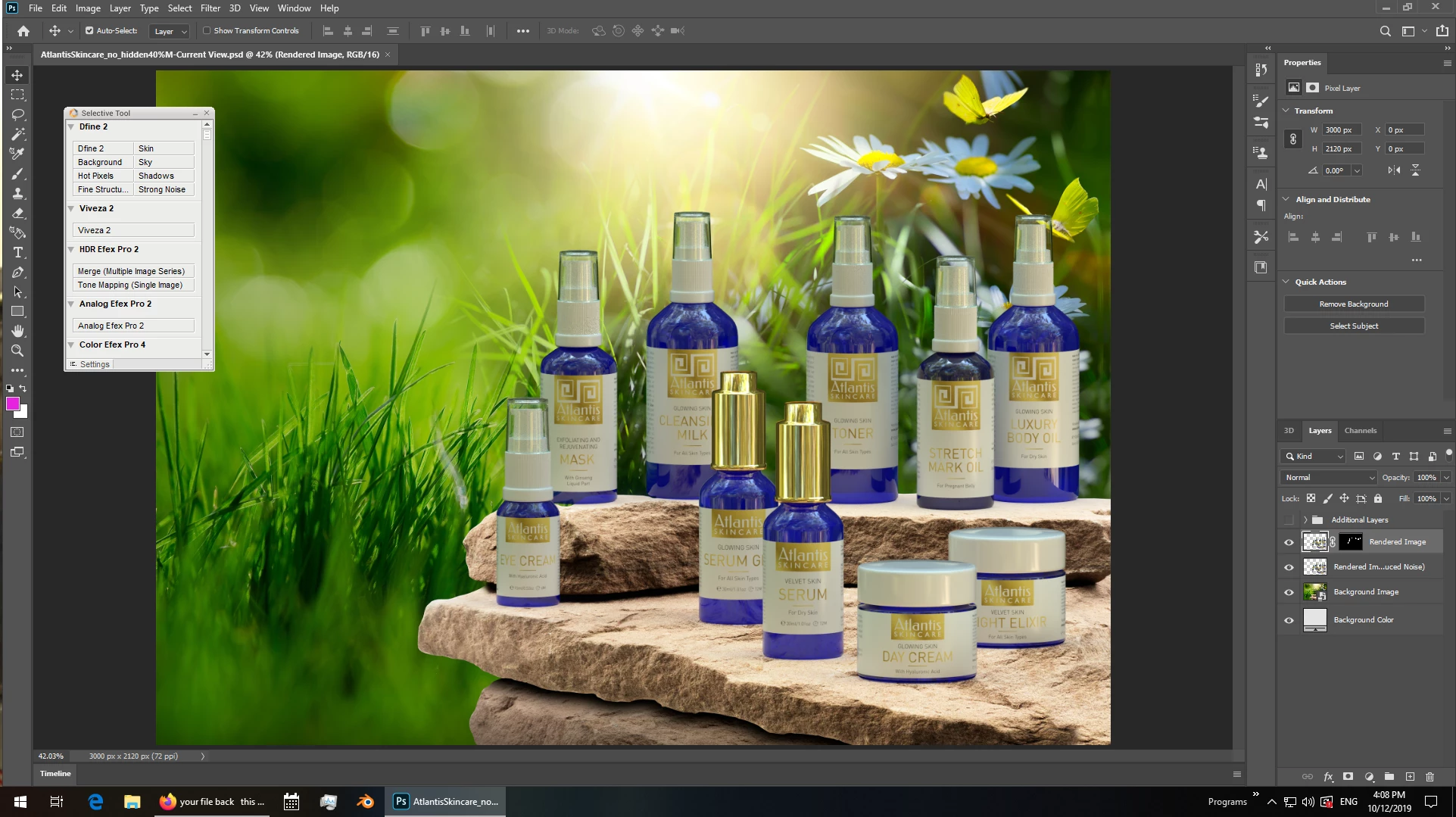
the rendor layer in Psd has an auto cleanup layer and this is what makes your missing squares more than any thing else, the best work flow is to always rendor Psd files because you can then adjust the final rendor by eye {see example in returned files} ... for best results on complex designs you should mask bits of the two rendor layers i.e, take control away from Dimension
the morral here is never trust an AI to do a human job
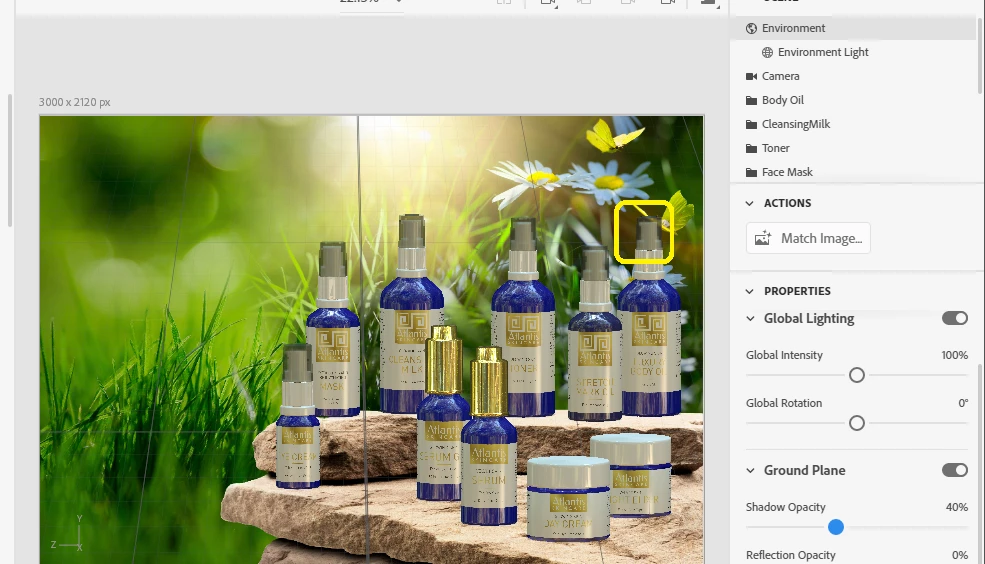
final rendor example
shadow = 40%... still has some room for polish but you get the idea
this needs some time... first I confirm your results and this is a known issue with workarounds
locking the canvas at that size is why cloud rendor has issues
for the ground line you will get beter results by having the hoz line set and tone down that ground shadow
the new rendor has a major bug with transparency... an effect of that is layers that are hidden STILL rendor shadows at Med or High so you need to delete these parts for your final rendor
I replaced your custom glass material with the new Dimension glass... this is optional but ime the best when you want Med or high settings
the rendor layer in Psd has an auto cleanup layer and this is what makes your missing squares more than any thing else, the best work flow is to always rendor Psd files because you can then adjust the final rendor by eye {see example in returned files} ... for best results on complex designs you should mask bits of the two rendor layers i.e, take control away from Dimension
the morral here is never trust an AI to do a human job
final rendor example
shadow = 40%... still has some room for polish but you get the idea
Hi, thanks for answer. Where can I find this gpu option?
I tried cloud rendering and it went out OK, but only 3000px wide, at larger size there was error while rendering (tried several times), but maybe that's another story, because cloud rendering is still beta version.