Participant
March 11, 2022
Answered

Folded 3D Cover Effect / Gefalteter 3D Cover Effekt

  • March 11, 2022
  • 2 replies
  • 343 views

Hallo, mit welchem Programm und vorgehensweise kann ich am besten so ein Effekt herstellen?

Hello, with which program and procedure can I create such an folded effect?


This topic has been closed for replies.
Correct answer Ussnorway7605025

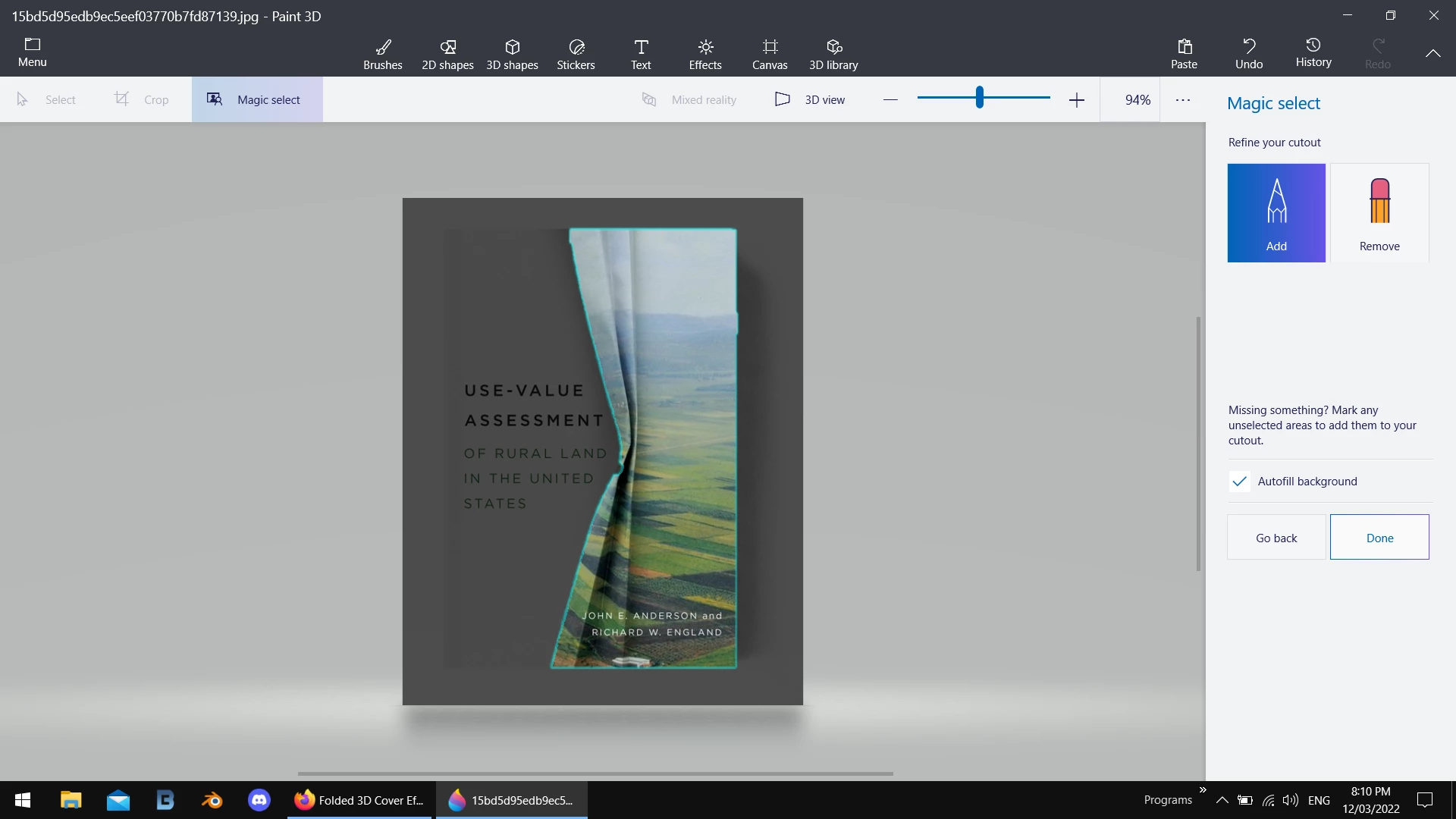
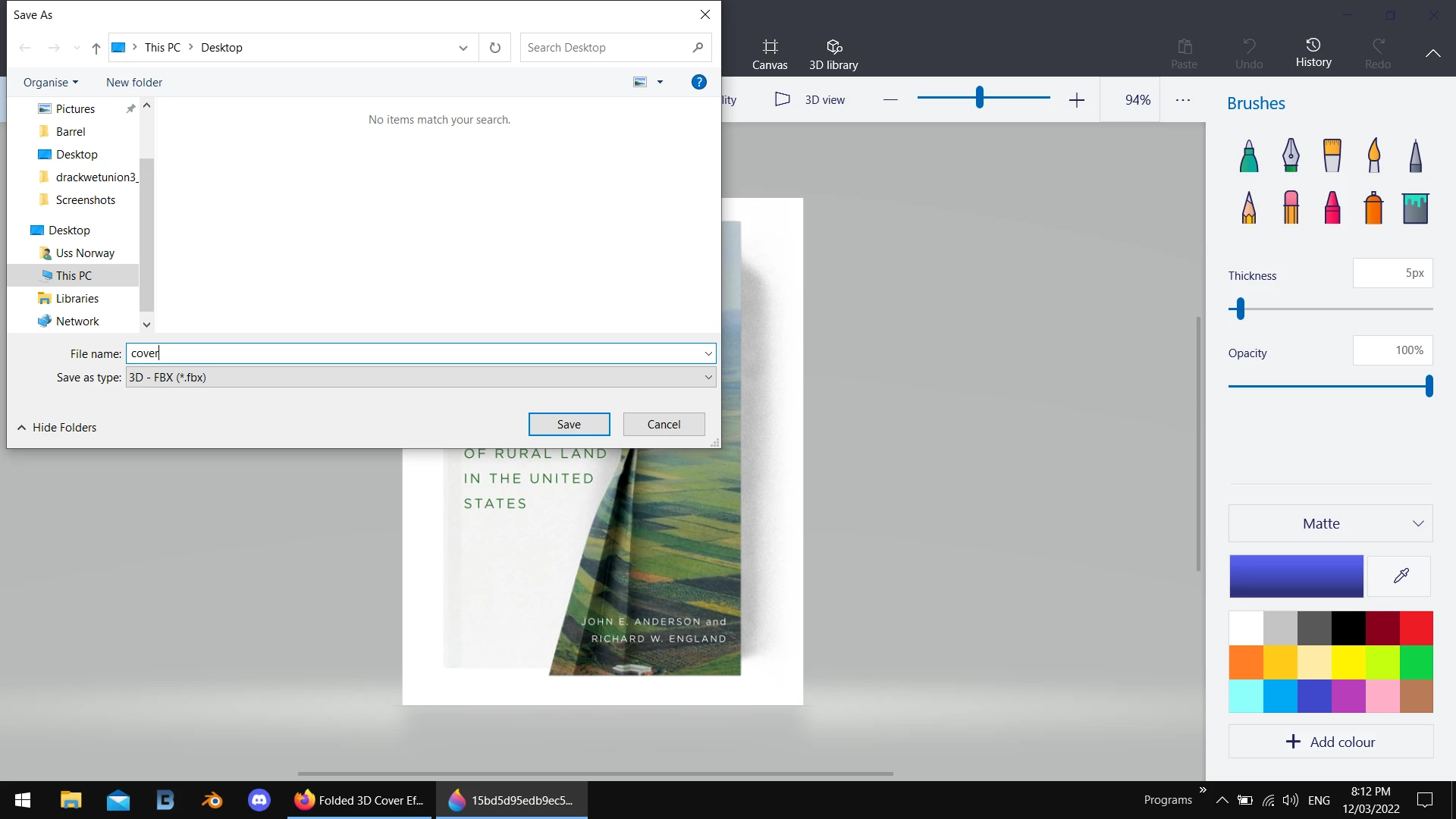
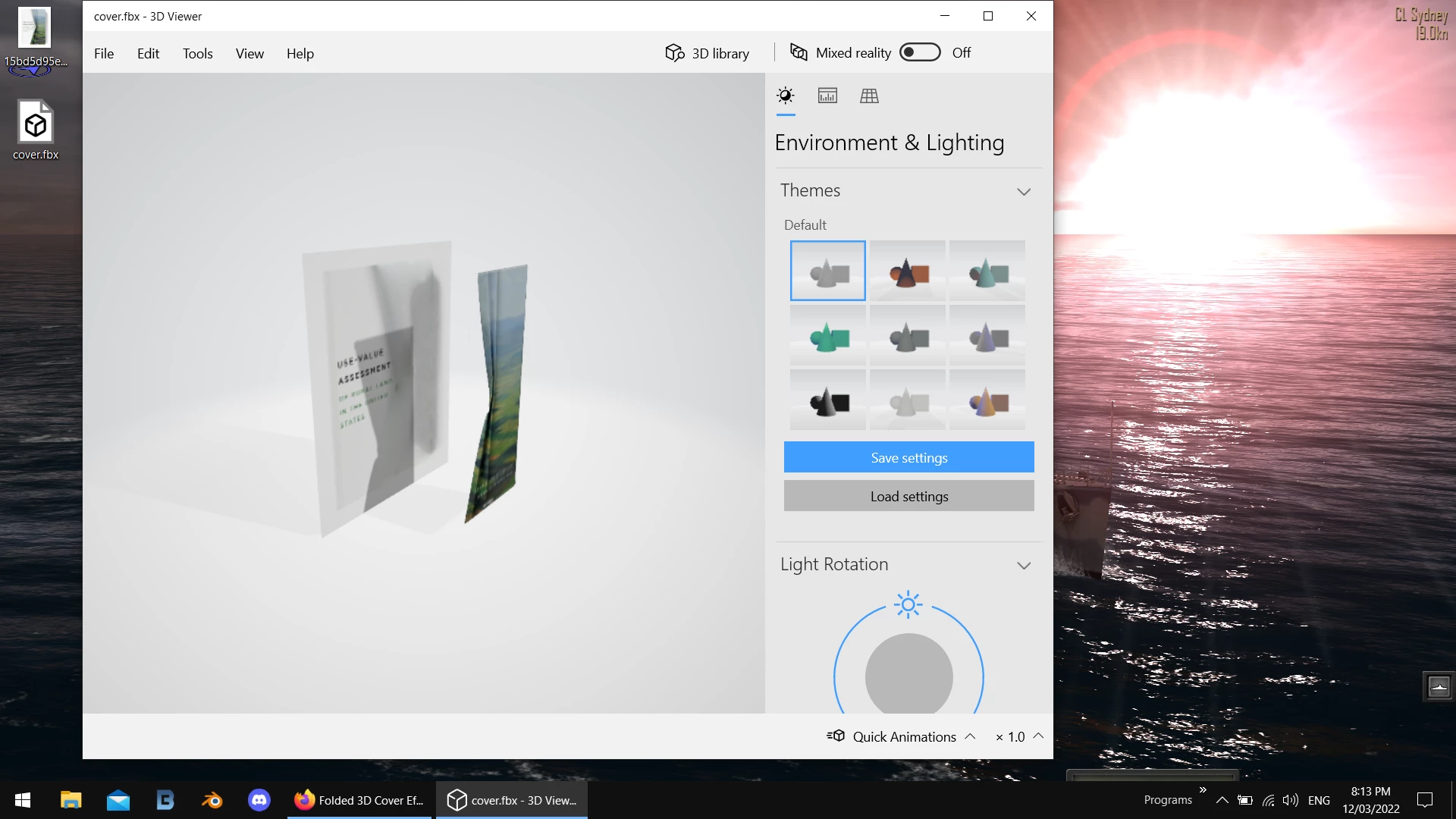
you need to make it into a model and back in the day you could do that with Photoshop but Adobe has dropped 3D so i'd use a 3rd party app... Windows users get Paint 3D as default so i'd open the image in that;

use the magic wand to auto select the front part and then save that as a Fbx model witch Dimension can open/ edit if you want to replace the front image

2 replies

Ussnorway7605025
Legend
March 12, 2022

you want to replace the image or you want to add a fold to another image... they are different questions


to replace the image just add a decal or fill to the front model


adding folds needs a model that has the fold in it alrready and you can find some on Adobe stock or other places


another option is to make a custom model but you would need to take some images / photos to get the angles correct and if you want the folds to animate then I'd use Iclone instead of Adobe

Ussnorway7605025
Ussnorway7605025Correct answer
Legend
March 12, 2022

you need to make it into a model and back in the day you could do that with Photoshop but Adobe has dropped 3D so i'd use a 3rd party app... Windows users get Paint 3D as default so i'd open the image in that;

use the magic wand to auto select the front part and then save that as a Fbx model witch Dimension can open/ edit if you want to replace the front image

Participant
March 12, 2022

how can I replace my own image in this 'folded shape'? I couldn't find anything..