


Participant
July 28, 2023
Question

GLB errors when rendering in Dimension

  • July 28, 2023
  • 2 replies
  • 647 views

Hello,

From some updates ago, the GLB files aren't displayed and rendered correctly in Dimension. The solids get some mistakes in their surfaces as you can see in the picture. With other types of 3D, like OBJ, they are displayed and rendered correctly.
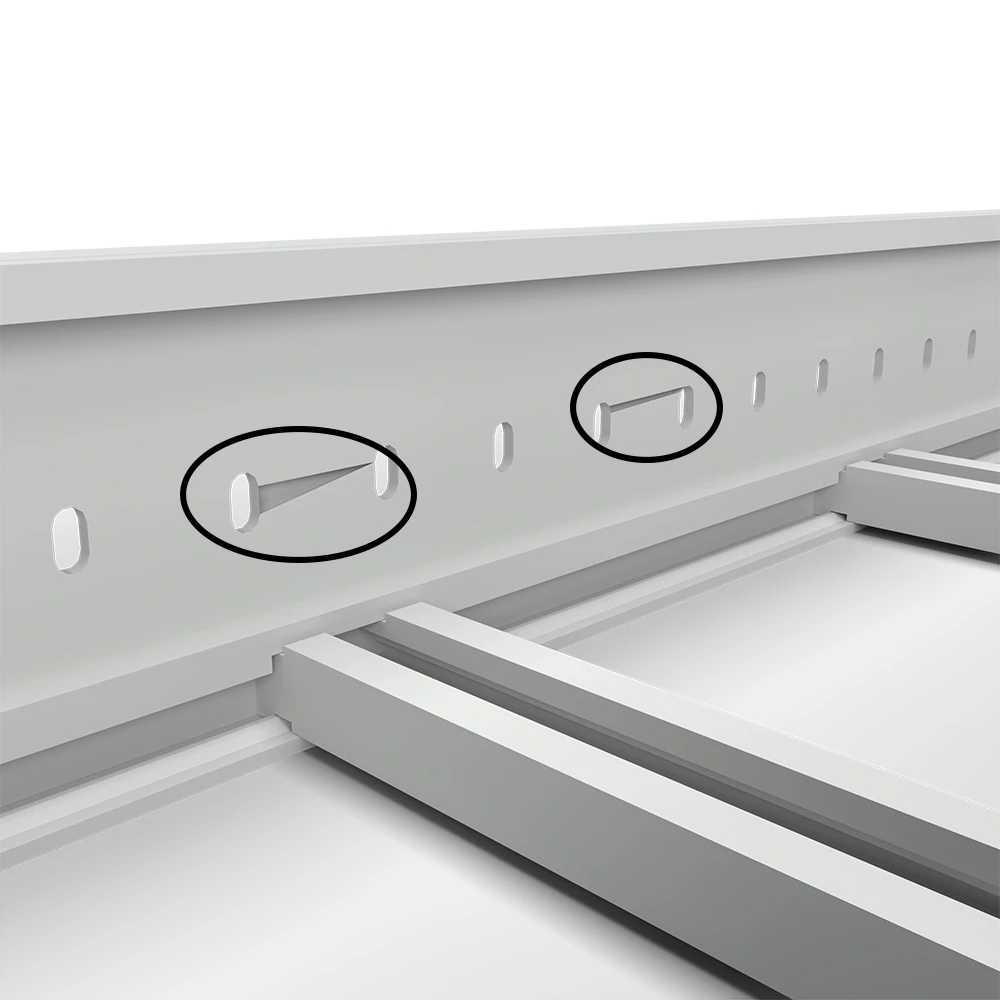
 

I tried other GLB files with different solid geometries, and the problem happens too, also in different computers with different graphics cards.

I cannot add the Dimension file to this post, I get this message:



This topic has been closed for replies.

2 replies

Participant
August 6, 2023

I tried an earlier version (3.4.7), and the same GLB file has been imported and rendered perfectly.

The same occurs with other GLB files.

Ares Hovhannesyan
Community Expert
Community Expert
August 7, 2023

From my side I prefer Stager. For me its better than Dimension. 

Participant
August 7, 2023

Maybe you're right, but Dimension it's included in my Adobe Creative Cloud Plan. To have Stage I need to add an additional payment more or less the same as I pay now.

Ares Hovhannesyan
Community Expert
Community Expert
July 28, 2023

Is these GLB file have been created by you in any other app or was downloaded?

Participant
July 29, 2023

Created by me in Inventor. But until a few months ago they are fine and now I get these rendering errors. If I export the part in other formats like OBJ they look fine. Open the GLB file in other software are fine too. So I think the problem is in Adobe Dimension.

Ares Hovhannesyan
Community Expert
Community Expert
July 30, 2023

Yes, most likely․ If you want you can send file to Dn Team for incestigation as may be that is specefic artifact. Adobe Dimension Learn & Support

Did you try to open it in Adobe Substance 3D Stager?