Participant
June 24, 2020
Answered

Have object transparent on one side, "normal" on the other

  • June 24, 2020
  • 1 reply
  • 845 views

Hi,


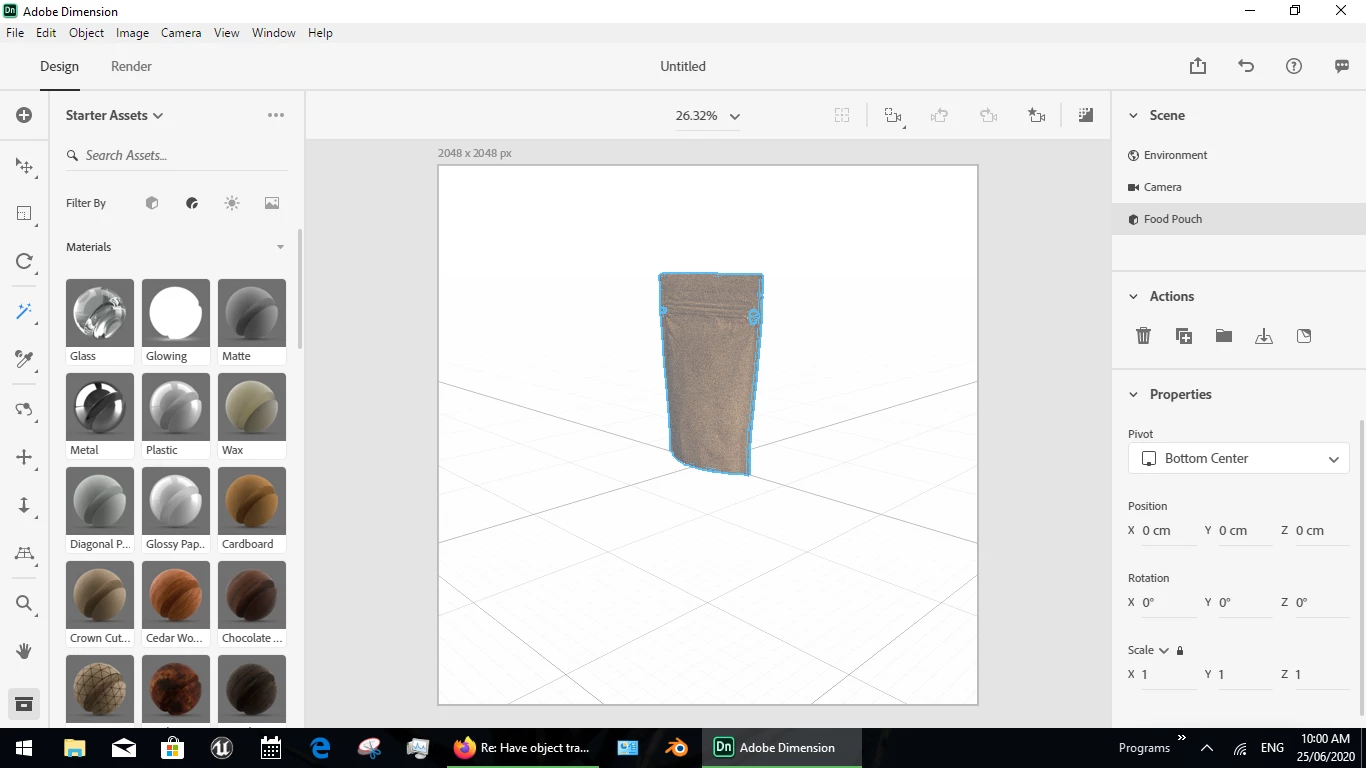
I've been using Dimension for a relatively short time, but I'm trying to render the food pouch that is provided by Adobe Dimension with one material on one side (paper/cardboard) and another one on the other (transparent plastic).


In real life it would look like something like this: 
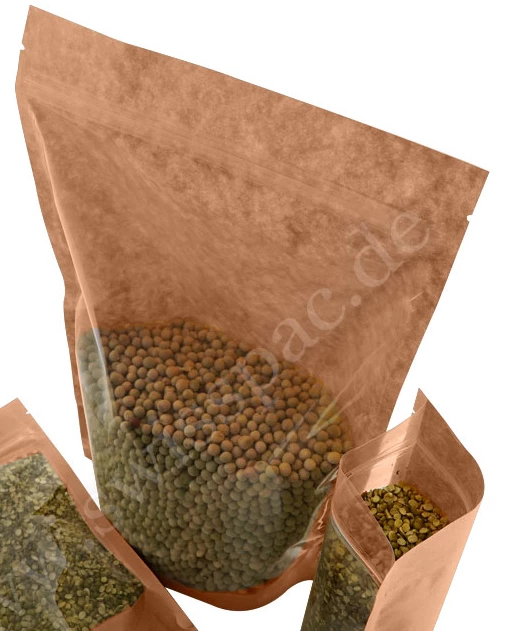
 

Is there any relatively straightforward way to do this or do I need to use some complicated 3D software like Blender in order to split the sides of the pouch? 


Thanks a lot!

This topic has been closed for replies.
Correct answer Ussnorway7605025
  1. start by making the model cardboard
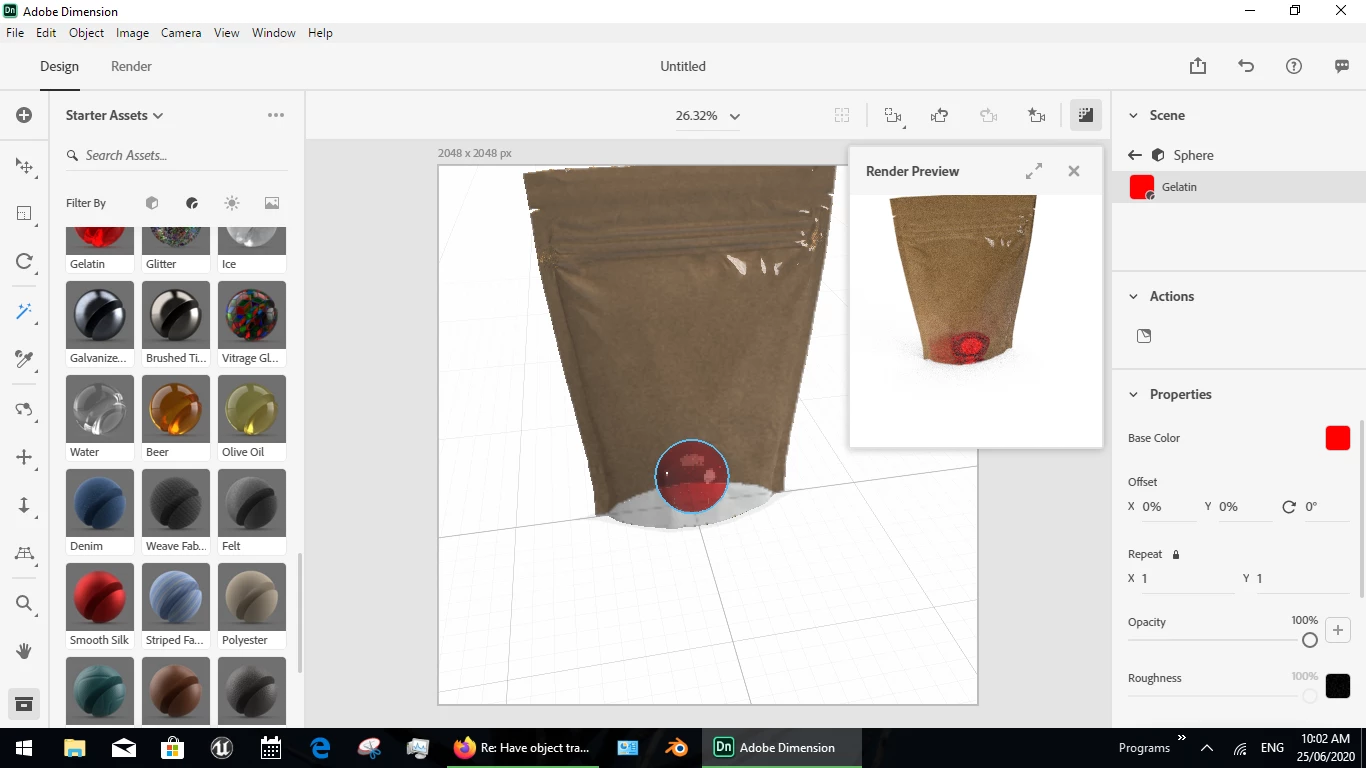
  2. use the magic wand tool to select only one side of the model
  3. set that side to plastic or glass... adjust as needed

1 reply

Ussnorway7605025
Ussnorway7605025Correct answer
Legend
June 24, 2020
  1. start by making the model cardboard
  2. use the magic wand tool to select only one side of the model
  3. set that side to plastic or glass... adjust as needed

Participant
June 29, 2020

It works! Thanks