


Participant
January 26, 2019
해결됨

How do I figure out the dimensions of each plane of 3D object?

  • January 26, 2019
  • 2 답변들
  • 421 조회

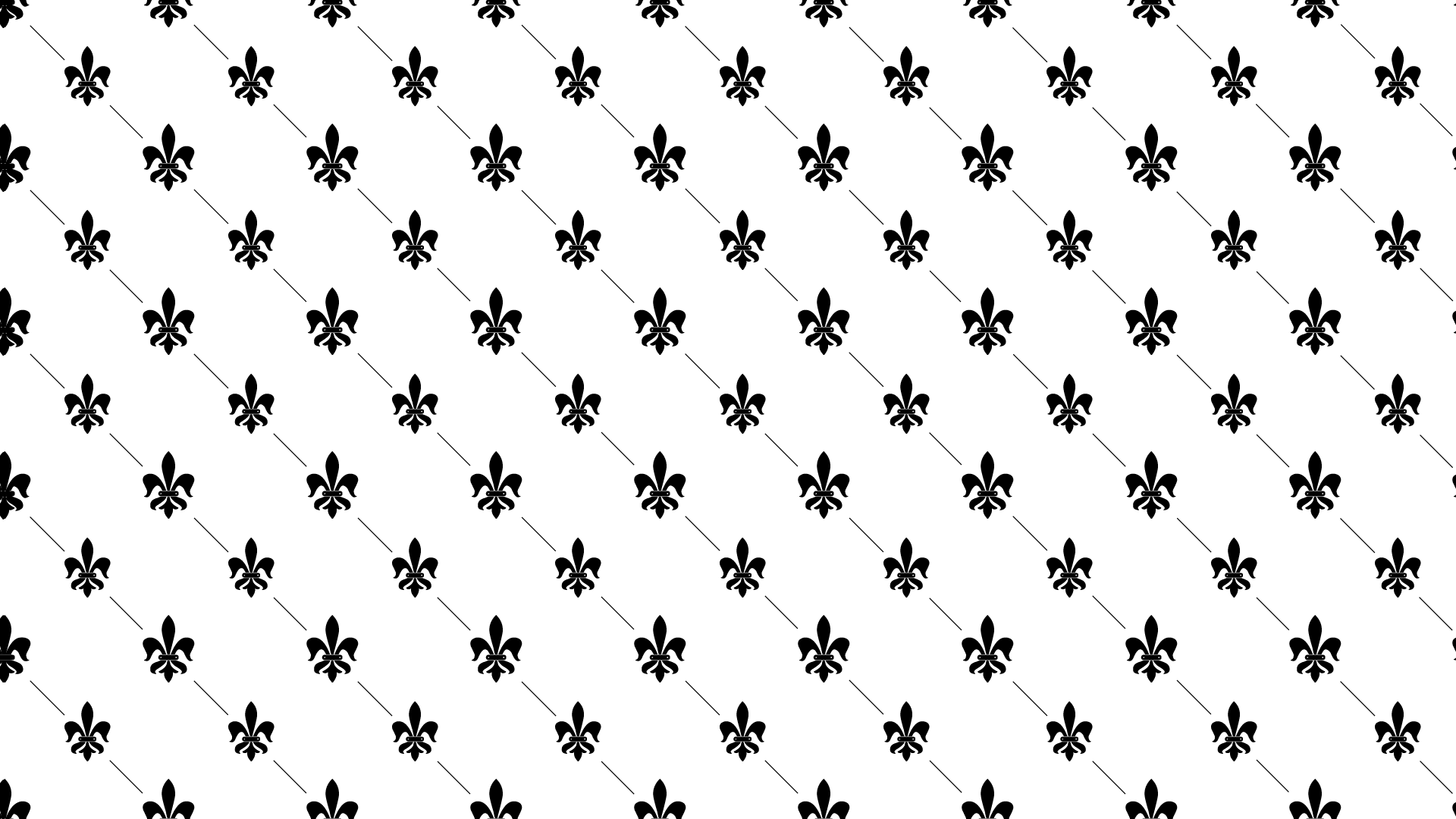
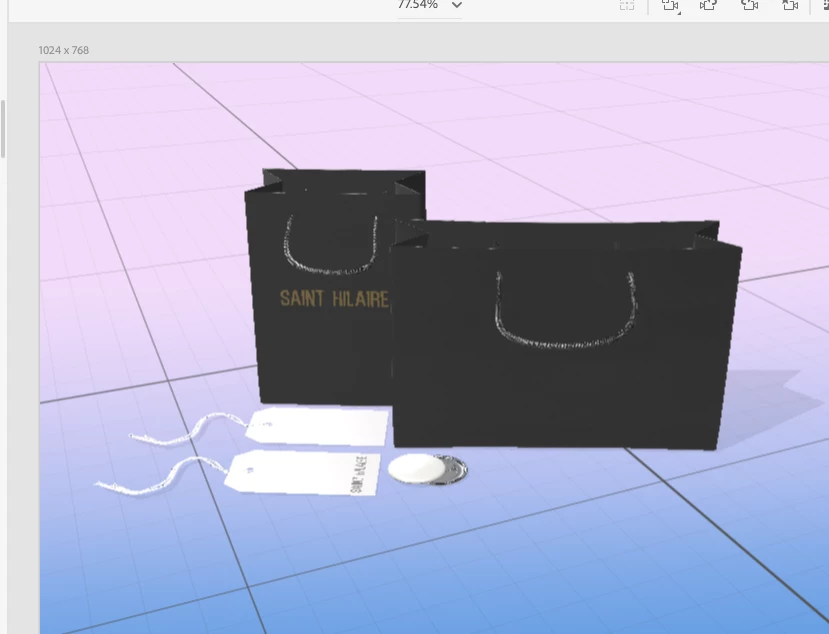
Hello! I need help! I am trying to essentially wrap this graphic around the bag to give effect of black on black. The bag would be matte black, while the graphic would be glossy. I'd also have variations of the bag so the side panels would be bold contrasting colors, while the front remains the traditional black on black print. So I want to format the graphic to the correct dimensions so it is proportional to each plane.
이 주제는 답변이 닫혔습니다.
최고의 답변: Ussnorway7605025

https://forums.adobe.com/people/Saint+Hilaire  wrote

So I want to format the graphic to the correct dimensions so it is proportional to each plane.

the bag only has relative dimensions of X, Y & Z like all 3d objects

see Dimension for Illustrator users | or Dimension for Photoshop users | for wapping graphics to a 3d model in Dimension

2 답변

Ares Hovhannesyan
Community Expert
Community Expert
January 26, 2019

May be this can help. Load this texture image into glow property or translucency

Ussnorway7605025
Legend
January 26, 2019

https://forums.adobe.com/people/Saint+Hilaire  wrote

So I want to format the graphic to the correct dimensions so it is proportional to each plane.

the bag only has relative dimensions of X, Y & Z like all 3d objects

see Dimension for Illustrator users | or Dimension for Photoshop users | for wapping graphics to a 3d model in Dimension