Participant
June 19, 2020
Question

I am trying to create shadows from people in adobe dimension

  • June 19, 2020
  • 1 reply
  • 657 views

I have a project that has text in front of people walking on a path. What I want is to have the shadows from the people interact with the 3D text. But I don't know how to do that. I tried creating an object to make shadows but the object exports as the same layer as the text so I can't get rid of it when I get in to photoshop to finalize the image. Any suggestions? 
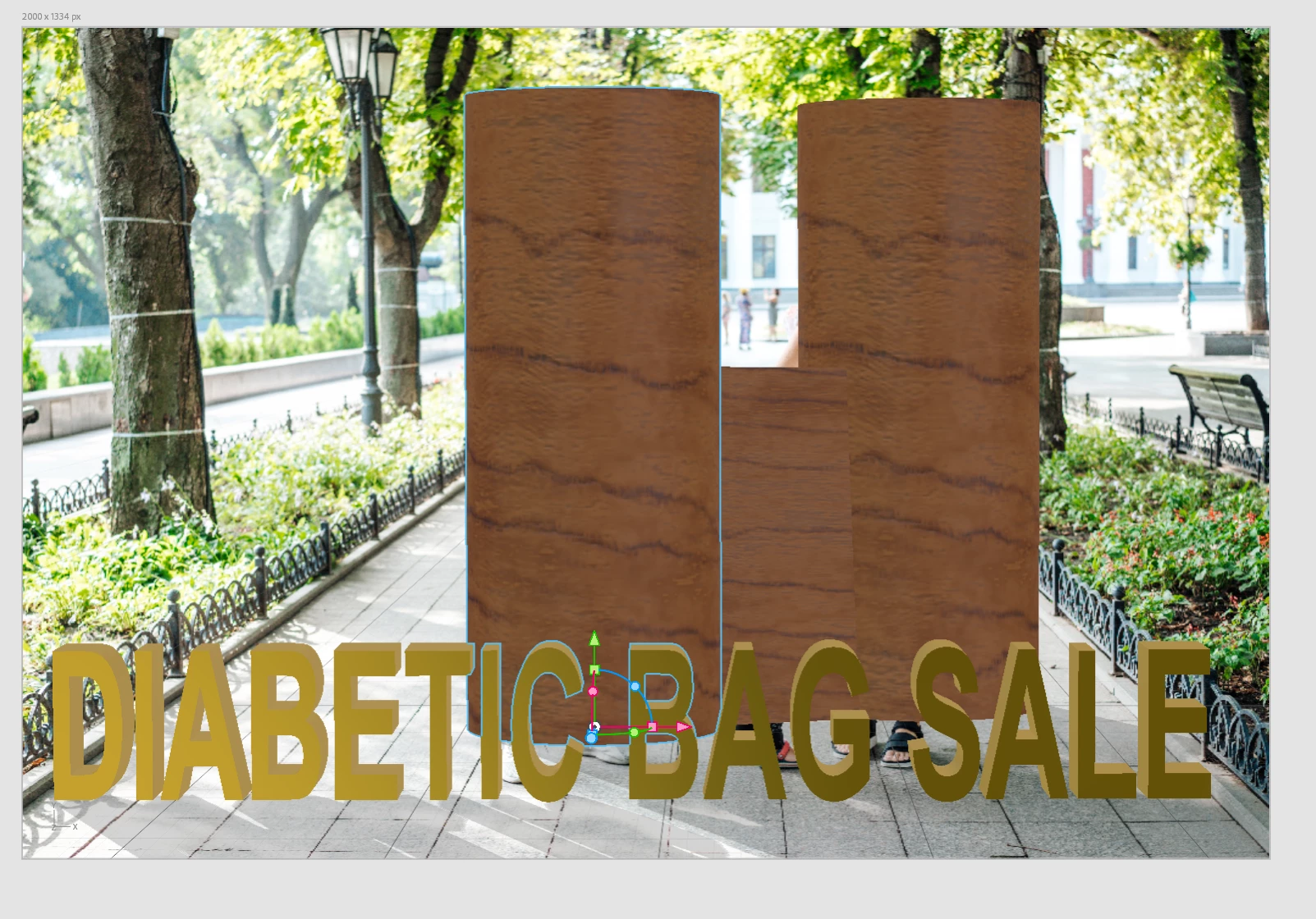


Is there a way to make an invisible object or render out the objects as individual layers?


-Michael

This topic has been closed for replies.

1 reply

Ussnorway7605025
Legend
June 19, 2020

just do two rendors

one with the text [shadow] and another with whatever object adds the second shadow... then you can edit them as much as you like in Photoshop

Participant
June 20, 2020

The only thing is I want the light to be blocked so the text doesn't have sunlight on it.

Ussnorway7605025
Legend
June 20, 2020

Then I'd use Fuse characters in the foreground to make sure the shadow of legs cuts in front... You can also edit the people out of the background image first in Photoshop but Fuse is the way I would go