This topic is closed to new replies. Start a new post to keep the conversation going.

10 replies

Participant
August 2, 2024

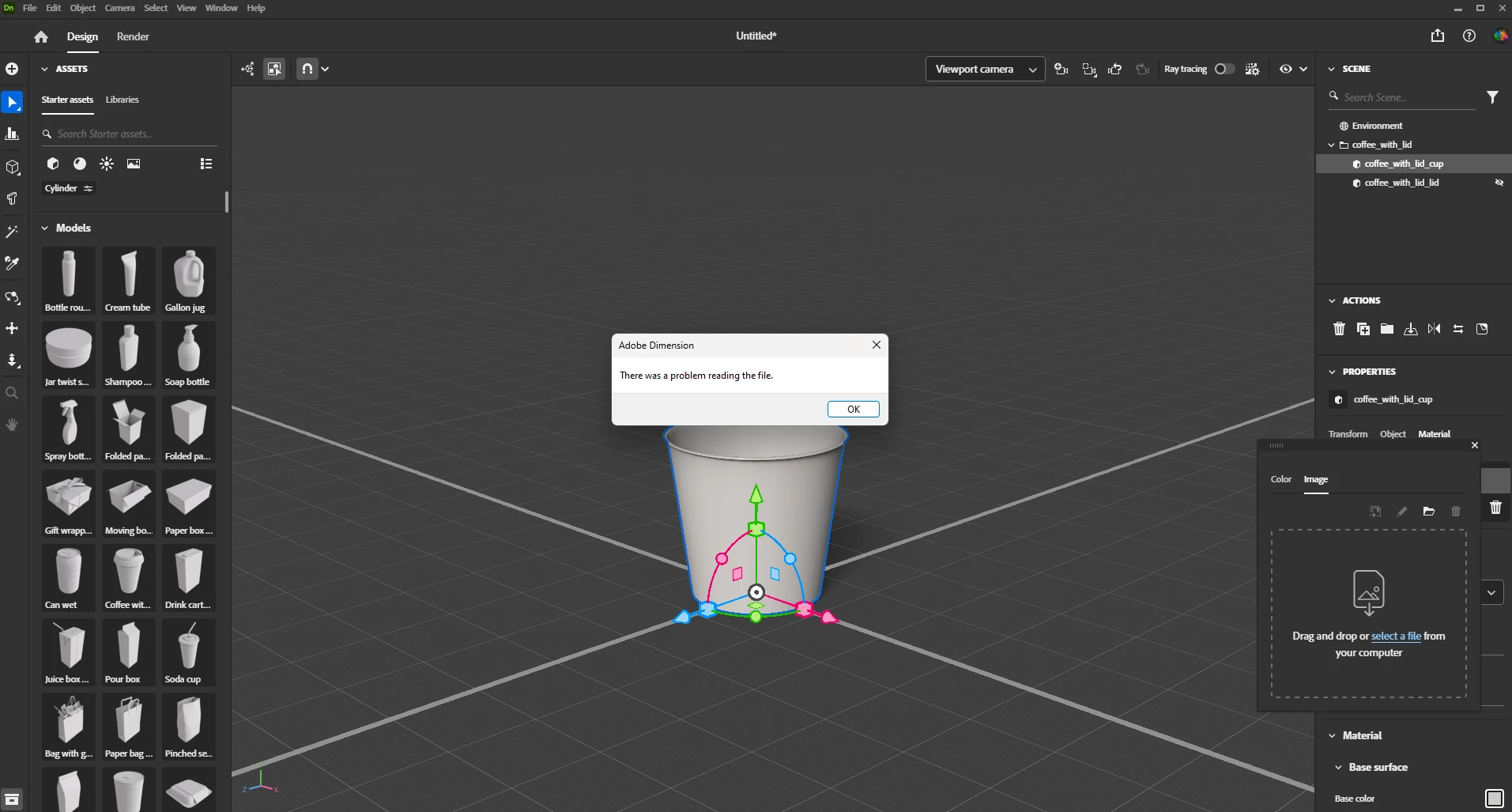
Hello!  I was also experiencing this issue. I was using a UV map to generate a JPG file, but the same error message pops up.

Are JPGs no longer compatible?


I was using a texture grid from the generated UV PSD file.

Translate
JMathews
Community Manager
Community Manager
July 29, 2024

Please attach the file you are trying to add as a decal and your Dimension log (you can get this from the Help > Get logs menu)

Translate
Adobe Principal Product Manager, 3D & Immersive
marina14215263
Participating Frequently
August 1, 2024

HELP!  not png(


Translate
Ares Hovhannesyan
Community Expert
Community Expert
August 1, 2024

As @JMathews ask, please share your image file that you want to place on the object.

Translate
Ares Hovhannesyan
Community Expert
Community Expert
July 29, 2024

What type file is your decal?

Translate