


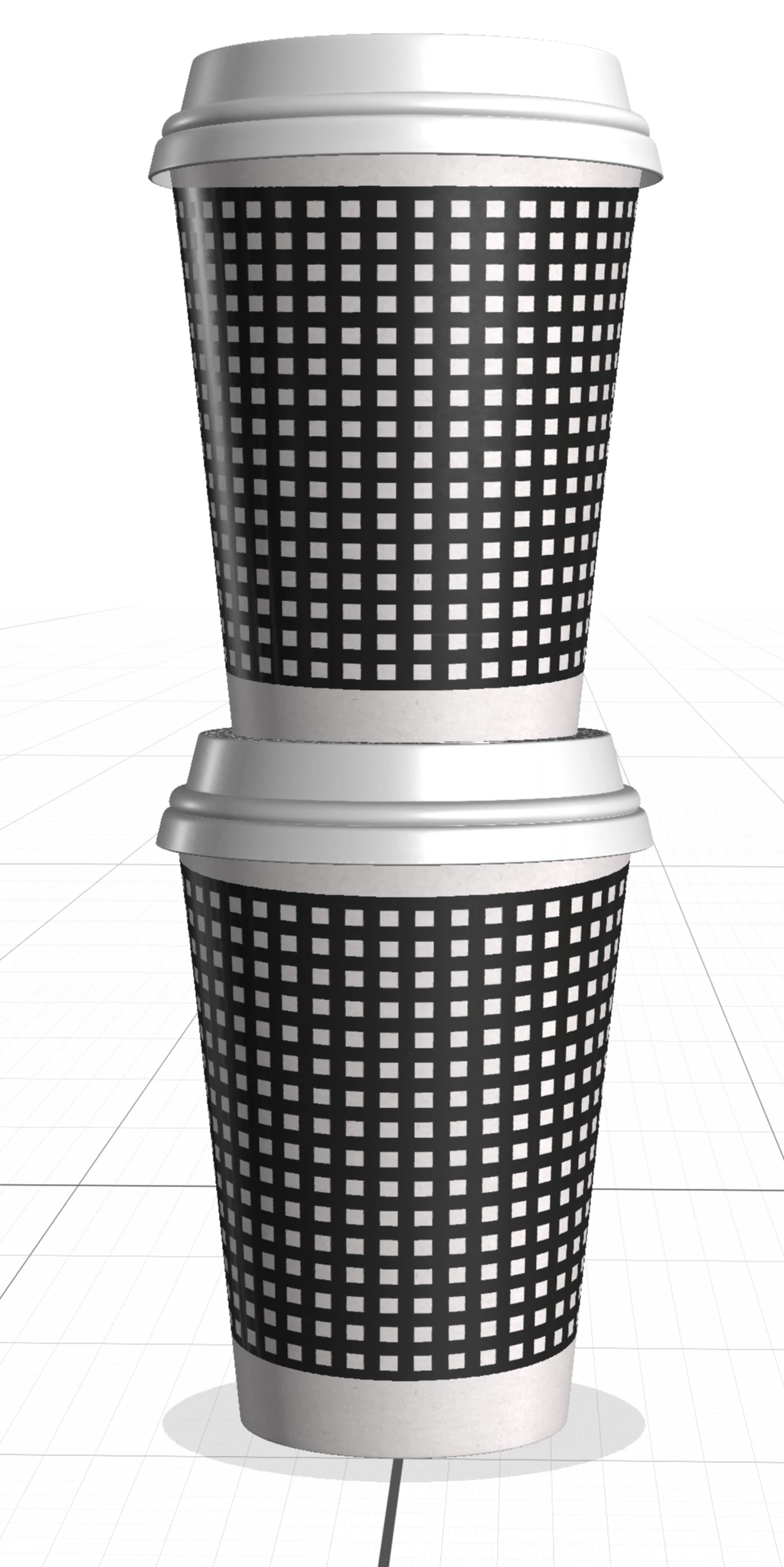
Image does not properly wrap around object
I've seen a few other posts that seem similar, but they don't adequately answer this problem, unless the answer is simply that Dimensions does not do the very thing I expect it should do.
In the image attached I'm trying to wrap a grid around the cups, but even though the grid wraps and curves, it doesn't curve in a way that matches the perspective of the cup. yes, the grid image being placed is perfectly horizontal and vertical. The grid curvature on the lower cup is more severe than the grid curvature on the upper cup, so clearly Dimensions sees a difference between the angle/perspective of the two cups, it just doesn't map the graphics accordingly and accurately.
Am I crazy to think that if the grid image maps to the cup object, it should do so accurately?
If I can map an image accurately (like below) in Illustrator, I should be able to do the same in Dimensions, no?
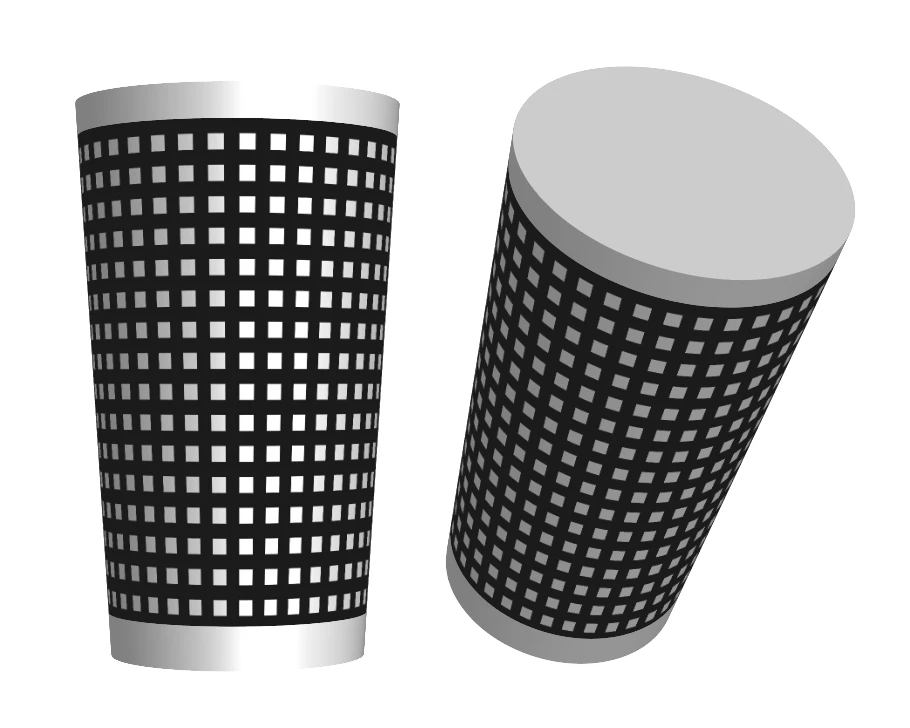
Message was edited by: David Mikal Johnson added a second image
 AdChoices